Quick Answer
To order WesTrac parts online, go to parts.westrac.com.au, sign in with your WesTrac customer account, search by machine serial number or part number, add items to your cart, select pickup or site delivery, enter your internal purchase order and submit. New customers need to register an account linked to their ABN before they can place an order.
- Portal: WesTrac Parts Online (parts.westrac.com.au)
- Hours: 24/7 ordering; branch processing in business hours
- Coverage: WA, NSW and the ACT
- Best for: Cat® mining equipment, earthmoving, power systems
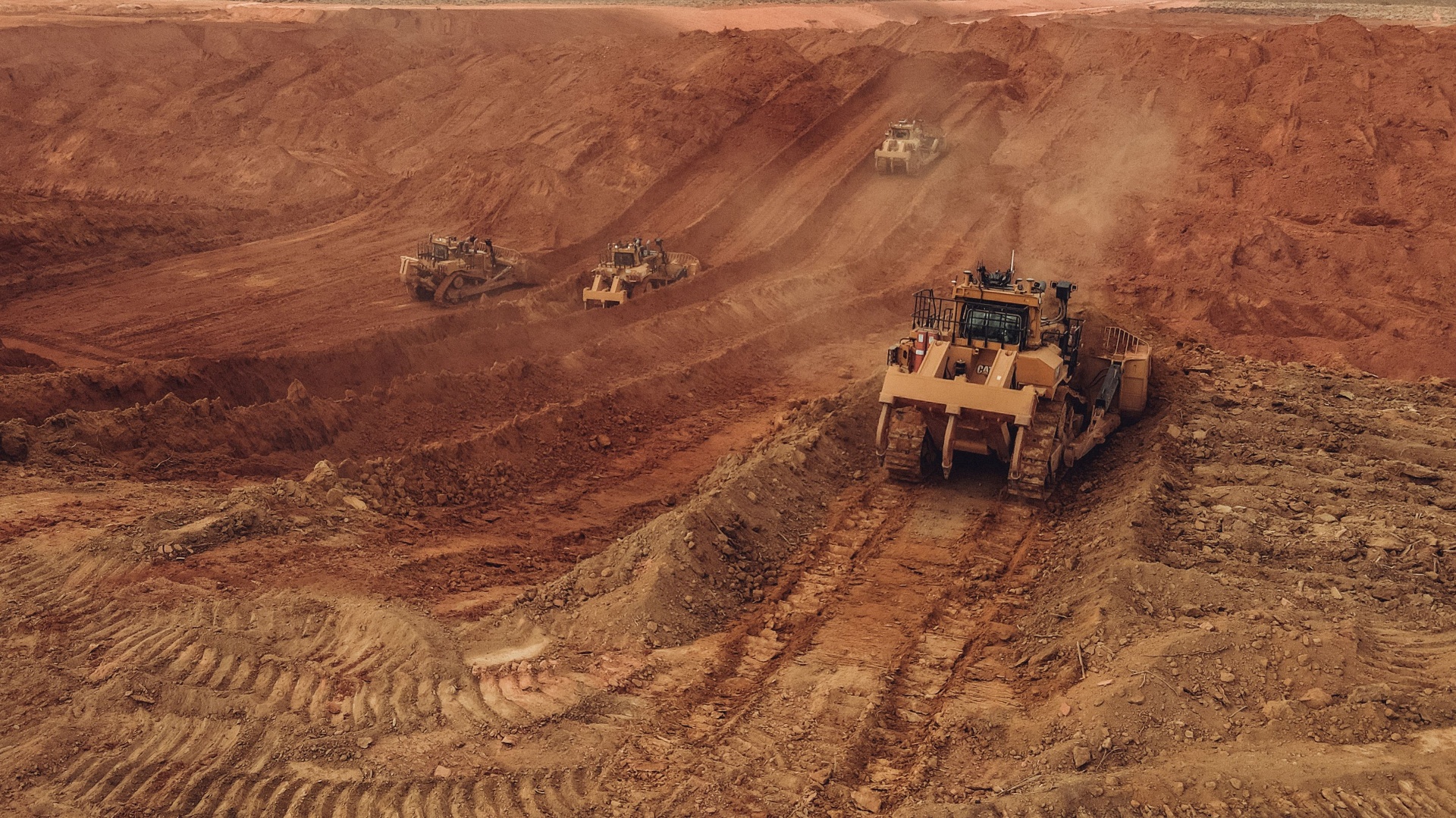
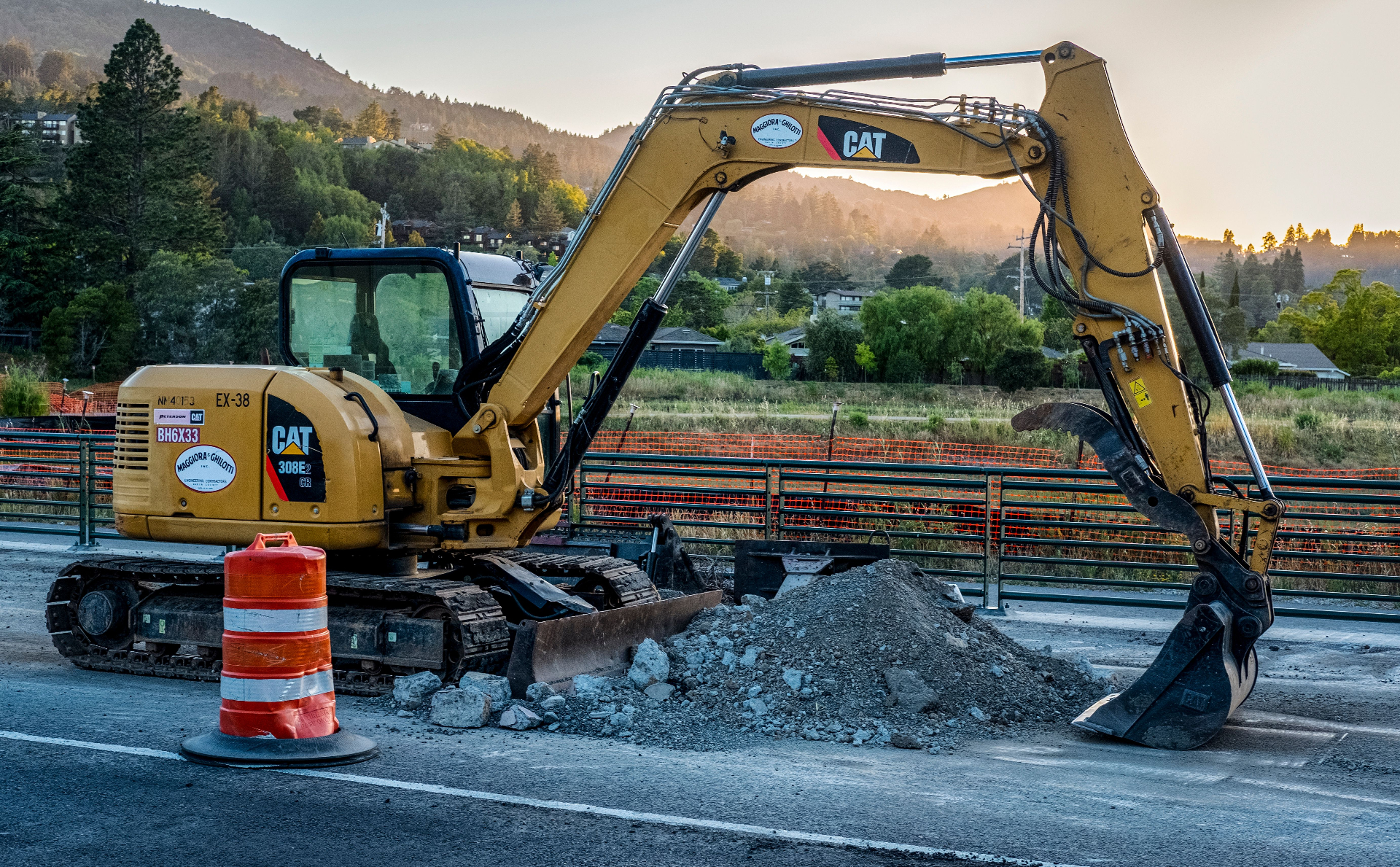
WesTrac is the authorised Cat® dealer for Western Australia, New South Wales and the ACT. For mining contractors, earthmoving crews and workshop teams running Cat fleets, ordering WesTrac parts online has become the fastest way to keep machines turning — especially during shutdowns and breakdowns.
This guide walks through how to order WesTrac parts online, what to set up before your first order, how to find the right part the first time, and how to connect WesTrac orders to your job and asset management workflow so nothing falls through the cracks.
What is WesTrac Parts Online?
WesTrac Parts Online is WesTrac's self-service ordering portal for genuine Cat® and allied parts. It sits at parts.westrac.com.au and is separate from the main marketing site at westrac.com.au. Once you're signed in with a WesTrac customer account, you can:
- Search the full Cat parts catalogue by serial number, part number or category
- View exploded assembly diagrams from Cat parts manuals
- See live stock availability and your account pricing
- Place orders 24/7 and choose pickup, freight or hot-shot delivery
- Track orders, invoices and dispatch notifications
- Save service-kit templates for repeat preventive maintenance jobs
Who should be ordering WesTrac parts online?
Any business running Cat® mining or heavy equipment in WA, NSW or the ACT benefits from ordering WesTrac parts online — particularly mining contractors, civil and earthmoving contractors, drilling crews, port and rail operators, and independent workshops servicing Cat fleets. If your team is still phoning every parts order through, you're losing time that an online order would save.
How to order WesTrac parts online: step by step
1. Register for a WesTrac customer account
If you don't already have one, register your business at westrac.com.au. You'll need your ABN, billing details and the email addresses of any team members who should be able to order WesTrac parts online. Existing account customers can skip this step.
2. Log in to WesTrac Parts Online
Go to parts.westrac.com.au and sign in. The portal is the dedicated parts ordering platform for Cat® and allied parts across WA, NSW and the ACT — separate from the main westrac.com.au marketing site.
3. Search by serial number or part number
Enter your machine's serial number to load the correct Cat parts manual, or type a known part number straight into the search bar. The portal shows the assembly diagrams, current price and live stock levels at your nearest branch.
4. Add parts to your cart and review
Add the items you need, review quantities, and double-check serial number matches. For preventive maintenance, save common service kits as templates so your team can re-order the same parts every service interval without rebuilding the cart.
5. Choose pickup or delivery
Select branch collection, freight to your workshop, or hot-shot delivery to a remote mine site. Enter your internal purchase order number so your accounts team can match the invoice back to the job when it arrives.
6. Submit, track and reconcile
Submit the order. You'll receive an order confirmation, then a dispatch notification and invoice. Record the WesTrac order number against the relevant job and asset in your job management software so parts cost flows straight into job profitability and asset maintenance history.
Finding the right part the first time
The most common cause of wrong-part returns is searching by model number rather than serial number. A Cat 793F built in 2014 has different filters, hoses and sensors to a 2021 build, even though the model name is identical. When you order WesTrac parts online, always start with the serial number — the portal will load the correct parts manual for that serial range and stop you from picking a superseded part.
For older machines, photograph the part and the data plate before you order. WesTrac branch parts interpreters can confirm fitment from a photo and a serial number faster than from a phone description.
Delivery options: branch, freight and hot-shot
| Delivery type | Best for | Typical lead time |
|---|---|---|
| Branch pickup | Workshops close to a WesTrac branch (e.g. Perth, Newcastle, Tomago) | Same day if in stock |
| Freight to workshop | Scheduled servicing & shutdown parts | 1–3 business days |
| Milk-run / scheduled delivery | Mine sites with regular service intervals | Set delivery days |
| Hot-shot delivery | Breakdowns and unplanned downtime | Same day where available |
| Remote site freight | Pilbara, Goldfields, Hunter Valley and remote NSW sites | 1–5 business days |
Tying WesTrac parts orders back to jobs and assets
Ordering WesTrac parts online is only half the workflow. Without a clear link between the parts order and the job or asset it's for, contractors often see:
- Parts charged to the wrong job or cost centre
- Service history that doesn't show what was actually fitted
- Invoices sitting in accounts waiting for someone to confirm receipt
- Variations missed because the parts cost wasn't recovered
The fix is to raise an internal purchase order in your procurement or job management system before you submit the WesTrac order, paste the PO number into the WesTrac order, and reconcile the WesTrac invoice back to the job when it arrives. That way parts cost flows straight into job profitability, and the part is recorded in the asset management history of the machine it was fitted to.
WesTrac Parts Online vs phoning the branch
| Capability | Phoning the branch | WesTrac Parts Online |
|---|---|---|
| 24/7 ordering | No — branch hours only | Yes |
| Live stock visibility | Verbal only | Yes — on screen |
| Exploded parts diagrams | Not possible by phone | Yes |
| Audit trail of every order | Email follow-up needed | Yes — built in |
| Repeat service-kit templates | Re-build every time | Yes |
| Order tracking | Call back for status | Real-time |
| Same account pricing | Yes | Yes |
| Best for breakdowns | Yes (talk to a human) | Combine with phone for urgent |
Common mistakes when ordering WesTrac parts online
- Searching by model instead of serial number. Always start with the serial — supersessions and build variants matter.
- No internal PO on the order. Makes invoice reconciliation slow and parts cost hard to recover from clients.
- Single login shared across the team. Set up a user per buyer so order history is traceable.
- Ordering without checking stock branch. A part in Perth and a part in Tomago have very different lead times for a Pilbara site.
- Not saving service-kit templates. Every 500-hour service should be a one-click re-order, not a fresh search.
Final answer: how to order WesTrac parts online
The fastest way to order WesTrac parts online is to register a WesTrac customer account, sign in to parts.westrac.com.au, search by machine serial number, add the parts to your cart, enter an internal purchase order, choose pickup or site delivery, and submit. Tie every WesTrac order back to a job and asset in your job management system so parts costs land in the right place and service history stays accurate.
WesTrac parts online FAQs
Connect WesTrac orders to your jobs and assets
SprintSuite helps Australian mining and heavy industry contractors raise purchase orders, capture parts against jobs, and keep a full service history per machine — so every WesTrac order flows straight into job costs and asset records.