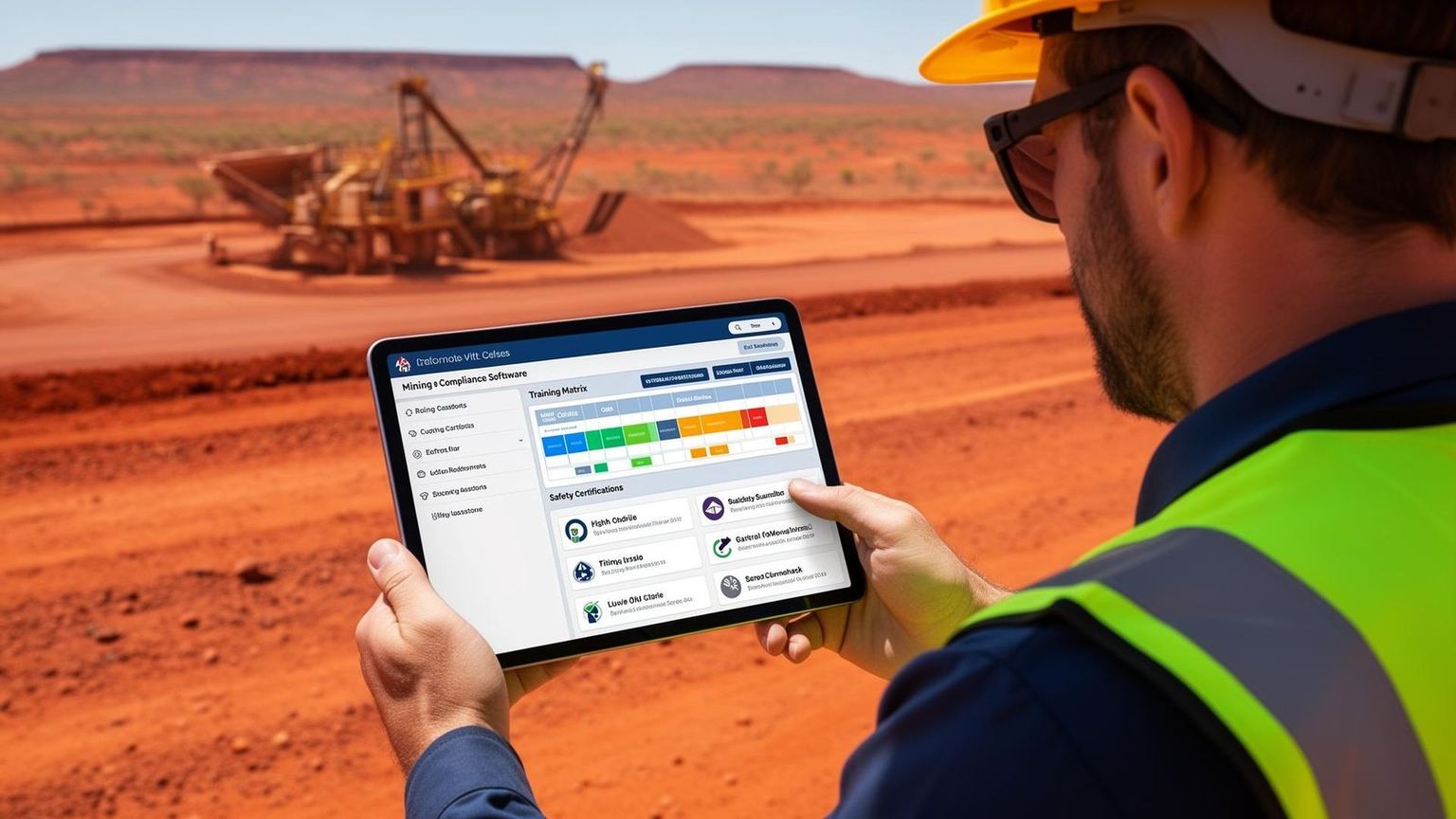
How Do You Track Employee Certifications and Tickets?
Quick Answer
Employee certifications and tickets are tracked using a system that records qualifications, monitors expiry dates, and ensures workers remain compliant with job and safety requirements — typically through digital compliance software, centralised training matrices, and automated alerts.
Why Is Tracking Certifications and Tickets Important?
Tracking certifications is critical to maintaining workplace safety, legal compliance, and operational efficiency. If certifications aren't properly tracked, businesses risk:
- Workers operating equipment without valid licences
- Missed renewals or expired tickets
- Failing audits or site compliance checks
- Increased likelihood of workplace incidents
📊 According to Safe Work Australia, failure to provide adequate training and maintain competency is a contributing factor in many workplace incidents, particularly in high-risk industries.
What Certifications and Tickets Should Be Tracked?
Businesses should track all qualifications relevant to a worker's role, including:
High-Risk Work Licences
- Forklift (LF/LO)
- Rigging and dogging
- Crane operation
Safety Certifications
- Working at heights
- Confined space entry
- First aid
Site-Specific Requirements
- Inductions
- Client-specific compliance training
- VOCs (Verification of Competency)
Other Compliance Records
- Medicals and fitness for work
- Driver's licences
- Trade qualifications
How Do Companies Track Certification Expiry Dates?
Certification expiry dates are tracked using systems that record issue and expiry dates, automatically flag upcoming expiries, and send reminders to workers and managers.

Manual Tracking (Outdated)
- • Spreadsheets and paper records
- • Prone to human error
- • No automated reminders
- • Time-consuming to maintain
Automated Tracking (Recommended)
- • Workforce compliance software
- • Real-time dashboards
- • Automated notifications
- • Reduces human error
Automation reduces human error and ensures nothing slips through the cracks.
What Is the Best Way to Track Employee Certifications?
The best way to track certifications is by using a centralised digital system that integrates compliance with workforce operations. Key features to look for:
- Real-time compliance visibility
- Automated alerts and reminders
- Role-based training requirements
- Document storage for licences and tickets
- Integration with scheduling and job allocation
This allows businesses to prevent non-compliant workers from being assigned to jobs before issues arise.
How Does Tracking Certifications Improve Safety?
Tracking certifications improves safety by ensuring:
- Workers are trained and competent for their tasks
- Expired or missing tickets are identified early
- Supervisors can verify compliance instantly
This reduces risk, improves accountability, and supports safer decision-making on site.
What Happens If Certifications Are Not Tracked Properly?
Poor certification tracking can lead to:
- Compliance breaches and fines
- Site shutdowns
- Loss of contracts with Tier 1 clients
- Increased workplace incidents
In industries like mining, even one expired ticket can have serious consequences.
The Bottom Line
Tracking employee certifications and tickets is non-negotiable in high-risk industries. A centralised digital system with automated alerts, real-time dashboards, and integration with job allocation is the most effective way to stay compliant and keep your workforce safe.
Still Relying on Spreadsheets to Track Tickets?
Take control of your workforce compliance with real-time certification tracking, automated alerts, and complete visibility across your sites.
Frequently Asked Questions
Related Articles
Try the paper version of mining safety — then upgrade to something better.
A free, ready-to-use toolkit of hazard reports, pre-start checklists, fatigue templates and toolbox guides — built for Australian mining and heavy industry crews. Perfect for getting compliant fast, but you'll quickly see why teams move to SprintSuite to ditch the paperwork for good.
SprintSuite digitises every form in this toolkit — pre-starts, hazards, fatigue checks and toolbox sign-ons — with photo evidence, GPS, and instant supervisor alerts. No scanning. No lost forms. See the digital version →