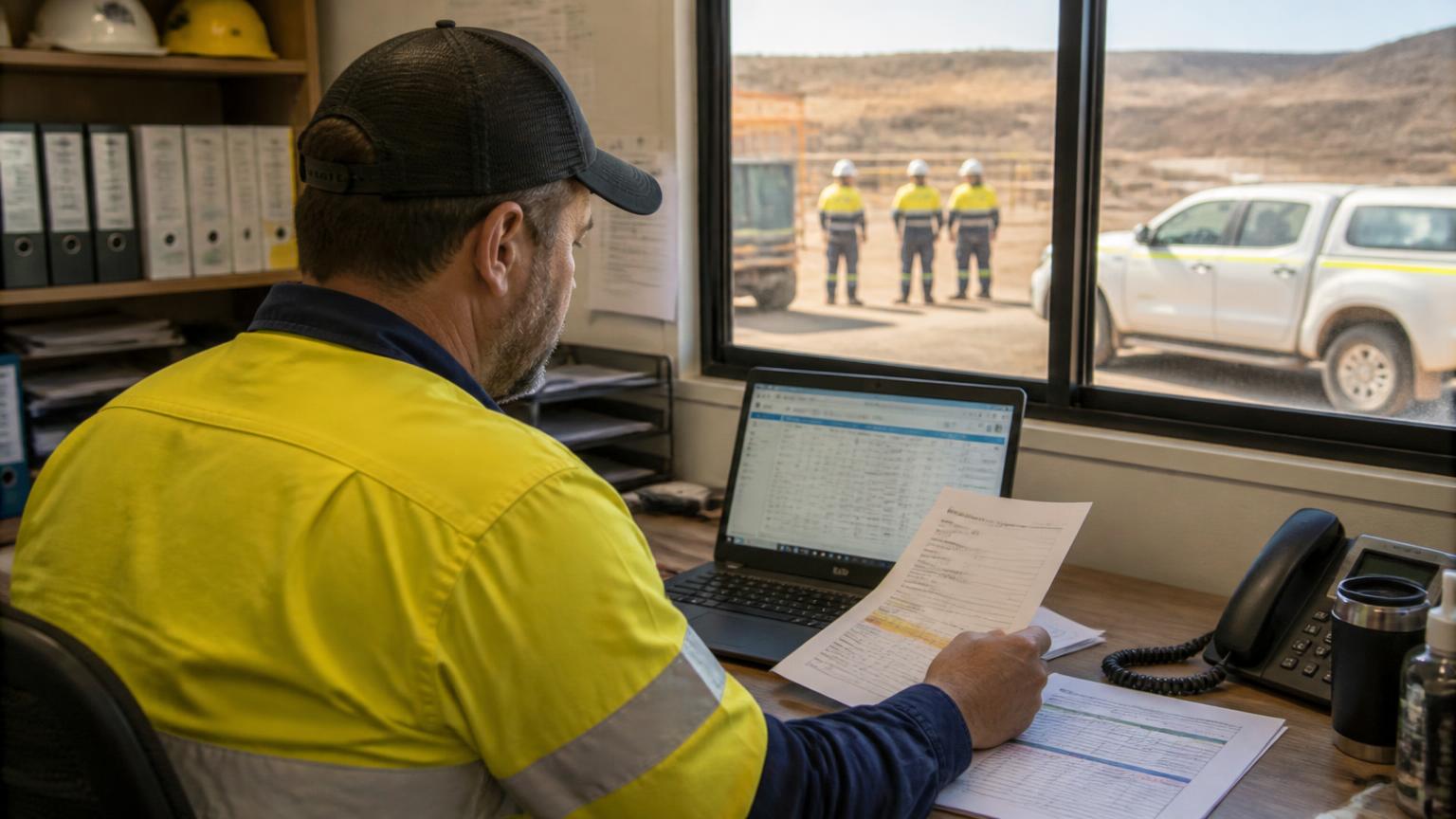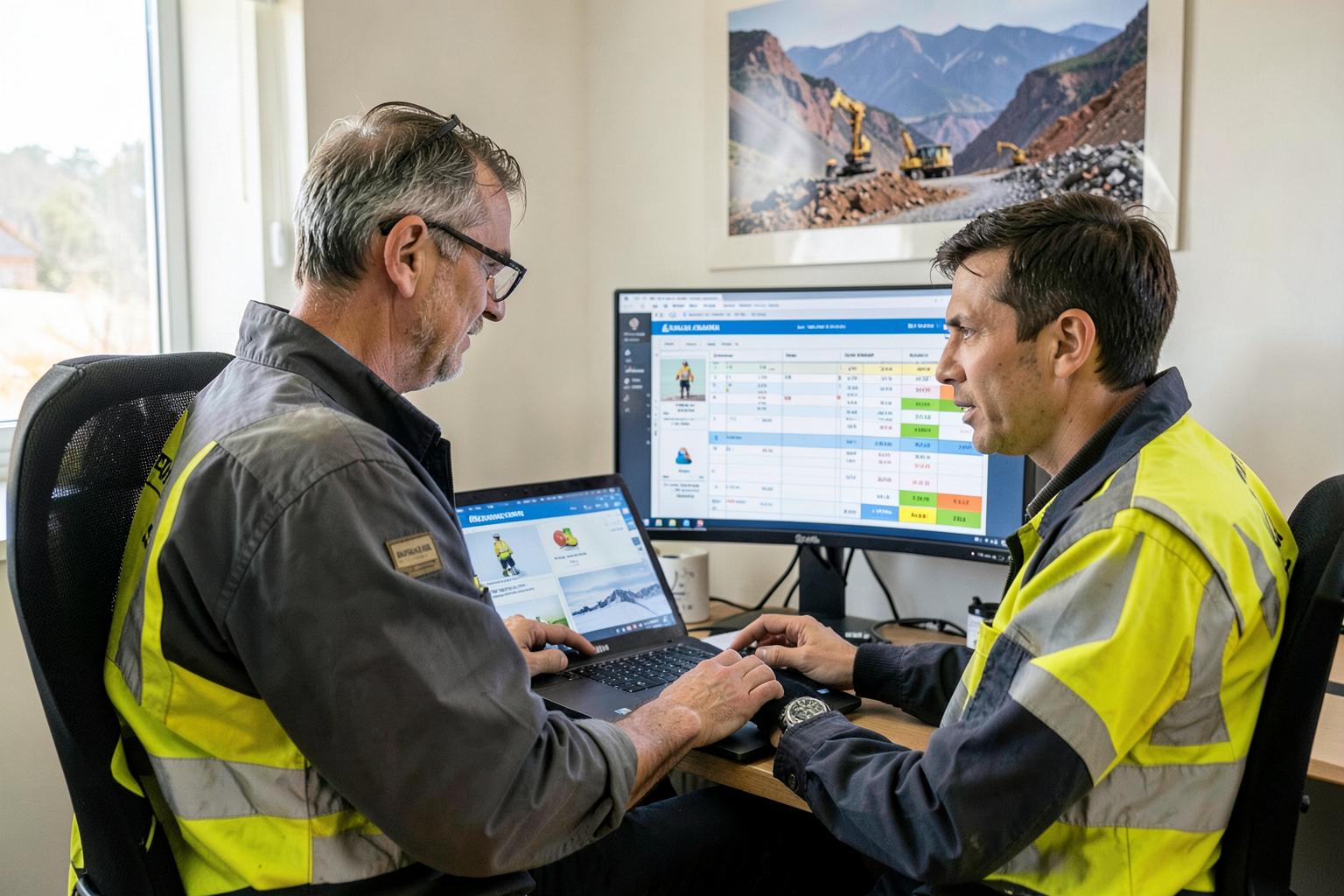
Quick Answer
Mobilisation software manages everything needed to get workers onto a site and cleared to work: one record per worker, their licences, tickets, VOCs, medicals and inductions with expiry dates, each client site's requirement set, availability and rostering, job allocation once on site, and live visibility of who is compliant and who is mobilised where. The test of a good system is simple — can it tell you, in seconds, which of your workers can legitimately fly to a given mine next Monday?
- Evidence, not ticks — certificates attached with issue and expiry dates.
- Expiry alerts validated against the end of the swing, not day one.
- Site requirement profiles per client, matched against your crew.
- Rostering and availability in the same place as compliance.
- Offline field app for pre-starts, timesheets and SWMS sign-ons.
- Mobilisation costs captured against the job so quotes improve.
What mobilisation software actually does
Mobilisation is the work between winning a scope and having a compliant crew being productive on site — clearing workers, inductions, licences, VOCs, medicals, travel, accommodation, PPE and site access. Read what mobilisation means in mining if you want that broken down first. Software for it does ten specific jobs.
| What it does | Why it matters |
|---|---|
| Holds one record per worker | Employment details, roles, competencies, emergency contacts and documents in a single profile — so clearing someone for a site does not mean opening four spreadsheets and an inbox. |
| Stores compliance evidence, not just ticks | The actual licence, ticket, VOC certificate, induction record and medical clearance attached to the worker, with issue and expiry dates, so you can produce it when a client or regulator asks. |
| Tracks expiries and warns you early | Automatic alerts at 60 and 30 days, and validation against the whole campaign end date rather than just day one — this is the single feature that stops workers being turned away at the gate. |
| Models each site's requirements | Every mine operator wants a different combination of inductions, medicals, tickets and VOCs. Good software stores that requirement set per client and site, then matches workers against it. |
| Answers 'who can I send?' | A filter that returns the workers who are compliant, available and competent for a given site and scope — in seconds, not in a fortnight of phone calls. |
| Schedules the crew and the roster | Drag-and-drop rosters, swing patterns, travel days, standby pool and leave, so you see clashes and gaps before you commit to a mobilisation date. |
| Allocates work once they are on site | Jobs, work orders and daily tasks assigned to the mobilised crew, with the job pack, SWMS and site details on their phone. |
| Gives management live visibility | Who is mobilised where, who is cleared, what is expiring, what is outstanding on each mobilisation, and what the mobilisation is costing. |
| Captures the cost of mobilising | Training, medicals, travel time, flights, accommodation and freight recorded against the job so the next quote is priced on actuals. |
| Keeps the record for audit | Retained, timestamped, searchable evidence of who was cleared for what and when — which is what a client pre-qualification audit actually asks for. |
What to look for — the buyer's checklist
Worker compliance with expiry logic
Licences, tickets, VOCs, medicals and inductions per worker with issue and expiry dates, document attachments, and alerts that fire before the expiry — not a report you have to remember to run.
Site and client requirement profiles
Ask to see a requirement set built for one mine, then a crew matched against it. If the demo cannot do that, the product is a document library, not mobilisation software.
Availability and rostering in the same system
Compliance without availability still leaves you guessing. Rosters, swings, leave and travel days should sit beside the compliance data.
Job allocation and a field app
Once the crew lands, the same system should push jobs, timesheets, pre-starts and SWMS sign-ons to their phones — and work offline in the pit.
Australian compliance depth
Coal board medicals, state mining tickets, high risk work licences, fitness for work and site-specific inductions. Overseas products often model none of this properly.
Reporting and audit evidence
Exportable compliance matrices per site and per client, plus a full history you can hand to a pre-qualification auditor.
Timesheets, award interpretation and payroll flow
Mobilised crews create travel allowances, site allowances and long shifts. If timesheets and award interpretation live elsewhere, you rebuild the data every fortnight.
Mobilisation cost capture
The ability to book training, travel, accommodation and freight against the job, so mobilisation stops being invisible margin.
Implementation, data migration and support
Ask who loads your existing worker records, how long it takes, and whether support is in Australian hours and understands mine sites.
Compliance and privacy considerations
Software does not transfer your WHS duty
As a PCBU you must ensure your workers are competent, informed and supervised so far as is reasonably practicable, and coordinate with the mine operator. A system makes that duty easier to evidence; it does not discharge it for you.
Records must be retained and producible
Australian WHS and mining legislation is technology-neutral, so digital records are fine if they are accurate, retained for the required period and able to be produced on request. Check retention rules apply to your health monitoring and incident records before you archive anything.
Site requirements sit above the legal minimum
Queensland, WA and NSW mining regimes each add their own induction, competency and medical expectations, and the site operator's safety and health management system usually goes further again. Your software has to model the site, not just the law.
Employee data carries privacy obligations
Medicals, drug and alcohol results and personal details are sensitive. Look for role-based permissions, audit logs and Australian data hosting, and confirm who inside your business can see health information.
Confirm the detail with Safe Work Australia, your state regulator — Resources Safety & Health Queensland, DEMIRS (WA) or the NSW Resources Regulator — the OAIC for employee and health information, and the site operator's contractor management requirements.
How the options compare
Spreadsheets and a shared drive
Free and flexible until a swing changes at short notice. No expiry alerts, no single source of truth, and it fails exactly when a client asks for a compliance matrix.
Standalone compliance or LMS tools
Strong on training records, but they do not roster, allocate work or capture timesheets — so the crew data is split across systems.
Generic HR software
Good at leave and onboarding, weak on VOCs, coal board medicals, site requirement sets and mine-site rostering.
Client contractor portals
Necessary, but they are the client's view of your compliance. You still need your own record, because a portal will not tell you which of your 90 workers can go to a different mine next week.
An all-in-one contractor platform
Compliance, rostering, job allocation, field capture and timesheets in one system. More to implement, but nothing is re-entered and visibility is genuinely live.
Mistakes to avoid when buying
Buying a document store and calling it compliance
Uploading certificates is easy. The value is in expiry logic, site requirement matching and alerts.
Ignoring availability
A worker who is compliant but on their off-swing is not an option. Compliance and rostering belong together.
Separate systems for compliance and timesheets
Mobilised crews generate travel, allowances and long shifts. Splitting the data guarantees rework every pay run.
No offline field capability
If the crew cannot complete pre-starts, timesheets and sign-ons without signal, the site work goes back to paper.
Skipping data migration
A system loaded with half your worker records is worse than a spreadsheet, because people stop trusting it.
Not measuring mobilisation cost
If you never capture what mobilising costs, you keep quoting it wrong.
Questions to ask in the demo
- Show me a worker profile with a licence, a VOC, a medical and an induction, each with an expiry.
- Build a requirement set for one mine site, then show me which of my workers are cleared for it.
- Show me an expiry alert, and prove it validates against the end of a swing, not just today.
- Roster a crew to a mobilisation date and show me the clash with someone's off-swing.
- Allocate a job to that crew and show me what the worker sees on their phone with no signal.
- Export the compliance matrix a client pre-qualification audit would ask for.
- Show me the mobilisation costs — training, travel, accommodation, freight — against the job.
- Who loads my existing worker records, how long does it take, and what does it cost?
Related reading: What does mobilisation mean in mining · How to know if a worker is compliant for site · What is contractor management software · Staff management software · Planning & scheduling.
Mobilisation software — FAQs
This article is general information for Australian mining and heavy industry contractors, not legal advice. Confirm your obligations with your state regulator, the site operator and your own WHS, privacy and employment advisers.