What is service scheduling software?
Service scheduling software is a system that plans service work and assigns it to the right technician at the right time. It holds your work orders, checks availability and qualifications, allocates vehicles, equipment and parts, dispatches the job to a mobile app, captures hours and costs on site, and passes approved work through to invoicing and reporting. The scheduling layer itself is often called a service scheduler, and it is the difference between a calendar that shows who is busy and a schedule that shows what can actually be delivered.
- Work orders in one place, from reactive calls to planned maintenance routines
- Technician matching on availability, skills, tickets and location
- Site inductions and licences checked before dispatch, not after
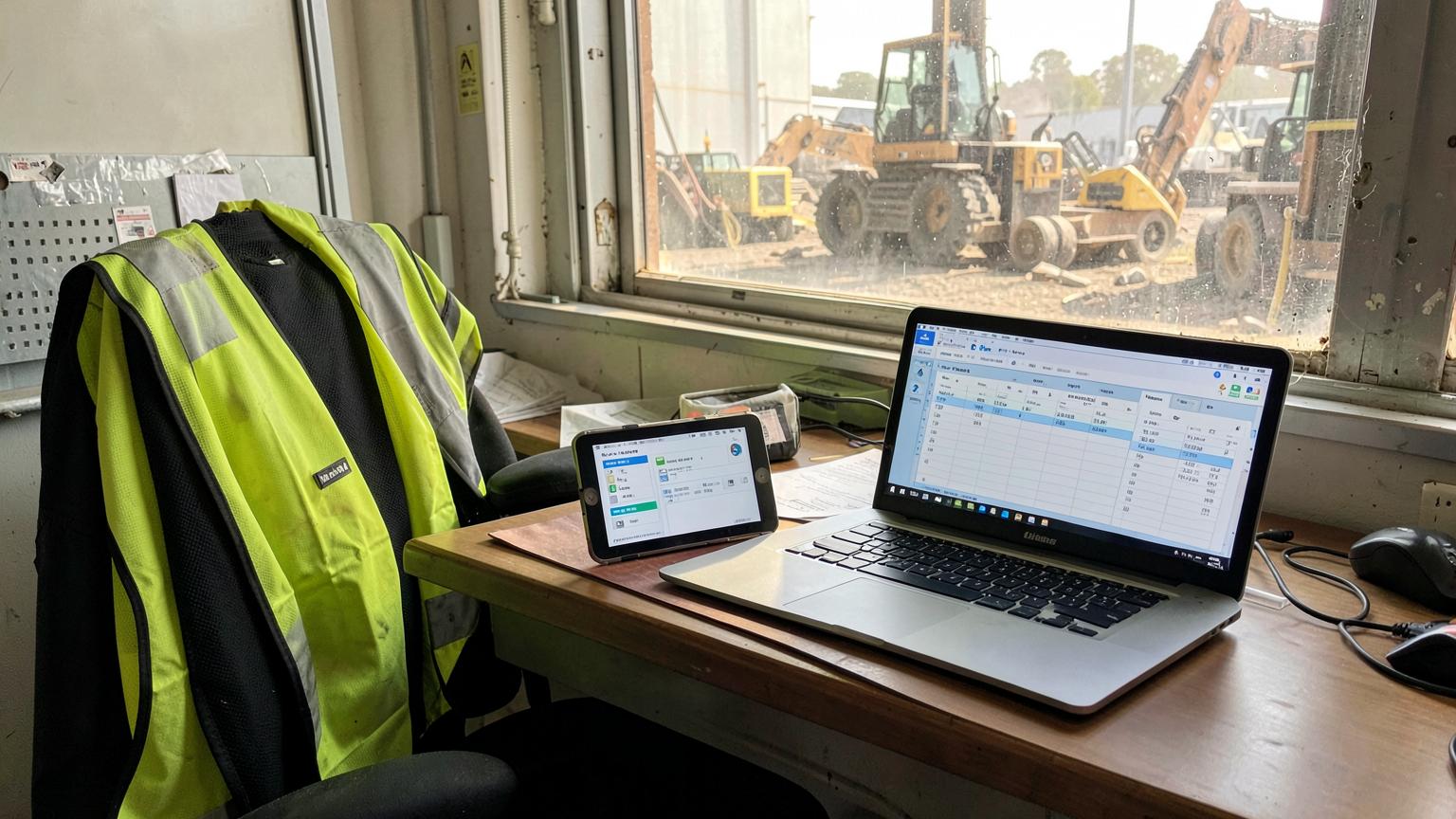
- Mobile job delivery with history, checklists, photos and offline use
- Hours coded to the job so costing and invoicing use the same data
What a service scheduler actually does
Job and work order intake
Requests arrive from calls, email, client portals or a planned maintenance routine, and become a work order with a site, scope, priority and due window.
Technician and crew assignment
The scheduler matches the work to who is available, qualified and closest — rather than whoever answers the phone first.
Calendar, board and map views
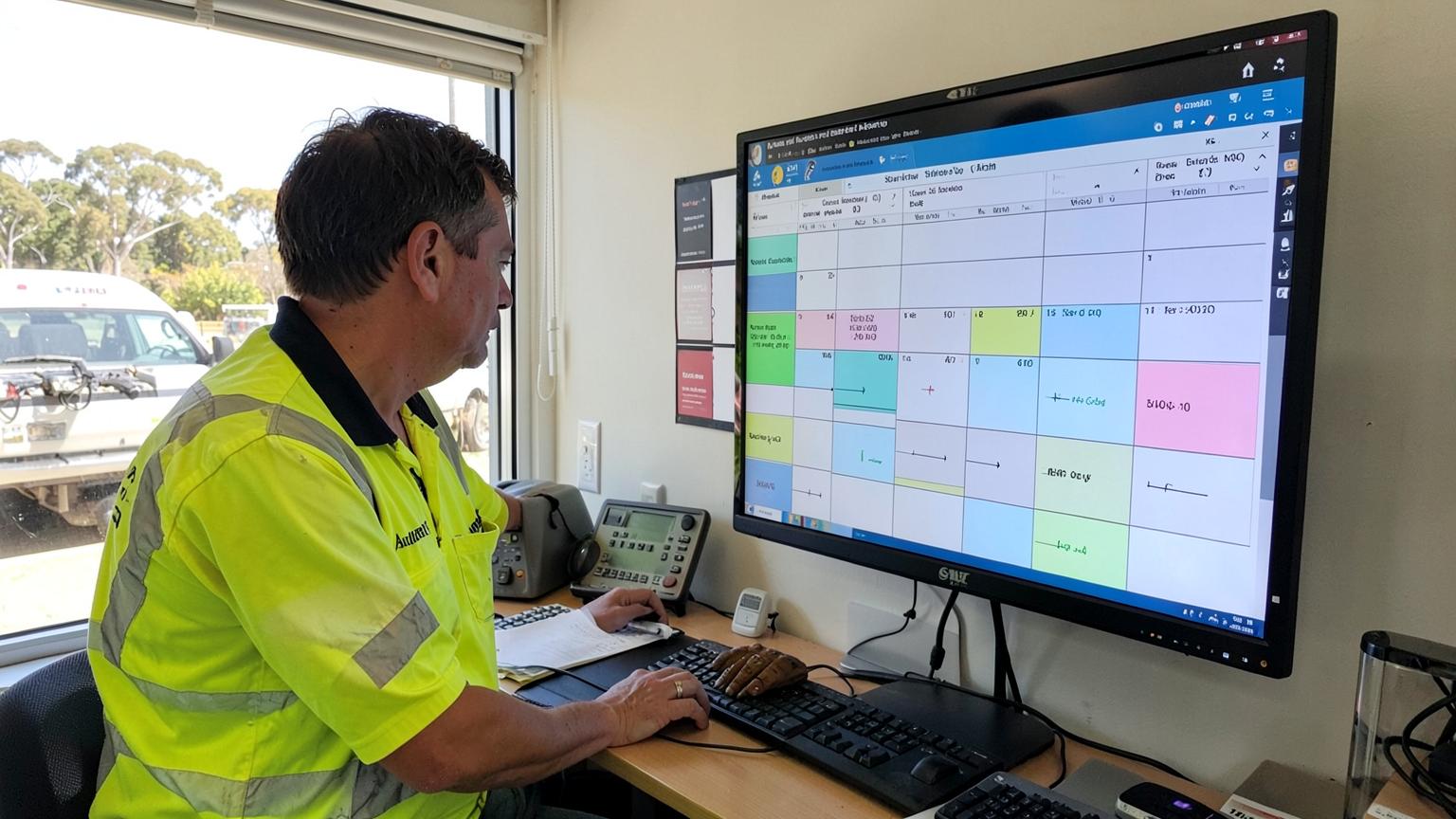
A drag-and-drop board for the week, a day view for dispatch, and a map view so travel between sites is deliberate instead of accidental.
Compliance and ticket gating
Site inductions, licences, HV authorisations and competencies are checked before a technician is scheduled, not after they are turned away at the gate.
Mobile job delivery
The technician sees the job, history, attachments and checklists on their phone or tablet, captures photos and signatures, and works offline where coverage drops.
Time capture and costing
Hours are coded to the job and task as they are worked, so labour, plant and materials land against the estimate rather than in a spreadsheet later.
Parts, plant and equipment
The schedule accounts for the ute, the crane, the test gear and the parts on hand — the things that actually stop a job proceeding.
Invoicing and reporting
Approved hours and costs flow to invoices, progress claims and variations, with utilisation and first-time-fix reporting on the same data.
Signs your business has outgrown manual scheduling
- Your whiteboard or shared spreadsheet is the single source of truth for the week.
- Dispatch spends the morning ringing technicians to find out where they are.
- Jobs are rescheduled twice because a ticket, permit or part was not ready.
- Nobody can say what a completed job cost against what was quoted.
- Technicians write hours on paper, then someone retypes them for payroll and invoicing.
- Callbacks and repeat visits are common because the tech arrived without job history.
Why calendars, rosters and spreadsheets fall short
A shared calendar
Fine for appointments, blind to qualifications, parts, travel and cost. It tells you when someone is booked, never whether the job can actually proceed.
A rostering app
Rosters people to shifts. It does not hold the work order, the site requirements or the job cost — so hours stop at payroll and never reach an invoice.
A spreadsheet
Flexible until two people edit it. No audit trail, no mobile view for the crew, and no link between the schedule and what was billed.
If you are weighing up rostering tools against operational scheduling, the distinction is set out in staff scheduling app vs job scheduling software.
What to look for when choosing a service scheduler
Map one real week
Take an actual week of work orders — planned, reactive, breakdown and shutdown — and use it as the test case for every demo.
Follow one hour end to end
Scheduled, worked, approved, paid and invoiced. If the hour breaks anywhere in that chain, so will your margin reporting.
Test the compliance gate
Try to schedule a technician whose induction has expired. The system should stop you, and tell you why.
Check the field experience
Hand the mobile app to a technician, not a manager. Test it with no signal and with gloves on.
Confirm the money path
Ask to see a job cost report and an invoice generated from the same scheduled hours, with variations included.
Ask about change
Reactive work is normal. See how quickly a job can be re-crewed, re-dated and re-priced without re-entering everything.
Service scheduling for mining, engineering and heavy industry
Field service in Australian mining and heavy industry carries constraints that generic schedulers do not handle well: mine site inductions, high-risk work licences, permit and isolation windows, shutdown sequencing, FIFO and shift rosters, and remote sites where coverage disappears. SprintSuite is built for those conditions — scheduling, compliance, mobile timesheets, job costing and invoicing on the same record.
- Crew scheduling with ticket, induction and competency gating before dispatch
- Shutdown and planned maintenance sequencing alongside reactive breakdown work
- Mobile and kiosk time capture that works when the signal does not
- Labour, plant and materials tracked against the job estimate as work happens
- Approved hours feeding invoices, progress claims and variations without re-entry
See your own week scheduled
Bring one real week of service work — the crews, the tickets, the sites and the hours — and we will schedule it live on the call.
Book a DemoCompliance context worth checking
Scheduling software does not change your obligations. Penalties, loadings and allowances sit under the relevant modern award published by the Fair Work Ombudsman , time and wage record duties are covered by Fair Work record-keeping guidance , and roster, shift and fatigue duties by Safe Work Australia .