
Quick Answer
Workforce communication software is a platform that connects field workers, admin staff, and managers through structured, job-based messaging. The best tools combine:
- Mobile-first communication for deskless teams
- Job and task-based structure (not just group chats)
- Read confirmations and accountability
- Real-time admin visibility across crews and sites
- Separation of personal and work messaging
What Workforce Communication Software Actually Means
Workforce communication software is any digital tool that helps an organisation communicate with its workforce — particularly the parts of the workforce that don't sit at a desk. That includes field technicians, tradespeople, drivers, site supervisors, and frontline operators.
It's distinct from general chat apps because it's designed around the realities of operational work: people who are mobile, time-pressured, and accountable for jobs that need to get done correctly the first time.
The goal isn't conversation. It's making sure the right people get the right information at the right time — and that someone can prove it later.
Why Traditional Communication Methods Fail Operational Teams
Most operational businesses still run on a patchwork of phone calls, paper job sheets, two-way radios, emails, and WhatsApp groups. Each of these tools has its place, but stitched together they create more problems than they solve.
Phone calls
Personal and one-to-one, but leave no record and don't scale.
Paper job sheets
Get lost, damaged, or end up in glove boxes for weeks.
Radios
Fine for short bursts, but no history and no accountability.
Group chats
Move fast and bury critical updates under casual chatter.

The result is missed instructions, duplicated work, frustrated supervisors, and admin staff who spend half their day chasing updates.
The Challenges of Managing Field Staff Communication
Field staff communication has its own unique challenges that office-only platforms don't account for:
They're always moving
Workers can't stop to read a long email or join a video call mid-task.
Connectivity varies
Job sites and remote regions don't have reliable office-grade WiFi.
Messages must be acted on
Field comms are operational — confirmation matters more than chat.
A workforce communication platform has to meet field teams where they are: on a phone, in the field, with limited time and limited bandwidth.
Workplace Chat Apps vs Operational Communication Platforms
Slack, Microsoft Teams, and WhatsApp are all forms of communication software — but they were built for very different users. Here's how they compare against a purpose-built operational platform like SprintChat.
| Capability | Workplace Chat Apps | Operational Platforms |
|---|---|---|
| Built for | Office teams | Field + admin staff |
| Communication style | Channels & threads | Job-based messages |
| Mobile experience | Companion to desktop | Mobile-first |
| Accountability | Limited | Read confirmations |
| Admin oversight | Workspace level | Per-job visibility |
| Work vs personal | Often mixed | Cleanly separated |
Features Businesses Should Look For
Not all workforce communication tools are created equal. When evaluating platforms, look for the features that actually matter for operational work:
Mobile-First Design
Fast, simple, usable in field conditions.
Read Confirmations
Know exactly who saw what, and when.
Job-Based Structure
Messages tied to specific jobs and tasks.
Media Sharing
Photos and videos straight from the job site.
Work / Personal Separation
Keep private messages out of work chats.
Admin Visibility
Full oversight across teams, sites, and jobs.
Why Integrated Communication Matters
The real value of workforce communication software comes when it's integrated with the rest of your operations — jobs, schedules, compliance, and reporting. When messages live alongside the work they relate to, you get a single source of truth instead of scattered conversations.
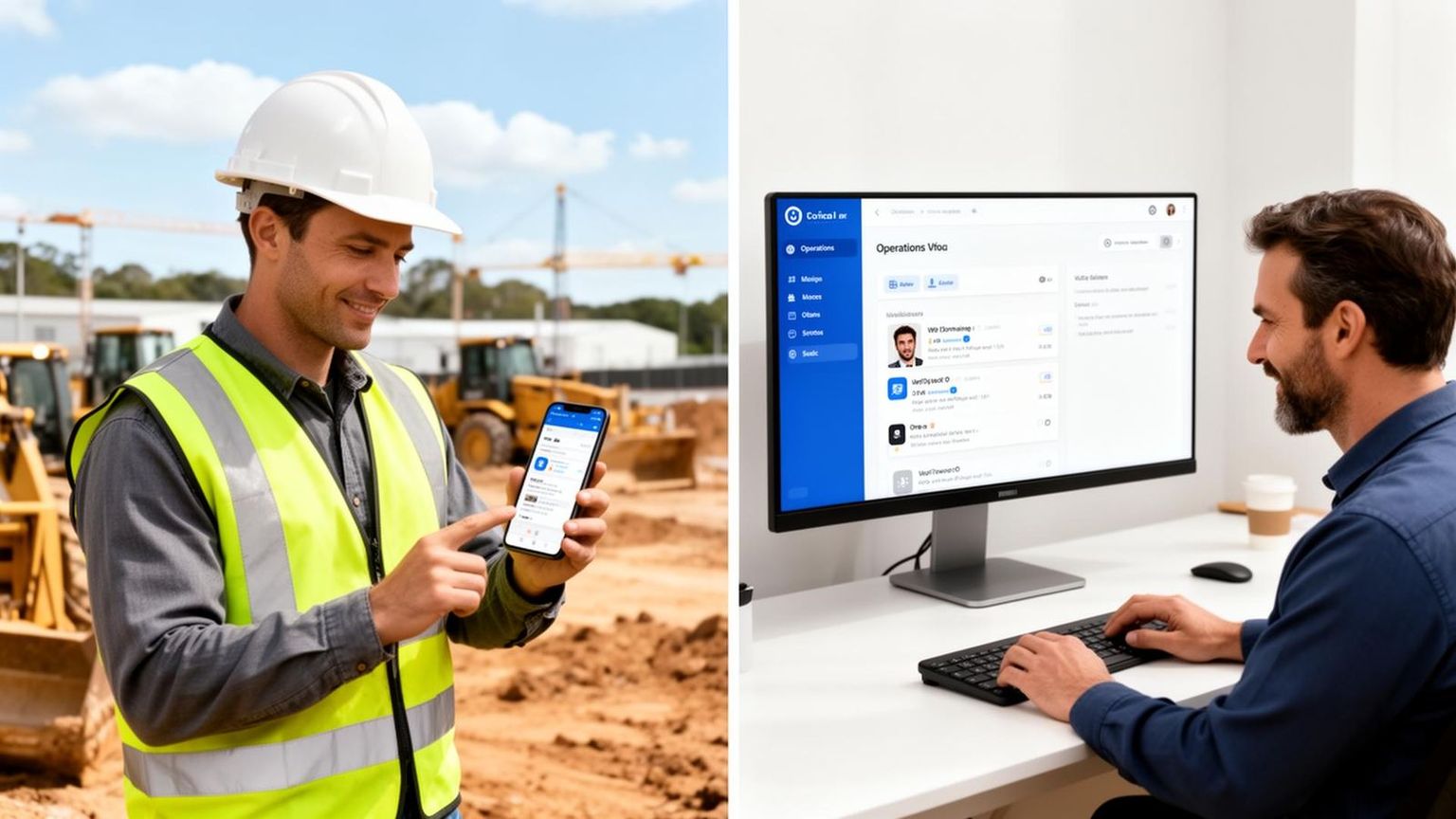
- Updates from the field flow straight into the right job record.
- Admin staff don't have to ask twice for status updates.
- Managers see issues as they happen — not at end-of-week reporting.
- Compliance and history are captured automatically.
How Workforce Chat Software Improves Productivity
Structured workforce communication doesn't just feel better — it produces measurable productivity gains for operational businesses:
Less time chasing updates
Admin staff stop calling around for job status — it's already in the platform.
Fewer mistakes and rework
Clear, traceable instructions reduce miscommunication.
Faster response times
Issues surface instantly instead of waiting for a daily catch-up.
Stronger accountability
Read confirmations remove ambiguity about who knew what.
Best Workforce Communication Tools for Operational Businesses
SprintChat
Best Overall — Purpose-Built for Operational Communication
SprintChat is built specifically for field teams and the admin staff who support them. It turns messaging into a structured operational tool — every message can be tied to a job, every update has a read receipt, and managers see what's happening across every site in real time.
- Job-based messaging rather than messy group chats
- Read confirmations for accountability
- Mobile-first interface for field conditions
- Work and personal messaging cleanly separated
- Real-time admin visibility across crews and sites
WhatsApp Business
Familiar — but not built for operational work
- Universally adopted and easy to use
- Fast media sharing
- No job structure or admin control
- Messages get lost in busy group chats
- Mixes personal and work communication
Microsoft Teams
Enterprise-grade — best for Microsoft 365 organisations
- Tight integration with Microsoft 365
- Strong document and meeting features
- Heavy interface for mobile field workers
- Not optimised for fast operational updates
Slack
Great for office collaboration — limited in the field
- Excellent channel and thread organisation
- Huge ecosystem of integrations
- Too desktop-oriented for field-first teams
- Not designed for job-site workflows
Beekeeper
Enterprise frontline platform for large workforces
- Built for deskless frontline employees
- Strong announcement and broadcast features
- Heavier rollout — better suited to large enterprises
- Less focused on per-job operational messaging
Frequently Asked Questions
Related Articles
SprintChat — Workforce Communication
Operational messaging built for field teams and admin staff.
Best Team Messaging Apps for Field Workers
Compare SprintChat, WhatsApp, Slack, Teams and Beekeeper.
Best WhatsApp Alternatives for Businesses
Workforce messaging platforms beyond WhatsApp.