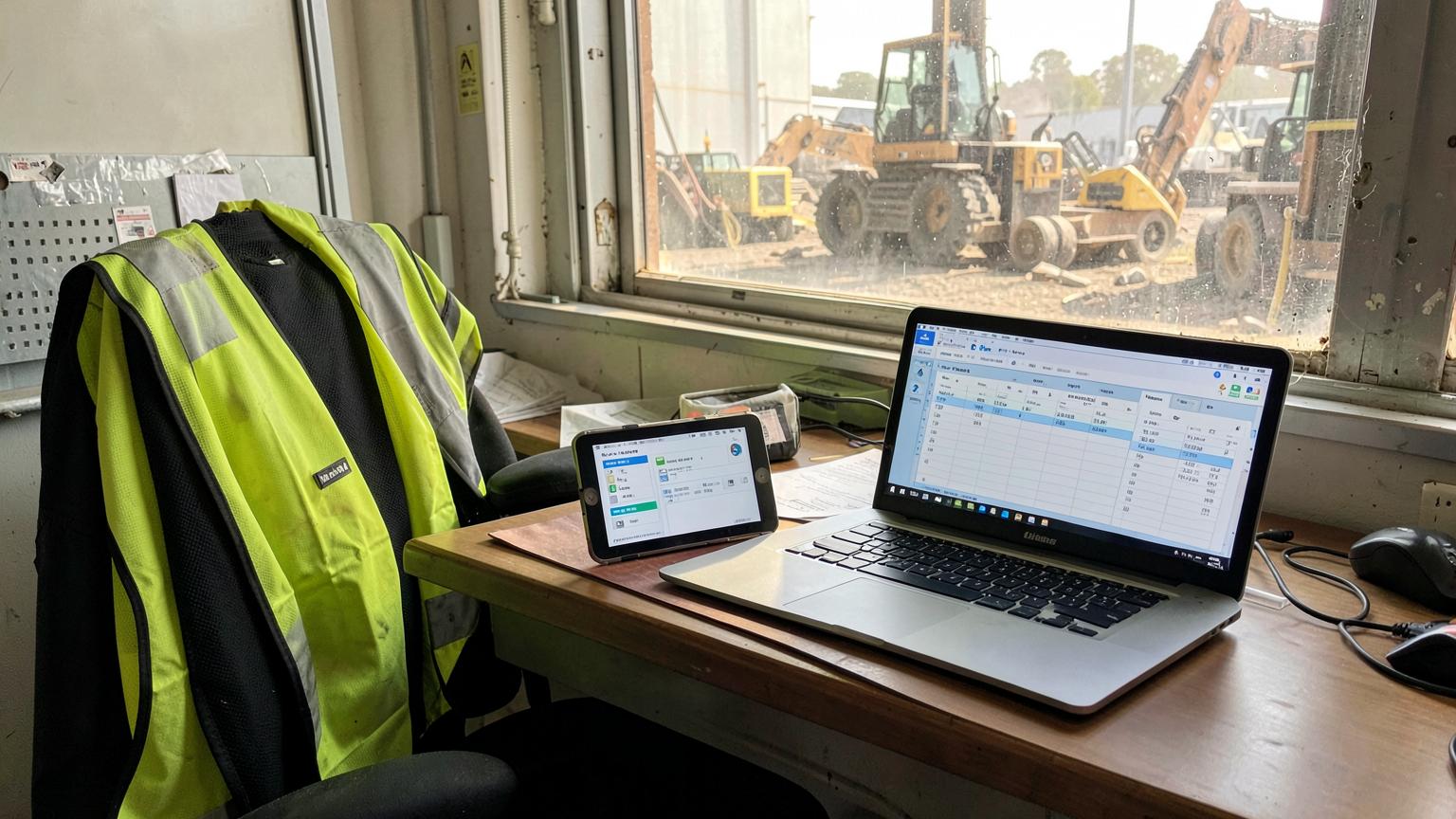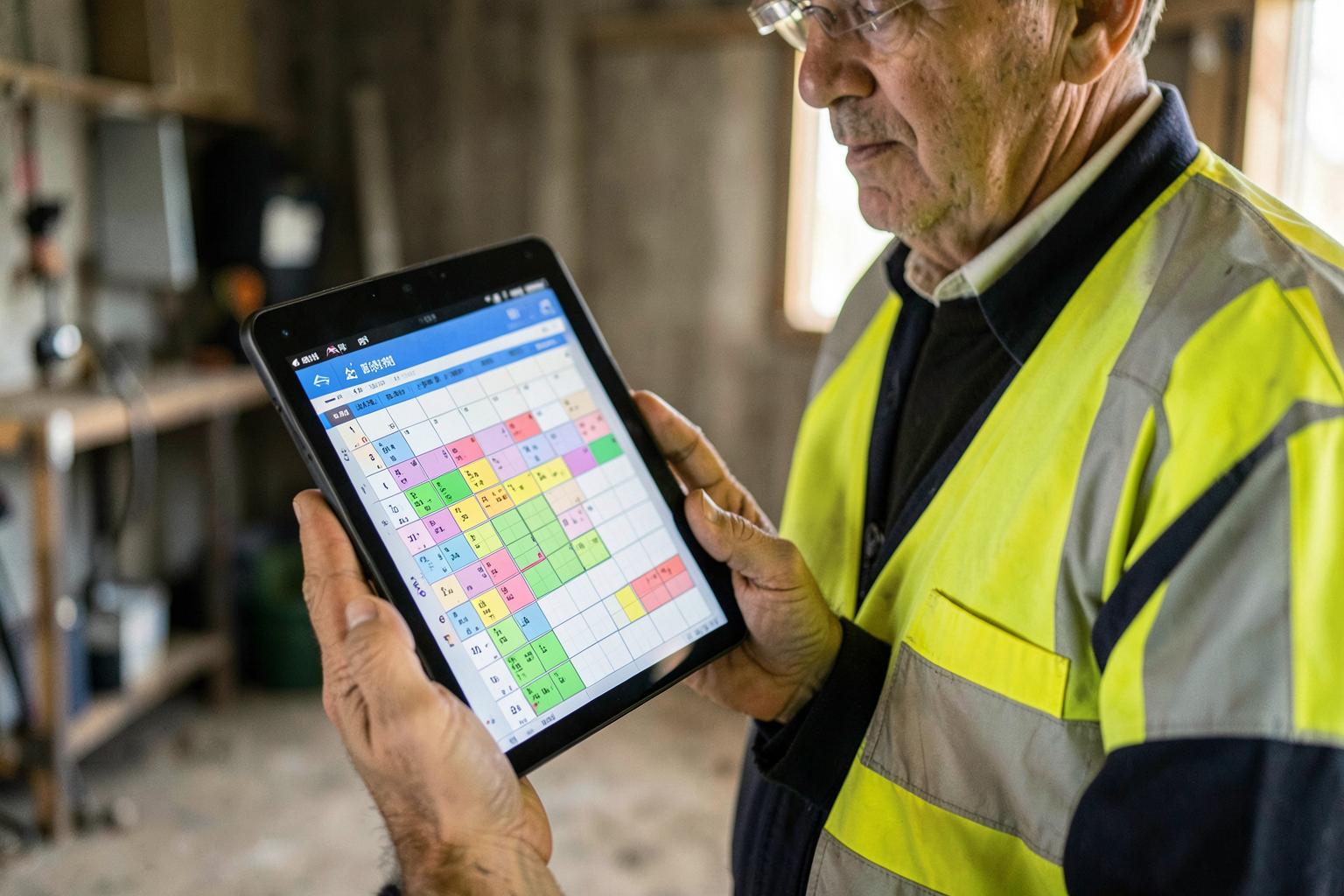
Quick Answer
There is no single best FIFO roster app, because workers and employers are buying different things.
- Workers need a swing calendar: set 8/6 or 2/1 once, see the year, share it with family, works offline.
- Employers need rostering software: crew and back-to-back coverage, compliance checked against rostered dates, fatigue visibility, travel linked to swings, and timesheets flowing into payroll and invoicing.
- Free personal apps do the first job well and none of the second.
- The employer test: can it model a 14-day swing with averaged ordinary hours and block a worker whose medical expires mid-swing? Most general shift tools cannot.
What workers should look for
If you are a worker, you are solving one problem: knowing where you will be, and letting the people at home know too. Six things matter:
Repeating swing patterns you set once
Enter 8/6 or 2/1 with a start date and have the app project the whole year, including which swing lands on birthdays, weddings and school holidays.
Works with no reception
Camp and pit coverage is patchy. The roster has to be readable offline and sync when you get signal.
Shares with family
A calendar feed or share link so a partner can see your swing without asking. This is the single most-used feature in personal roster apps.
Day and night shift shown differently
Colour-coded shift types, including mid-swing changeovers, so you can see fatigue-heavy weeks coming.
Swap and leave tracking
Somewhere to mark swapped swings, annual leave and days you have picked up, so the pattern stays accurate.
Pay estimation
Rough gross for a swing based on your rate, hours and penalties — useful for budgeting, not a substitute for your payslip.
What you do not need is compliance tracking, award interpretation or payroll integration. If an app is pitching those at you as an individual, it is built for your employer. New to rosters? Start with what a FIFO swing is and the most common FIFO rosters.
What employers and operations teams should look for
Rostering crews is a different problem. You are not tracking one pattern — you are covering an operation every day of the year with people who must be compliant, transported, housed, paid correctly and billed to a contract:
Crew-level rostering, not individual calendars
Build A crew and B crew swings, assign back-to-backs and see coverage gaps across the whole operation on one board.
Compliance checked against the swing dates
Tickets, VOCs, medicals and inductions validated against the dates a worker is actually rostered, not today. This is what stops a mobilisation failing at the gate.
Fatigue and consecutive-shift visibility
Flags for too many consecutive shifts, insufficient rest between shifts and back-to-back swings, with a record of the controls applied.
Travel, flights and camp tied to the roster
Change a swing date and the flight and accommodation requirement should change with it, not sit in a separate spreadsheet.
Timesheets that flow from the roster
Rostered shift becomes an actual shift becomes an approved timesheet becomes payroll and the client invoice — one chain, no re-keying.
Award interpretation
Overtime thresholds averaged across the swing, shift loadings, weekend and public holiday penalties and allowances applied automatically.
Cost and margin per crew
Labour cost of a rostered swing against what is recoverable on the contract, before the work happens rather than after.
Audit trail and record keeping
Who rostered what, who changed it, who approved the hours — the record you need for a Fair Work query or a client audit.
Worker needs vs employer needs, side by side
| Capability | Worker | Employer |
|---|---|---|
| Repeating swing pattern | ||
| Family / calendar sharing | ||
| Offline on site | ||
| Crew and back-to-back coverage | ||
| Ticket, VOC and medical expiry checks | ||
| Fatigue and consecutive-shift alerts | ||
| Flights, buses and camp linked to swings | ||
| Timesheets into payroll | ||
| Award interpretation and penalties | ||
| Cost per crew and contract recovery | ||
| Audit trail of changes and approvals |
The six categories of FIFO roster software
Personal FIFO roster calendar apps
Best for: Individual workers tracking their own swing
Strengths: Cheap or free, swing patterns in seconds, family sharing, works offline
Limits: No crew view, no compliance, no timesheets or payroll — purely personal
General shift scheduling apps
Best for: Small teams with simple weekly shifts
Strengths: Easy setup, shift swaps, notifications, low cost per user
Limits: Built around weekly retail or hospitality shifts; long swings, averaged hours, travel and site compliance are awkward or absent
Workforce management platforms
Best for: Larger employers with dedicated HR and payroll teams
Strengths: Deep award interpretation, leave, fatigue rules, enterprise integrations
Limits: Expensive, long implementations, usually no job costing or field job management alongside the roster
Trade and field job management software
Best for: Contractors scheduling jobs more than crews
Strengths: Job-centred scheduling, quotes and invoicing, mobile timesheets
Limits: Rosters and swings are a secondary concept; mining site compliance and FIFO travel usually not covered
Mining-specific operations platforms (including SprintSuite)
Best for: Mining and heavy industry contractors running FIFO and DIDO crews
Strengths: Swing rostering, compliance and expiry checking against rostered dates, mobile timesheets from site, award rules, job costing and invoicing in one system
Limits: More than an individual worker needs; aimed at employers and operations teams
Spreadsheets
Best for: Nothing, past about ten people
Strengths: Free, familiar, infinitely flexible
Limits: No compliance checks, no alerts, no audit trail, version chaos, and the roster lives with whoever built it
Categories overlap, and vendors will claim more than one. The honest way to place a product is to ask which of the two jobs above it was originally built for — a retail shift app and a mining operations platform do not converge just because both show a calendar.
Where SprintSuite fits
SprintSuite is built for the employer side, specifically for Australian mining and heavy industry contractors. Crews are rostered by swing, compliance is checked against the dates a worker is actually rostered rather than today's date, shift hours are captured on a mobile app that works without reception, award rules apply overtime and penalties automatically, and approved hours feed both payroll and the client invoice. It is not the right tool for an individual tracking their own 8/6 — a free swing calendar does that better. It is the right tool when a missed medical or a re-keyed timesheet costs you a mobilisation.
Ten questions to ask any vendor
- 1Show me building an 8/6 and a 2/1 swing, including a mid-swing night changeover.
- 2If a worker's medical expires on day four of a swing, what does the system do before I roster them?
- 3How do you handle averaged ordinary hours and overtime across a 14-day swing?
- 4Can I see coverage gaps across all crews for the next quarter on one screen?
- 5How do flights, buses and camp bookings follow a change in swing dates?
- 6Does the app work on site with no reception, and what happens when signal returns?
- 7How do rostered shifts become approved timesheets, and what goes to payroll?
- 8Can I see labour cost per crew per swing against contract recovery?
- 9What audit trail exists for roster changes and hour approvals?
- 10What does implementation involve, and what is the real cost at our headcount?
Common mistakes when choosing
Buying a personal roster app to run a business
A worker's swing calendar cannot check tickets, produce timesheets or prove hours. Different job entirely.
Buying a weekly shift tool for long swings
If the software cannot average ordinary hours across a swing or model a 14-day block, your payroll team will keep fixing it manually.
Ignoring the compliance link
A roster that does not check competency and medical expiry against the rostered dates will keep sending people who cannot pass the gate.
Leaving timesheets in a second system
If rostered shifts do not flow into approved hours, you have bought a picture of the plan, not a record of the work.
Choosing on price per user alone
The cost that matters is the admin hours, underpayments and failed mobilisations you remove — compare that, not just the licence fee.
One thing no app removes
Whatever you roster with, the legal obligations stay with the employer: accurate records of hours worked, overtime and allowances; pay that meets the applicable award or enterprise agreement; fatigue risk managed under WHS and mining safety legislation; and workers who are competent and medically fit for the tasks rostered. Software should make that evidence easy to produce — it does not transfer the duty.
Related reading: What is a FIFO swing · How does FIFO pay work · What is timesheet software · What mobilisation means in mining · Planning & scheduling.
FIFO roster apps — FAQs
This article describes categories of software and the capabilities to assess, not a ranked endorsement of named products. Features and pricing change — verify current capability directly with each vendor. SprintSuite is our own product, and we have said where it does and does not fit.