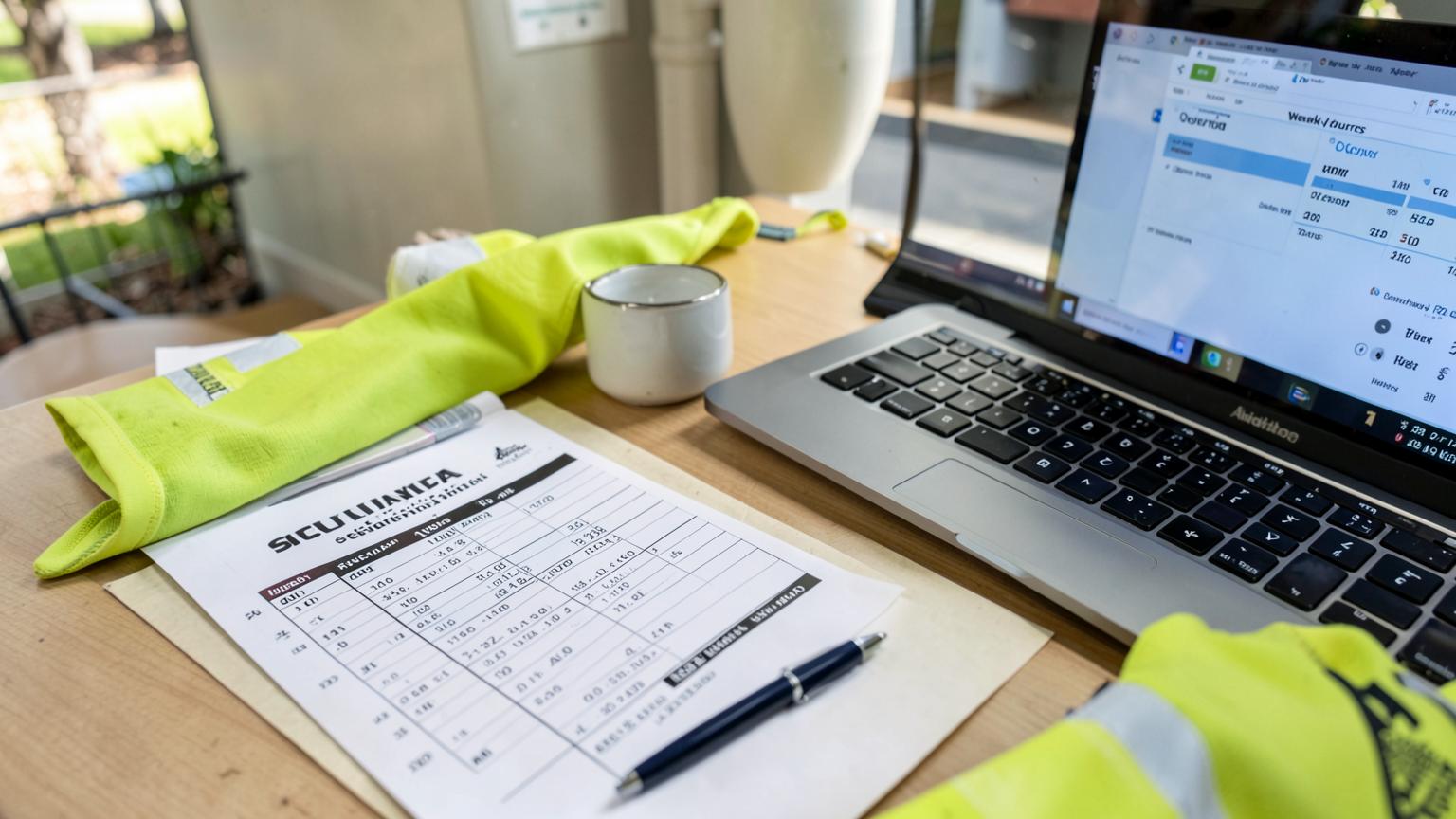
What is timesheet software?
Timesheet software is a system that records hours worked, routes them for approval, and passes approved hours to payroll and invoicing. Workers capture time against a job, task and cost code on a mobile app or kiosk, a supervisor approves it with an audit trail, and the same approved record drives the pay run, job costing and the client claim — without anyone re-typing it.
- Capture — hours, allowances and plant time recorded on site, offline if needed
- Submit — validated at the end of the shift, day or week
- Approve — supervisor review with comments and full history
- Pay and bill — payroll with award interpretation, plus billable labour on the invoice
How timesheet software works: capture, submit, approve, pay
Every timesheet system, no matter how it is marketed, runs the same four stages. The difference between platforms is how much of each stage happens automatically, and whether the hour that a fitter recorded on site is the same hour that reaches payroll and the invoice.
Capture
A worker records hours against a job, task, cost code and site — clocking on in the app or at a workshop kiosk, or entering a daily line at the end of shift. Allowances, travel, plant hours and breaks are captured at the same time, offline if there is no coverage.
Submit
At the end of the day, shift or week the worker submits the timesheet. The system checks the obvious problems first — missing job codes, overlapping entries, hours over a threshold — so a supervisor is not the error checker.
Approve
A supervisor or project manager reviews hours by crew, job or day, adjusts with a comment and an audit trail, and approves. Rejected lines go back to the worker rather than being silently edited.
Pay and bill
Approved hours split two ways from the one record: to payroll with award, allowance and overtime interpretation applied, and to job costing and invoicing as billable labour on the client's claim.
Core features to expect
Job and cost code coding
Every hour lands against a job, task and cost code, so labour cost accrues on the job as it is worked instead of at month end.
Mobile and offline capture
Crews record hours on a phone or tablet on site with no signal, and entries sync when coverage returns.
Kiosk and clock-on
Shared workshop or crib-room kiosk clock-on for teams who do not carry a work phone.
Approval workflow
Multi-level approval by supervisor, project manager and admin, with comments and a full change history.
Award and EBA interpretation
Ordinary hours, overtime, penalties, site allowances and travel calculated against your award or agreement rules.
Payroll and accounting export
Payroll-ready hours out to your payroll system, and invoice lines out to Xero, MYOB or your accounting platform.
Billable versus non-billable
Split productive, non-productive, training and travel hours so utilisation and recovery are measurable.
Records and reporting
Time and wage records retained for the statutory period, plus utilisation, uninvoiced hours and overtime reporting.
Timesheet system, application or solution — what the terms mean
Timesheet system
Usually means the whole approval and record-keeping process, including how hours reach payroll — not just the screen where hours are typed.
Timesheet application
Typically the mobile app the crew uses to clock on or enter hours. It is one part of a timesheet system.
Timesheet solution
A vendor term for the whole package: capture, approval, award rules, payroll and reporting bundled together.
Time tracking software
Leans towards measuring duration and productivity. Timesheet software leans towards approved, payable, billable hours.
The benefits contractors actually feel
What timesheet software is not
A spreadsheet emailed in
No validation, no audit trail, no job coding and no link to payroll. Every correction is manual re-entry.
A clock-in app alone
Tells you someone was on site. It does not code the hour to a job or turn it into a billable line.
Payroll software by itself
Pays people from hours it is given. It does not capture site hours, approve them or cost them to a job.
Australian record-keeping and pay rules
Hours are a legal record, not just an admin convenience. Employers must make and keep time and wage records for seven years under Fair Work record-keeping rules , pay rates, overtime and allowances come from the modern award or agreement that applies , pay data is reported each pay run through Single Touch Payroll , and long hours or swing rosters carry fatigue duties under Safe Work Australia guidance . A timesheet system that keeps an audit trail on every edit makes all four easier to demonstrate.
What it costs
Standalone timesheet apps in Australia usually sit between about $5 and $15 per user per month. Timesheets built into a job management or contractor platform are normally bundled into a per-user licence of roughly $30 to $150, and that is where the value sits for contractors — because the hour is already attached to a job, an asset and a client claim. Weigh it against what a week of unbilled labour, one payroll correction per pay run, or a wage audit already costs you.