How do clock in clock out systems work?
Most digital systems follow five steps: capture the start, record work and breaks, capture the finish, review the hours and hand approved information to the office. The device is only the first part of that process.
- Clock in. The employee records the start of work on a supported mobile app, tablet, kiosk or time clock.
- Record the work. Depending on the system, the worker records breaks and allocates hours to jobs, tasks or cost codes.
- Clock out. The finish time is captured. The system calculates the recorded duration using the configured break rules.
- Review and approve. A supervisor checks missing entries, actual hours, job allocation and adjustments.
- Use approved records. Time information supports the configured payroll, reporting, costing or invoicing workflow. Confirm whether the handoff is an integration, file export or manual process.
A mine-maintenance shift, not just a timestamp
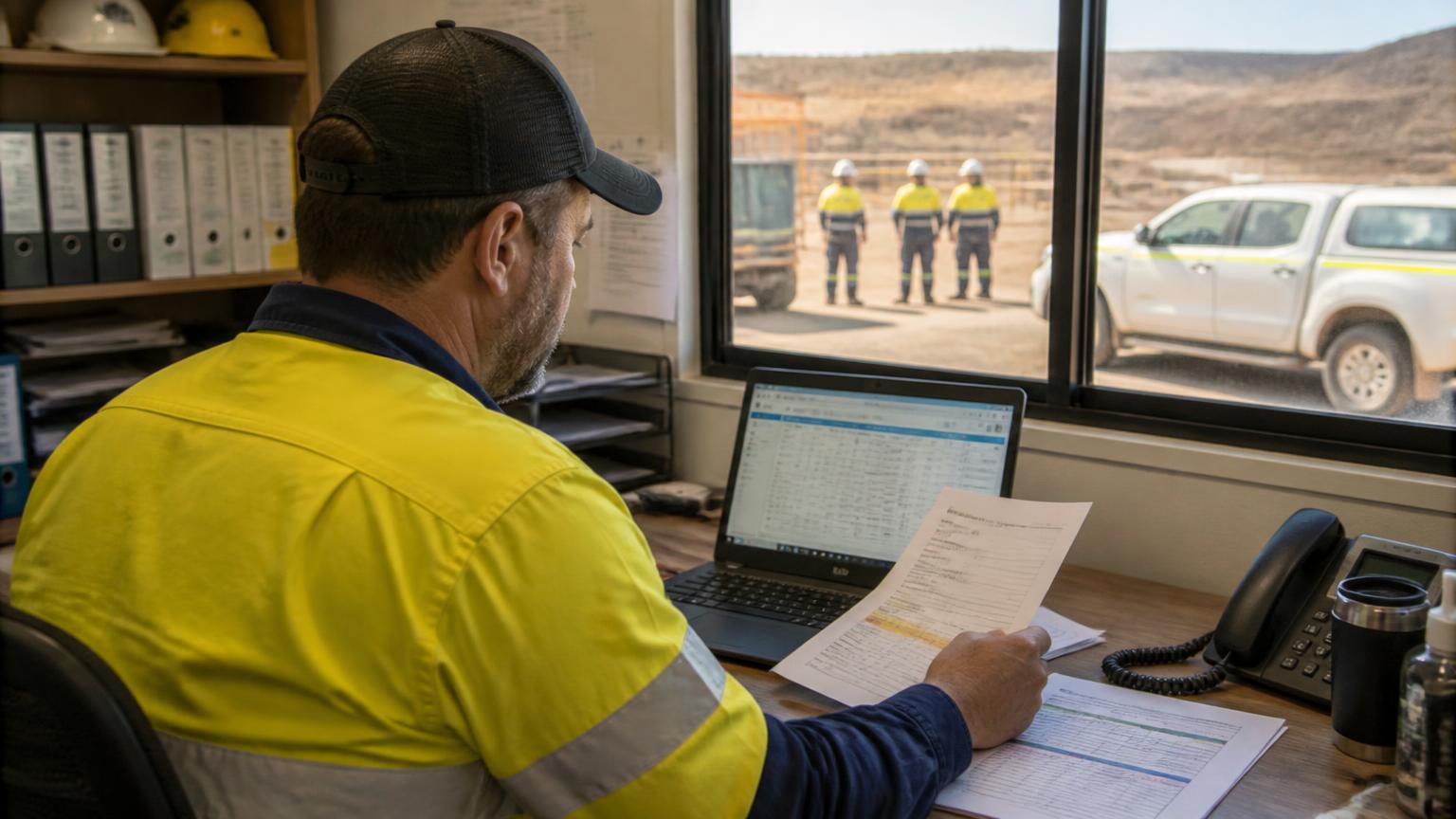
Consider a hypothetical fitter working from 6 am to 4 pm. The attendance window is 10 hours. The time record also needs to distinguish any breaks, two maintenance jobs and other paid work such as a required toolbox meeting. Customer-billable hours may differ from paid hours.
Do not treat the raw clock duration as the final wage calculation. Break treatment, overtime, allowances and pay rates depend on the actual work and applicable employment conditions.
What types of clock in clock out systems are available?
The right method depends on where people work and how the information will be used. A fixed workshop and a mobile shutdown crew may need different capture methods within the same operation.
| System type | How it works | Suitable context | What to check |
|---|---|---|---|
| Manual timesheets | Workers write or enter their hours. | Small teams with simple work patterns. | Collection, corrections and re-entry can take time. |
| Physical time clocks | Punch cards, swipe cards or PINs record attendance. | A fixed workplace with one entry point. | Attendance may not identify the job worked on. |
| Tablet or kiosk systems | Workers record time on a shared device. | Workshops, warehouses and facilities. | Check queues, device access and job allocation. |
| Mobile clock in clock out apps | Workers capture time on a phone or tablet. | Field crews and multi-site contractors. | Check offline scope, site device rules and sync. |
| Biometric time clocks | A fingerprint or other biometric identifies the worker. | Selected fixed-site workplaces. | Assess privacy obligations and alternatives first. |
| Integrated job-based systems | Time is allocated to jobs and connected office workflows. | Contractors costing or billing labour across jobs. | Demonstrate approvals and the payroll handoff. |
Mobile apps for field crews
A clock in clock out app lets employees record their start and finish times from a supported phone or tablet. Mobile apps can suit mining maintenance teams, industrial electricians, civil contractors and equipment repair crews moving between sites. Offline entry is a separate capability: not every mobile app works without reception, and not every feature is available offline.
Shared kiosks for workshops
A shared device can be practical where employees work on the same workshop floor. A job-based kiosk can connect time to a repair, fabrication or maintenance job rather than recording attendance alone. Check how technicians change jobs and how supervisors resolve missed entries.
Clock in clock out systems vs timesheet software: what is the difference?
A time clock captures attendance; a timesheet organises working hours; job management connects those hours to delivered work. The categories overlap, but they answer different questions.
- Time clock
- When did this employee start and finish?
- Timesheet software
- How are hours, breaks, allowances, job allocations and approvals recorded?
- Job management software
- What labour belongs to this job, how does it compare with the estimate, and what can be costed or invoiced?
A business only checking attendance may need a simpler system. A contractor billing labour across multiple clients needs a reliable connection from time capture to the job record. Read timesheet apps vs time tracking software for a closer comparison.
What do mining and industrial contractors need beyond clock-on?
One process across crews, sites and workshops
When field crews, workshop technicians and site supervisors submit hours differently, payroll starts with collection and interpretation. Consistent job codes, daily review and an agreed correction process can reduce repeated handling. Digital capture helps only if people use a workable process.
Remote entry that reconciles after reconnecting
For Pilbara field work or Bowen Basin maintenance jobs, test connectivity at the actual work location. Ask what must be loaded before leaving coverage and how pending entries are shown. An offline record is not available to the office until it successfully synchronises.
Labour allocated to the right work
Hours against jobs and cost codes help compare actual labour with estimates and identify work for billing. Include internal maintenance, training and other paid non-billable work so that job totals do not become an incomplete wage record.
Shift handovers and approval ownership
Test overnight shifts, changing supervisors and overlapping sites. A roster shows planned work, not necessarily actual work. Attendance does not prove fitness for duty, qualifications or fatigue compliance, and does not replace site safety systems.
Explore the operational context for Pilbara contractors, Mackay and Bowen Basin teams and Newcastle and Hunter Valley businesses.
Are clock in clock out systems required by law in Australia?
There is no general Fair Work requirement to use a digital clock in clock out system. Employers must keep the prescribed employee records, not use a particular device. The required hours information depends on the employment arrangement and applicable obligations.
The Fair Work Ombudsman’s record-keeping guidance says prescribed employee records must be retained for seven years. They must be legible, in English and readily accessible to a Fair Work Inspector, and must not be false or misleading. Records must not be altered except to correct an error.
- Casual and irregular part-time employees: record the hours worked.
- Overtime paid at an overtime penalty rate or loading: keep the required overtime hours or start-and-finish information.
- Other arrangements: check the records required for the employee’s circumstances and any additional award or enterprise agreement obligations. Recording hours for all employees is useful best practice, but do not confuse that with one universal daily timestamp rule.
Required work before the recorded shift
In most cases, if an employer requires an employee to be present at work, that time must be paid. Required preparation, meetings or training can count as work. A kiosk set to a scheduled start does not remove that obligation. Check the Time worked is time paid guidance and the applicable employment conditions; this does not mean every pre-shift activity attracts overtime.
GPS, geofencing and biometric privacy
Some vendors offer GPS verification, geofencing or biometrics. These are optional capabilities, not essential features of every clock system, and this guide does not claim SprintSuite provides them.
The OAIC explains that workplace monitoring must comply with relevant Commonwealth, state or territory laws. The Privacy Act does not specifically regulate workplace surveillance. Its private-sector employee-records exemption is limited, not a blanket permission to monitor staff.
Before collecting location or biometric information, assess necessity, notices, access and retention with an appropriate adviser. The seven-year Fair Work record rule does not automatically mean every GPS trace or biometric record must be stored for seven years.
General information checked on 4 November 2026, not legal or payroll advice. Software alone does not guarantee Fair Work, award or privacy compliance.
How does SprintSuite connect clock-on with job management?
SprintSuite is Australian-built operations management software for mining, engineering, field service and heavy-industry contractors. Its workshop and field workflows connect labour records with the work being delivered rather than treating time as a separate spreadsheet.
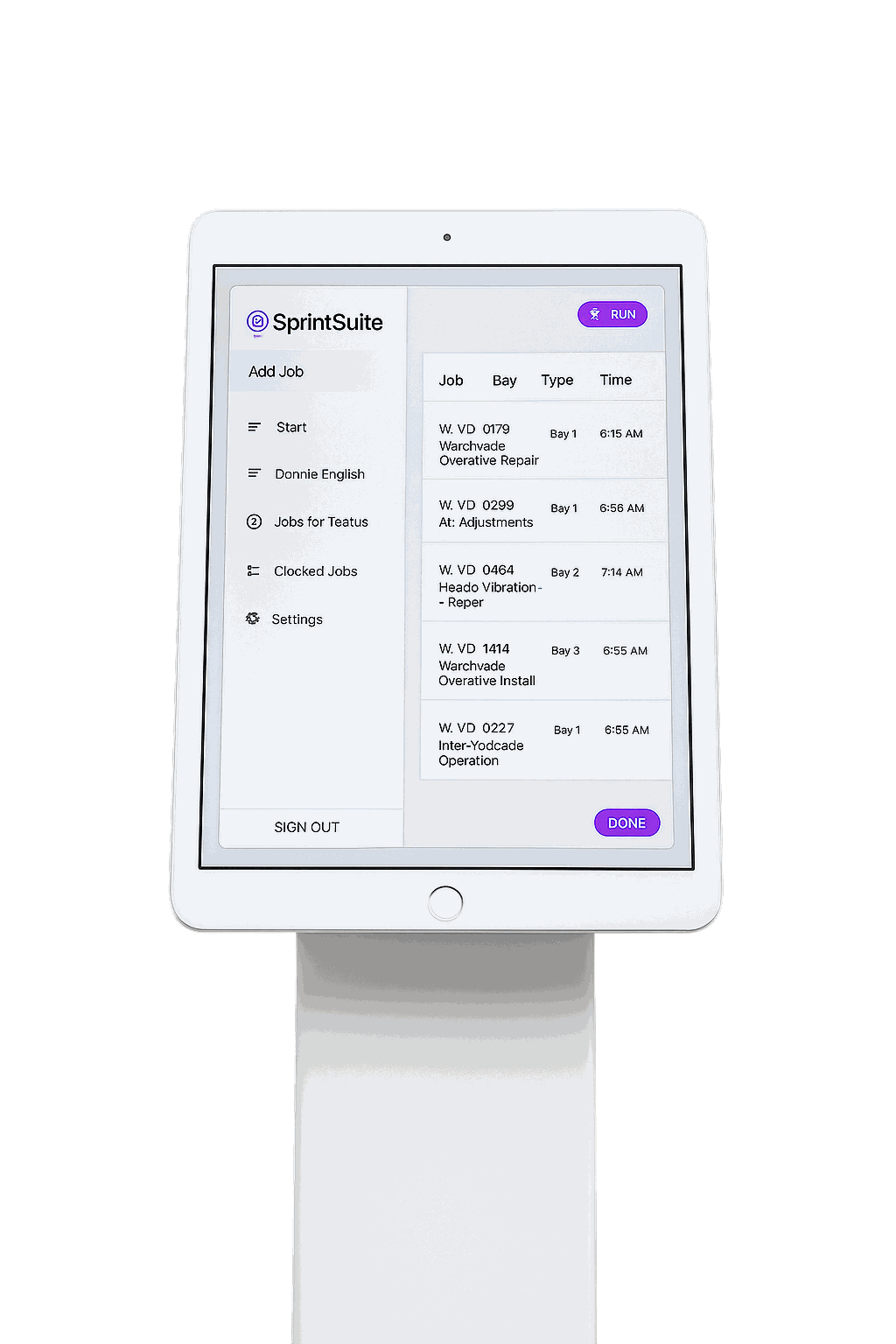
Workshop clock-on using an iPad kiosk
SprintSuite’s workshop tools support iPad kiosk clock-in and clock-out, with labour recorded against jobs. This gives workshop teams a way to connect time to repair, fabrication and maintenance work. See SprintSuite Workshop Management.
Mobile timesheets for field crews
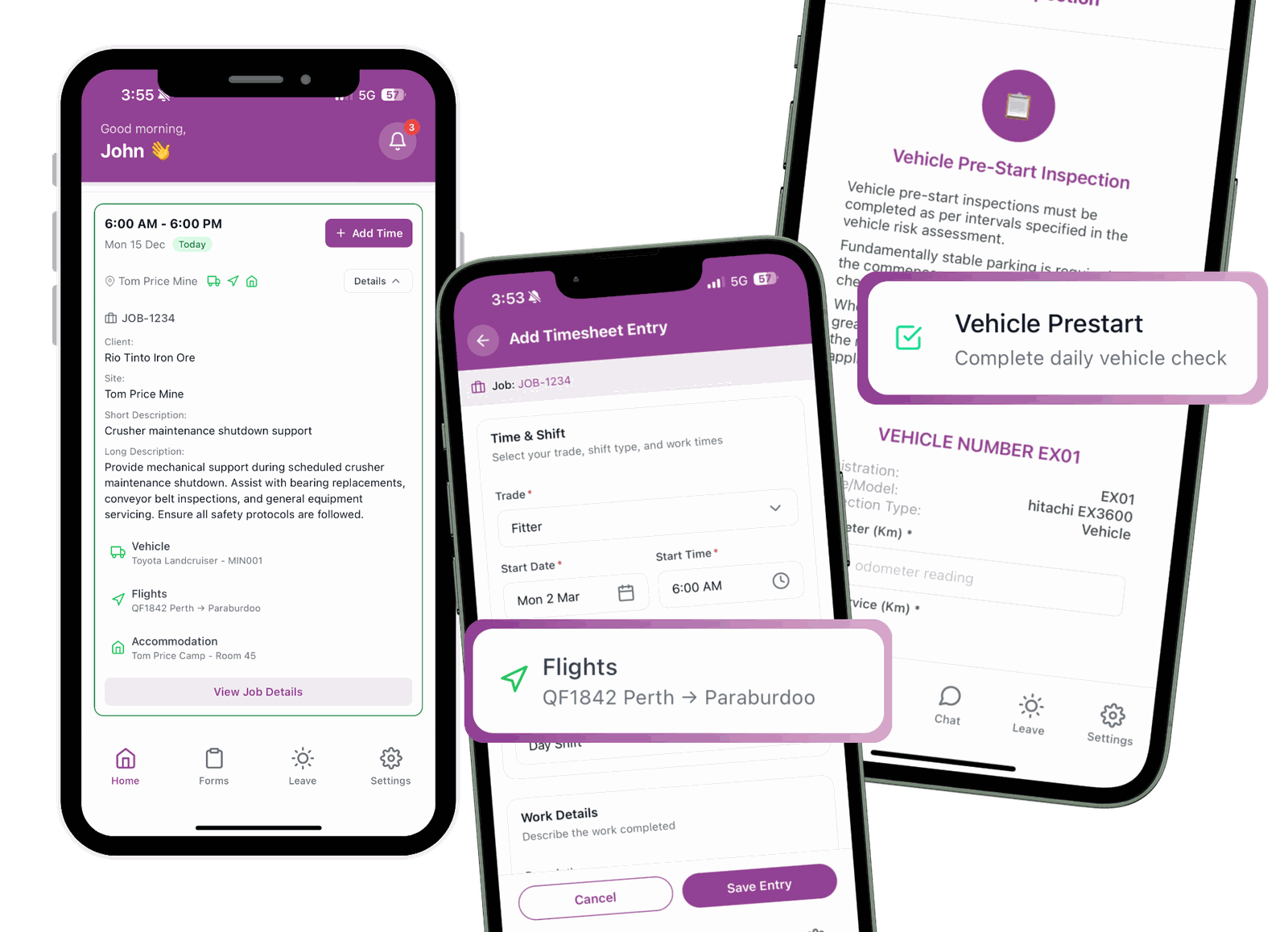
The SprintSuite Field Service App supports timesheets and job information, including offline capture with later sync. Ask the team to demonstrate the exact offline tasks required at your sites rather than assuming the whole platform is available without reception.
Approvals, costs and the office handoff
Submitted timesheets can be reviewed before downstream processing. Labour allocated to jobs and cost codes supports costing, payroll workflows and invoicing. Confirm the exact integration scope and approval responsibilities in a demonstration.
Read how timesheet approval should work, explore job management, or review SprintSuite payroll workflows.
How do you choose the right clock in clock out system?
Map one real shift from start to payroll and invoicing. Then use the same scenario when comparing providers. Include a missed entry, multiple jobs and a low-coverage location if these occur in your business.
A simple attendance tool can suit straightforward work. A contractor managing crews across workshops and client sites should also test the connection between hours, approvals and job costs. Start with one representative crew and keep a documented fallback before expanding.
Clock in clock out systems: frequently asked questions
Make every hour count beyond attendance
For mining and industrial contractors, useful time recording connects employees’ working hours to the jobs, approvals and costs behind the business. Bring a typical field or workshop shift to a SprintSuite demonstration and follow the record through to the office.
Book a SprintSuite demoSources and further reading
Australian record-keeping and privacy guidance informs this article. Product descriptions are based on SprintSuite’s published workshop, field service and payroll pages; confirm the scope for your operation with the team.