Quick Answer
Job scheduling software (or software for job scheduling) helps field service teams plan, assign and dispatch jobs to the right tech at the right time. A good platform combines:
- A drag-and-drop schedule for dispatchers.
- A mobile app for technicians in the field (with offline support).
- Compliance-aware dispatch — expired tickets or inductions block allocation.
It replaces whiteboards, spreadsheets and WhatsApp threads — so more jobs get done per day, invoicing is faster, and compliance is audit-ready by default.
What is job scheduling software?
Job scheduling software is the plan-and-dispatch layer of a field service operation. Instead of a whiteboard in the office, a magnetic run sheet on a wall, and a supervisor updating a spreadsheet at midnight, everything lives in one visual scheduler — jobs, techs, crews, vehicles, sites, tickets and time windows.
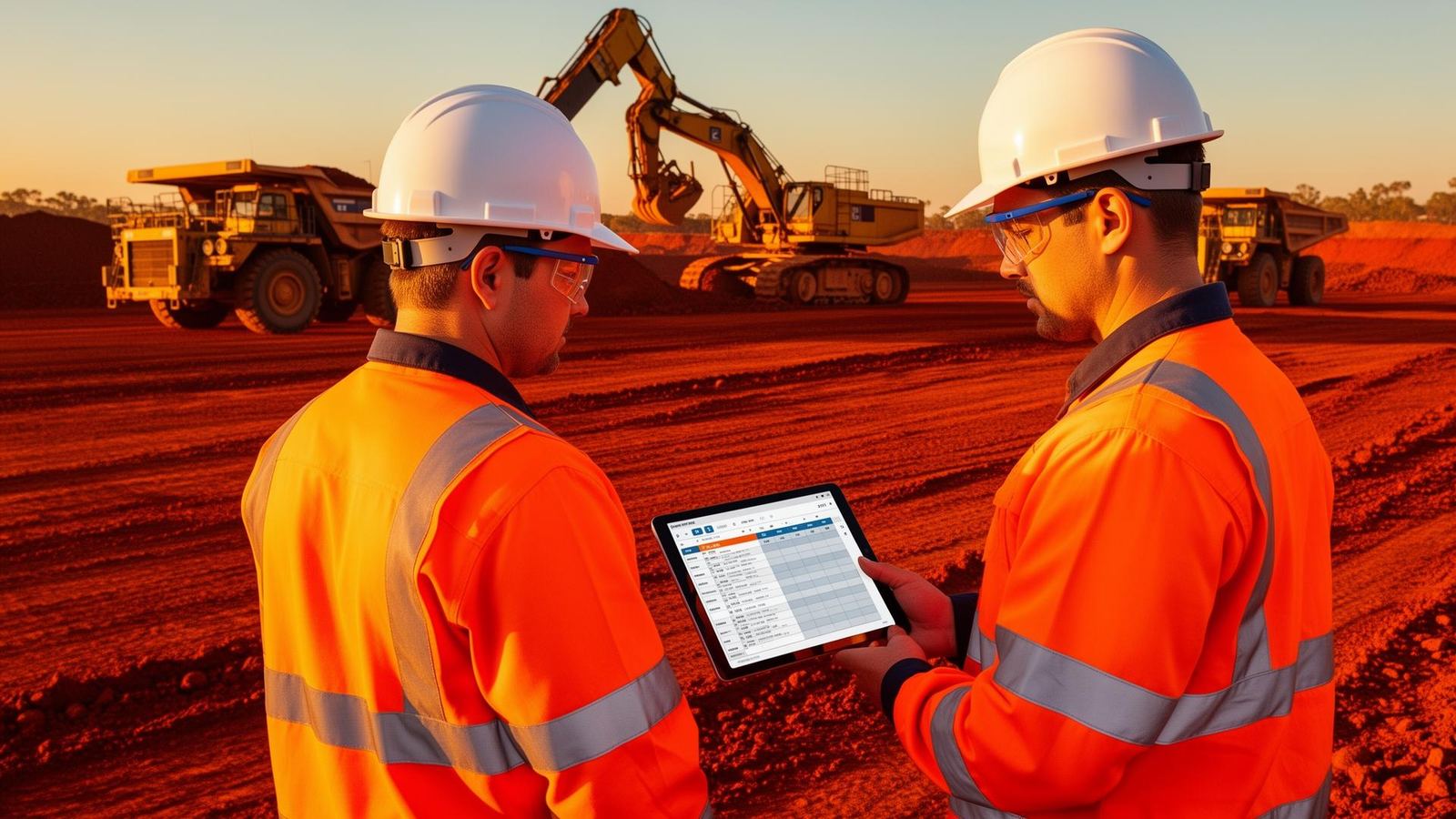
In Australia, software for job scheduling is used heavily by mining contractors, heavy-equipment workshops, electrical, mechanical, HVAC, plumbing, fire, civil, drilling, rope-access and facilities service teams. Anywhere a dispatcher has to decide "who's going where today", scheduling software is doing the heavy lifting.
How does job scheduling software work?
The workflow is deliberately simple, because it has to run in a dispatcher's office at 5am and a Tier-1 mine crib room at 2pm:
Job created
A quote, callout, planned maintenance trigger or shutdown scope creates a job with customer, site, scope, parts and required tickets.
Auto-suggested tech and time
The scheduler suggests techs who hold the right tickets, are inducted for the site, and have capacity in the required window.
Dispatched to mobile app
The tech (or crew) gets the job on their phone or tablet — with directions, safety forms, asset history and required documents attached.
On-site execution and updates
Status flows back in real time: en route, on site, in progress, complete. Dispatch can react to overruns and reshuffle the rest of the day.
Close, invoice, report
Actual hours, parts and margin land in the office — timesheets flow to payroll, invoices flow to Xero/MYOB, and next week's roster is built from real data.
Core features of software for job scheduling
Drag-and-drop scheduler
A visual calendar of technicians, crews, vehicles and jobs. Dispatchers drag jobs onto a tech's day, reassign in seconds when a callout lands, and see conflicts, overtime and travel time before they commit — instead of finding out at 5pm.
Route and travel optimisation
Software for job scheduling groups nearby jobs, sequences them by location and time window, and cuts windscreen time. For remote and regional teams it also blocks out travel and camp days so the schedule reflects real life, not just paper hours.
Skills, tickets and crew matching
Match jobs to techs with the right tickets, VOCs, inductions and licences. Crew-based jobs (shutdowns, civil, rope access) get built as teams with a lead hand — not a stack of single dispatches held together with a spreadsheet.
Mobile app for the field
Techs see today's jobs on iOS or Android, get notified of changes, capture time, parts, photos and safety forms, and get customer sign-off. Offline mode means remote mine sites and low-coverage regions still push data as soon as reception returns.
Compliance-aware scheduling
Good software for job scheduling won't let you dispatch a tech whose induction has expired, whose VOC has lapsed, or whose SWMS hasn't been signed. Compliance is a scheduling constraint — not a separate spreadsheet the safety advisor updates on Fridays.
Utilisation and margin reporting
Real-time dashboards show billable hours, utilisation per tech, WIP, gross margin per job and jobs at risk of blowing time or budget. You schedule the next week off actual numbers, not gut feel.
How can job scheduling software help field service teams?
- More jobs per tech per day — better routing, less windscreen time, fewer callbacks.
- Fewer schedule blowouts — see conflicts, overtime and compliance risks before dispatch.
- Faster invoicing — jobs close and invoice the same day, not weeks later.
- Audit-ready compliance — expired tickets and inductions block dispatch, not a manual check.
- Higher tech utilisation — see billable vs non-billable hours per person, per crew, per week.
- Happier customers — accurate ETAs, on-time arrivals, better first-time-fix rates.
Who uses software for job scheduling?
Mining contractors
Software for job scheduling is critical for Tier-1 mining subcontractors — shutdown crews, rotating rosters, site inductions, VOCs and travel days all handled inside the schedule.
Heavy equipment & workshops
Boilermakers, hose shops, component rebuilders and mobile plant maintainers use it to coordinate field techs with workshop bays, so a defect raised on site slots straight into a workshop schedule.
Trades & building services
Electricians, plumbers, HVAC, fire and refrigeration teams use job scheduling software to dispatch, route and invoice maintenance and callout work across many customer sites.
Civil, drilling & rope access
Crew-based, multi-day and shutdown-style work needs a scheduler that handles teams and travel — not just one-tech-per-slot callouts.
Facilities & property services
Cleaning, security, grounds and asset services teams use it to manage recurring visits, SLA windows and last-minute reactive work across many sites.
What to look for in Australian job scheduling software
Not all scheduling tools are built for Australian conditions. A calendar app that works for a metropolitan HVAC shop in Sydney can fall over fast on a Bowen Basin shutdown. When comparing options, check for:
- Offline mobile app — non-negotiable for remote and mine work.
- AUD pricing — avoid USD-only vendors that expose you to FX swings.
- Compliance-aware dispatch — expired VOCs, inductions or tickets should block allocation.
- Crew and shutdown support — not just single-tech callouts.
- Xero / MYOB / QuickBooks integration — first-class, not a bolted-on connector.
- Workshop and assets — so field defects flow straight into shop schedules.
- Payroll-ready timesheets — award interpretation, allowances, LSL, RDOs.
- Australian support — real humans on AEST, not just chatbots.
Related reading: Planning and scheduling software for mining contractors · What is field service software? · Simpro alternatives for mining and heavy industry · ServiceM8 alternatives for contractors · Connecteam pricing and alternatives.