Quick Answer
A site readiness report should contain eight sections: report header, overall readiness statement, workforce readiness, compliance and documentation, plant and equipment, logistics and mobilisation, an outstanding actions register, and attachments with sign-off. Every line carries a defined status, an expiry or verification date, and a named owner if it is not green.
- Statuses — Ready, Outstanding, Not ready, Conditional, Not applicable, each defined in the report.
- Detail — one row per worker and one per plant item, with dates rather than tick boxes.
- Action — every non-green item repeated once in the actions register with an owner, due date and impact.
- Cadence — issued weekly from four weeks out, with a final issue at the pre-mobilisation review.
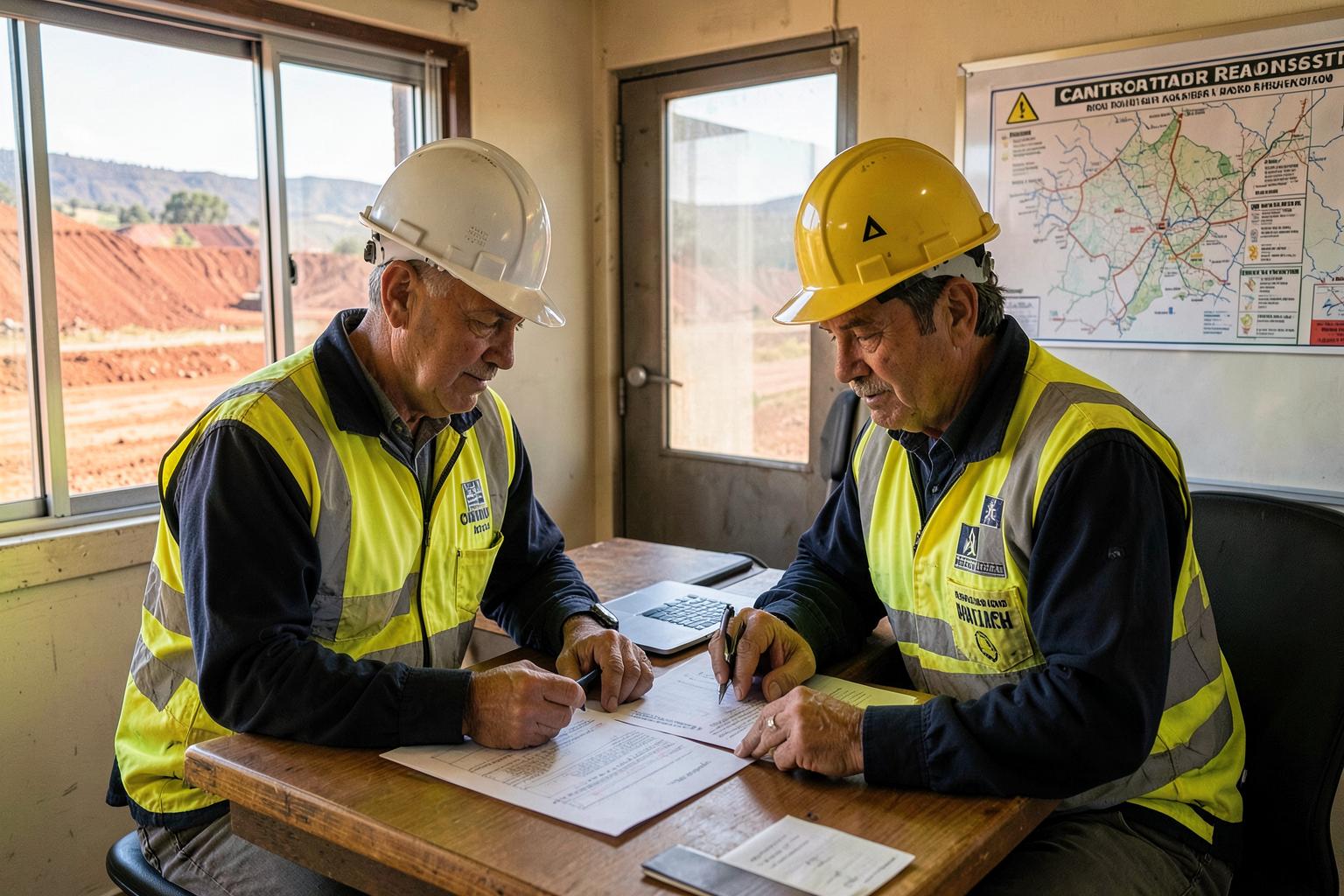
A readiness report is an operational document, not a compliance essay. Its job is to let a manager or a client see the position in thirty seconds and see exactly who is closing what. If it takes longer than that, the format is wrong. For the underlying criteria, see the mining site readiness checklist and what a site readiness assessment involves.
The eight sections, with example fields
1. Report header
Identifies the report so nobody argues about which version they are reading.
Example fields
- Contractor name and ABN
- Client / mine operator and site
- Contract or purchase order number
- Scope of work (short description)
- Commencement date and roster
- Report date, version number and prepared by
- Reviewed / approved by, with date
- Distribution list
2. Overall readiness statement
One line at the top with the position, so a manager can read the first paragraph and know where things stand.
Example fields
- Overall status: Ready / Ready with conditions / Not ready
- Confidence in achieving the commencement date
- Number of outstanding actions, by severity
- Critical path item and its due date
- Key risks to the start date, in one or two lines
3. Workforce readiness
One row per named worker. This is usually the longest section and the one that fails most often.
Example fields
- Worker name and role
- Right to work verified (Y/N, method, date)
- Site induction status and completion date
- Area / task inductions
- Licences and tickets held, with numbers and expiry dates
- VOCs held, per machine, with assessor and expiry
- Medical type, date completed and next due
- Drug and alcohol screening date
- Fitness for work / restrictions noted
- PPE issued and fit test date (where required)
- Access pass / gate approval status
- Row status: Ready / Outstanding / Not ready
4. Compliance and documentation
Company-level items. Note the approval status, not just whether you sent it.
Example fields
- Prequalification status and portal reference
- Insurances: policy type, insurer, limit, expiry, certificate attached
- Contract / PO executed (Y/N, date)
- SWMS and JSAs: document number, revision, submitted date, client acceptance date
- WHS management plan and emergency response submitted
- Chemical register and SDS supplied
- Environmental requirements acknowledged
- Record-keeping and retention arrangement
- Item status: Approved / Submitted / Not started
5. Plant, vehicles and equipment
One row per plant item, including standby units.
Example fields
- Asset ID, description and make / model
- Last service date and hours, next service due
- Pre-mobilisation inspection date and result
- Open defects and their severity
- Light vehicle compliance items completed
- Registration and insurance expiry
- Plant risk assessment attached
- Lifting gear / pressure equipment test tag dates
- Calibration due dates for test equipment
- Registered on client plant register (Y/N)
- Transport booked, ETA on site
- Row status: Ready / Outstanding / Not ready
6. Logistics and mobilisation
The operational detail that decides whether a compliant crew actually reaches the work face.
Example fields
- Flight / charter bookings per worker, with dates
- Accommodation allocation and dates
- Ground transport arrangements
- Site access hours, gate, muster point
- Vehicle permits approved
- Communications: UHF channels, phones, satellite
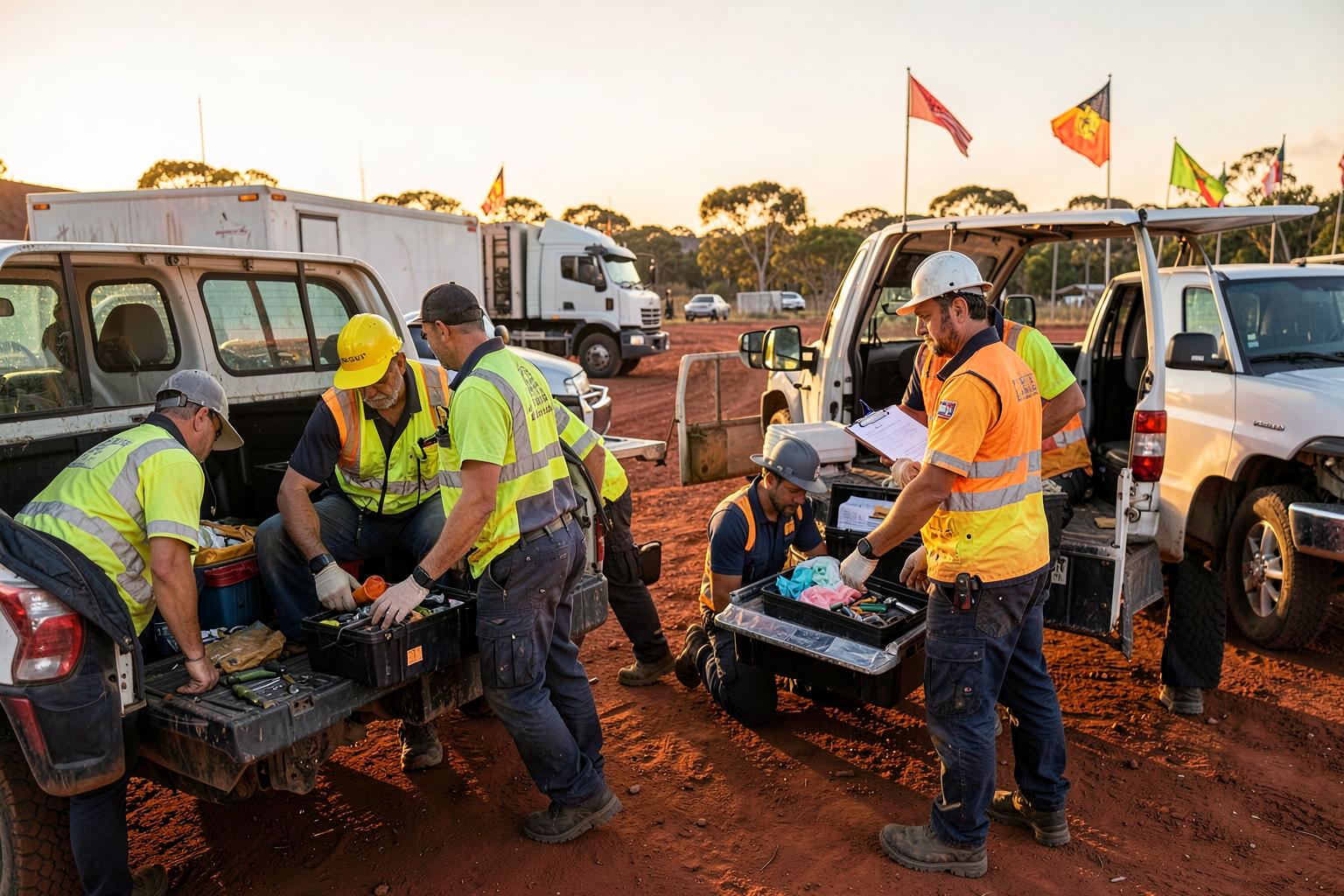
- Tools, consumables and spares ordered / delivered dates
- Permits and isolations requested
- Demobilisation plan and dates
7. Outstanding actions register
The section people actually act on. Every non-green item from the sections above appears here once, with an owner.
Example fields
- Action ID
- Section / item it relates to
- Description of what is outstanding
- Severity: Critical / Major / Minor
- Owner (a named person, not a department)
- Due date
- Current status and last update
- Impact if not closed before commencement
- Mitigation or fallback (e.g. standby worker, hired plant)
8. Attachments and sign-off
Evidence and accountability. A report without attached evidence is a claim.
Example fields
- Certificates, cards and statements of attainment
- Certificates of currency for insurances
- Inspection and service records
- Accepted SWMS and risk assessments
- Booking confirmations for travel and accommodation
- Prepared by, reviewed by and approved by, with names, roles, dates and signatures
- Next review date
Status definitions
Put these definitions inside the report. Undefined traffic lights are the main reason readiness reports get argued over instead of acted on.
- Ready (green) — Complete, evidenced and valid through to the last day of the campaign. Nothing to do.
- Outstanding (amber) — In progress with a named owner and a due date that lands before mobilisation. Must appear in the actions register.
- Not ready (red) — Not started, rejected, expired, or due to expire mid-campaign. Blocks the item and usually the start date.
- Conditional — Approved subject to something — a supervisor's presence, a restriction, or a temporary control. Record the condition in words.
- Not applicable — Genuinely not required for this scope. State why, so it does not look like an oversight.
What a few rows actually look like
| Item | Status | Detail / next action |
|---|---|---|
| J. Wilson — HR licence | Ready | Licence 0451xxx, expires 14/03/2029. Copy attached. |
| J. Wilson — 30t excavator VOC | Outstanding | Assessment booked 22/09. Owner: L. Nguyen. Standby operator cleared. |
| M. Patel — coal board medical | Not ready | Expires 02/10, mid-swing. Re-assessment booked 19/09. Owner: HR. |
| SWMS-114 Rev 3 — conveyor change-out | Outstanding | Submitted 05/09, awaiting client acceptance. Owner: Site supervisor. |
| Asset EX-207 — 20t excavator | Ready | Serviced 01/09 at 8,412 hrs. Inspection passed. On client plant register. |
| Camp rooms — 6 pax | Outstanding | 4 confirmed, 2 pending. Owner: Travel coordinator. Due 18/09. |
Note the pattern: a date or reference in every row, and a next action wherever the status is not green. Illustrative example only — names, assets and dates are fictional.
Best practice
Report against the client's requirement set, not your own list
Use the operator's criteria as the row labels so the report can be handed over as-is during a readiness assessment.
Show expiry dates, not tick boxes
A date lets the reader judge risk. A tick hides a licence lapsing in eleven days.
Validate every date against the campaign end date
The report should flag anything expiring during the swing, not just anything expired today.
Name a person for every amber and red item
Departments do not close actions. People do.
Attach the evidence to the report
Certificates, inspection sheets and booking confirmations. If it is not attached, expect to be asked for it.
Version and date every issue
Readiness changes weekly. Version numbers stop two people working from different positions.
Keep one page at the front
Overall status, action count and critical path. Managers and clients read that page; the detail is for the people closing items.
Re-issue weekly from four weeks out
A weekly rhythm catches slippage while it is still recoverable.
Common mistakes
A report with no outstanding actions register
Sections full of amber items and nowhere that says who is fixing them by when.
Statuses without definitions
If nobody agrees what amber means, the report cannot be acted on. Define the statuses in the report.
Reporting submitted as complete
Documentation awaiting client acceptance is outstanding, not done.
Stale data pasted from last month
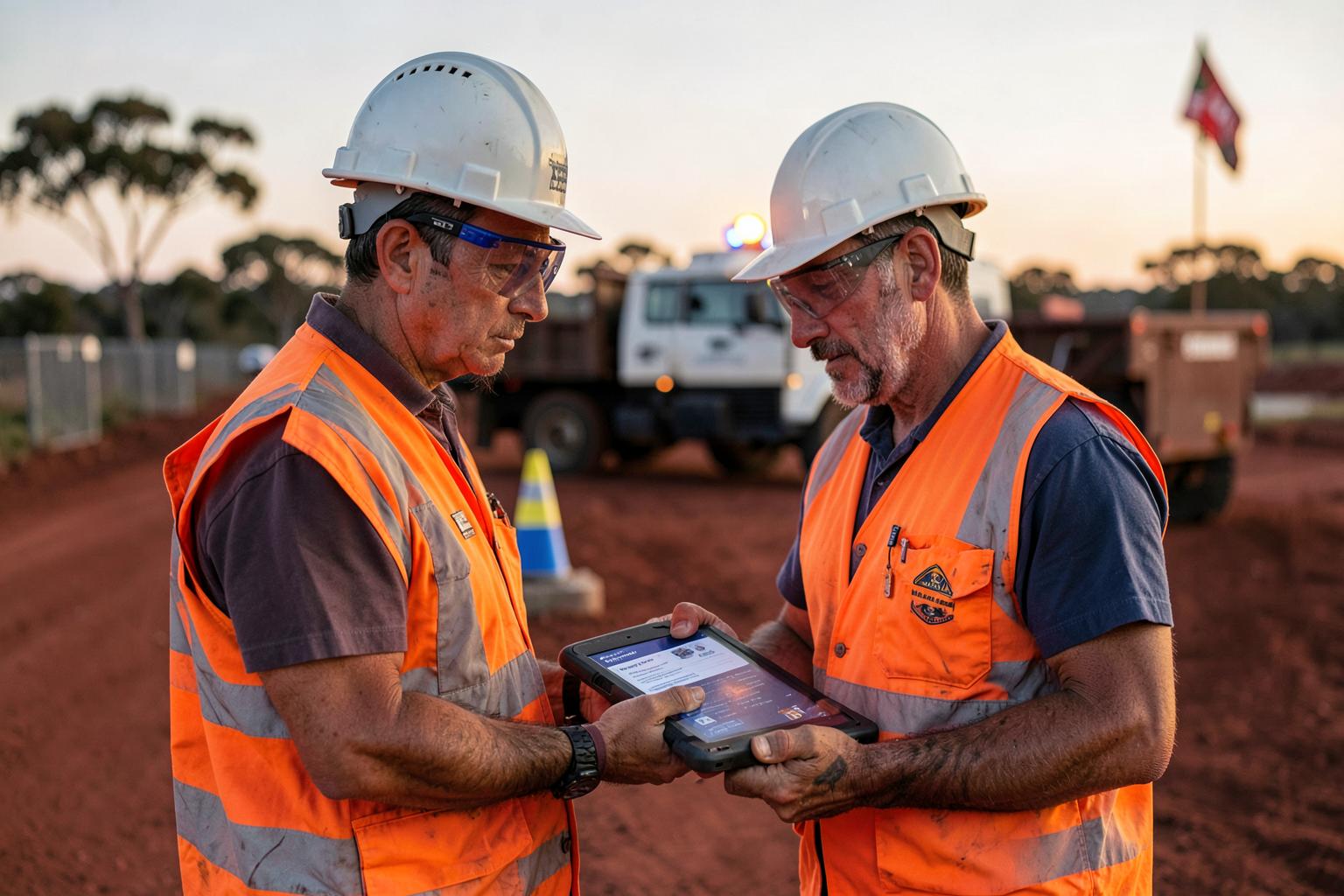
A readiness report is only as good as its data date. Show the date each item was verified.
No standby positions shown
Readiness reports should show the fallback for each critical role, or the reader cannot judge the real risk.
Only issued once
A single report a week before mobilisation gives you no time to fix what it finds.
Related reading: Mining site readiness checklist · What is a site readiness assessment · What does “site ready” mean in mining · How to digitise mining compliance paperwork · Staff management.
Site readiness reports — FAQs
This article is general information for Australian mining and heavy industry contractors, not legal advice. Report formats and required fields vary by site and contract — confirm them with the site operator and your own WHS advisers.