Quick Answer
The best job management app in 2026 for Australian mining, engineering and heavy field service contractors is SprintSuite — because it connects quoting, project setup, workshop planning, labour capture, field scheduling, compliance, mobilisation, live tracking, purchasing and invoicing in one chain, built around Tier-1 site requirements. The shortlist:
- SprintSuite — best overall for mining and heavy engineering contractors
- simPRO — best for building services and larger trade contractors
- ServiceM8 — best for small trade businesses under 20 staff
- Fergus — best simple job pipeline visibility
- Connecteam — best for workforce comms and basic scheduling
- Tradify — best for very small teams
- AroFlo — best for detailed job costing in established operations
What is a job management app?
A job management app runs the commercial life of a job from quote to paid invoice: scheduling crews and equipment, capturing labour and materials in the field, holding the safety and compliance records, costing the work against budget, and producing an invoice the client can verify. For contractors, it replaces the stack most businesses accumulate by accident — a scheduling spreadsheet, a timesheet app, a shared drive full of SWMS, a WhatsApp group and an accounting package that finds out about the job three weeks late.
The 7 best job management apps in 2026
SprintSuiteBest overall
Best overall for mining, engineering and heavy field service contractors
Strengths
- One connected chain: quote → project → workshop planning → labour capture → field scheduling → compliance → mobilisation → live tracking → purchasing → invoice
- Built for Tier-1 mining requirements — competency and ticket expiry blocks scheduling before a crew is allocated
- Pre-starts, SWMS, JHAs, permits, isolations and ITPs attached to the work order, not stored in a separate app
- Labour captured on the shift by the crew, so hours don't get reconstructed a week later and quietly lost
- Purchasing and approvals inside the job, so consumables and hire costs hit the right cost code
- Australian-built and Australian-supported, with implementation done alongside your team
Limitations
- Not a $10-a-seat generic tool — it's built for contractors with real compliance and cost-control obligations
simPRO
Strong for trade and building services contractors
Strengths
- Deep job costing and inventory
- Mature quoting and maintenance planning
- Large Australian install base
Limitations
- Heavy setup and admin load
- Mining and resources compliance is not its focus
- Cost climbs quickly with users
ServiceM8
Best for small trade businesses under 20 staff
Strengths
- Very quick to set up
- Excellent simple mobile app
- Good for quoting and invoicing on the tools
Limitations
- Not designed for shutdowns, projects or multi-crew mobilisation
- Limited compliance and competency tracking
- Job-volume pricing punishes growth
Fergus
Good job workflow visibility for small-to-mid trades
Strengths
- Clean job status board
- Straightforward quoting and timesheets
- Fair pricing for small teams
Limitations
- Light on project and workshop planning
- No mining-grade compliance module
- Limited purchasing controls
Connecteam
Best for workforce communication and simple scheduling
Strengths
- Cheap at small scale
- Strong mobile-first employee experience
- Easy forms and checklists
Limitations
- Not a job costing or invoicing system
- No quoting, purchasing or project financials
- Becomes a second system alongside your real job management tool
Tradify
Simple job tracking for very small teams
Strengths
- Easy to learn
- Solid quote-to-invoice basics
- Good accounting integrations
Limitations
- No project or shutdown capability
- Minimal compliance features
- Not suited to site-based mining work
AroFlo
Feature-rich for larger field service operations
Strengths
- Extensive functionality
- Good asset and maintenance tracking
- Configurable workflows
Limitations
- Dated interface in places
- Long implementation
- Resources-sector compliance still needs bolt-ons
Job management app comparison (2026)
| Capability | SprintSuite | simPRO | ServiceM8 | Connecteam |
|---|---|---|---|---|
| Quote to invoice in one chain | ||||
| Workshop planning and capacity | ||||
| Field crew scheduling and mobilisation | ||||
| Ticket / competency expiry blocks scheduling | ||||
| Pre-starts, SWMS and permits on the work order | ||||
| Labour captured on shift by the crew | ||||
| Purchasing and approvals inside the job | ||||
| Project and shutdown tracking | ||||
| Tier-1 mining compliance evidence pack | ||||
| Built and supported in Australia |
How to choose a job management app: six questions
Does it cover the whole chain, or just one link?
Most apps handle scheduling or invoicing well and force you to bolt on the rest. Every handoff between systems is where hours, costs and evidence go missing. Count how many systems the app replaces, not how many features it lists.
Does compliance block work, or just record it?
Storing a copy of a ticket is not compliance. On a Tier-1 site, an expired HV authority or Coal Board Medical has to stop the allocation before the crew flies. If compliance is a filing cabinet inside the app, it will fail you at the gate.
Will the crew actually use it in the field?
Poor reception, gloves, 12-hour shifts. If capture takes more than a minute or requires signal, hours get written on paper and typed up later — which is where unbilled labour is created.
Does it understand projects and shutdowns?
Service-call apps model a job as one visit. Mining contractors run 14-day shutdowns with 40-person crews across dozens of work orders. If the data model can't hold that, no amount of configuration will fix it.
Can you prove the invoice?
Tier-1 payment follows evidence. Hours, dockets, permits, test records and photos need to sit against the work order so an invoice query is answered in minutes rather than a week of digging.
What does it cost at your real size?
Per-user and per-job pricing looks cheap at ten people and painful at eighty. Model the cost at the headcount you expect in two years, including the admin staff you'd need if the system doesn't automate the paperwork.
Why SprintSuite ranks first
Most job management apps were built for a plumber attending a house, then stretched upward. SprintSuite was built for a contractor mobilising 40 people onto a Tier-1 mine site for a 14-day shutdown, then made simple enough for a two-person workshop job.
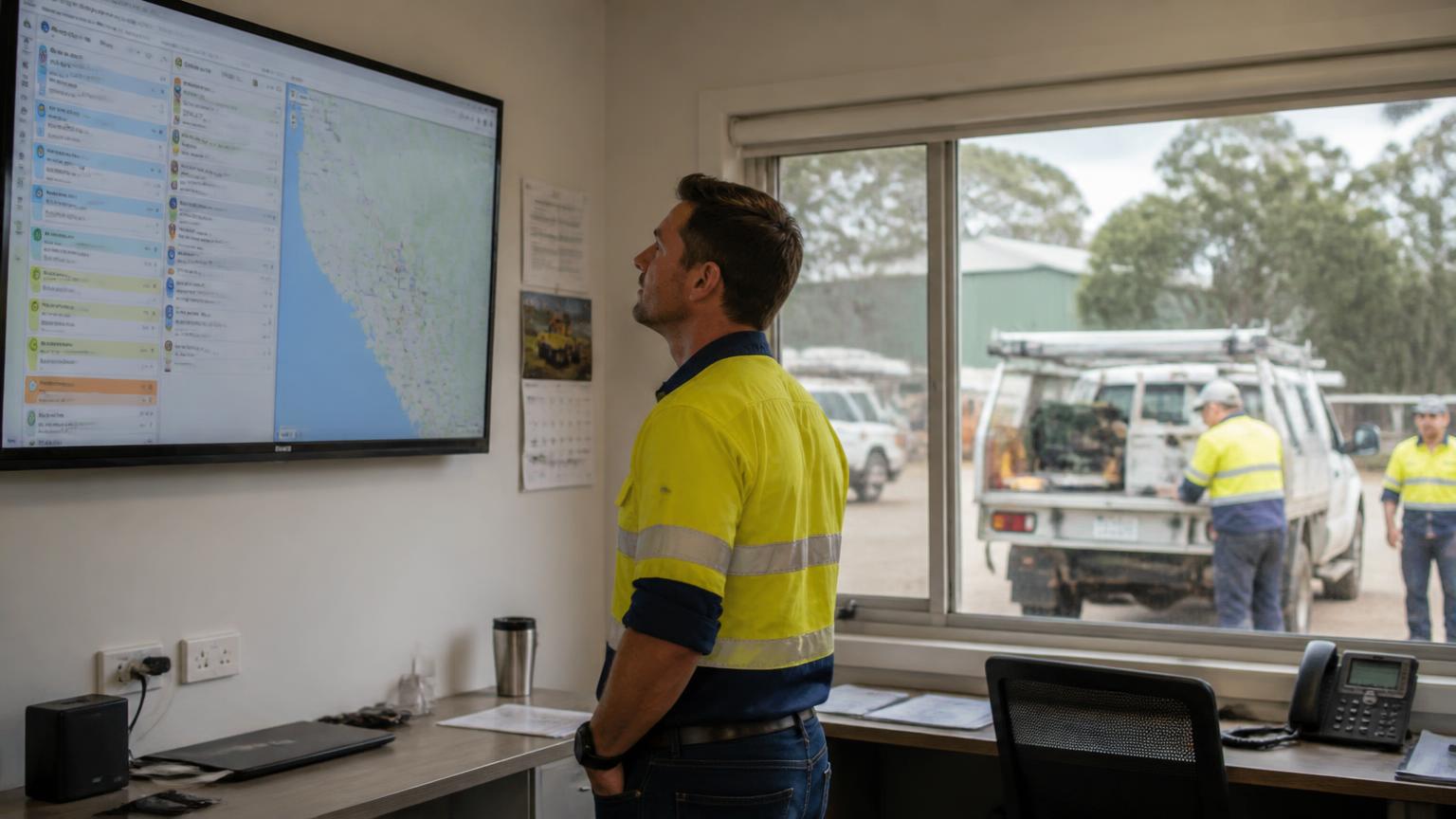
The practical difference is the chain. A quote becomes a project. The project generates workshop and field work orders. Crews are scheduled against real availability and current competencies — an expired ticket or medical stops the allocation rather than being discovered at the gate. Labour is captured on the shift, not reconstructed from memory at the end of the swing. Pre-starts, SWMS, permits, isolations and test records attach to the work order they belong to. Purchase orders and approvals live inside the job so costs land on the right code. And the invoice is generated from all of it, with the evidence already attached.
That's what removes the three things quietly costing contractors the most money: unbilled labour, disputed invoices, and admin staff hired to reconcile systems that don't talk to each other.
Related reading: How to choose a job scheduling app · What is a work order? · Connecteam pricing and alternatives.
Best job management apps — FAQs
Pricing figures are indicative publicly advertised Australian rates as at 2026 and change regularly — confirm current pricing with each vendor. Competitor names and trademarks belong to their respective owners.