Cloud vs on-premise field service software: what changes?
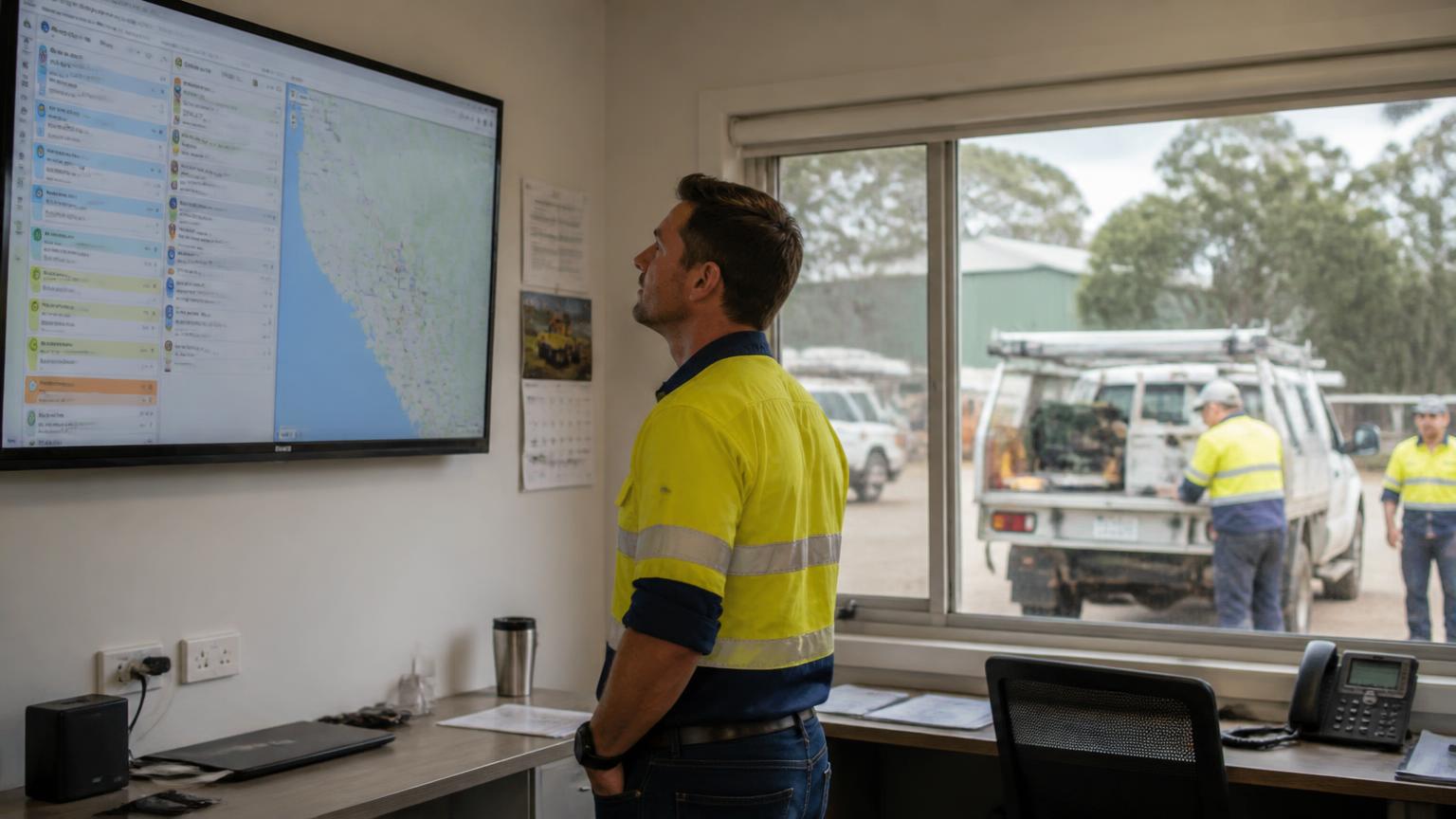
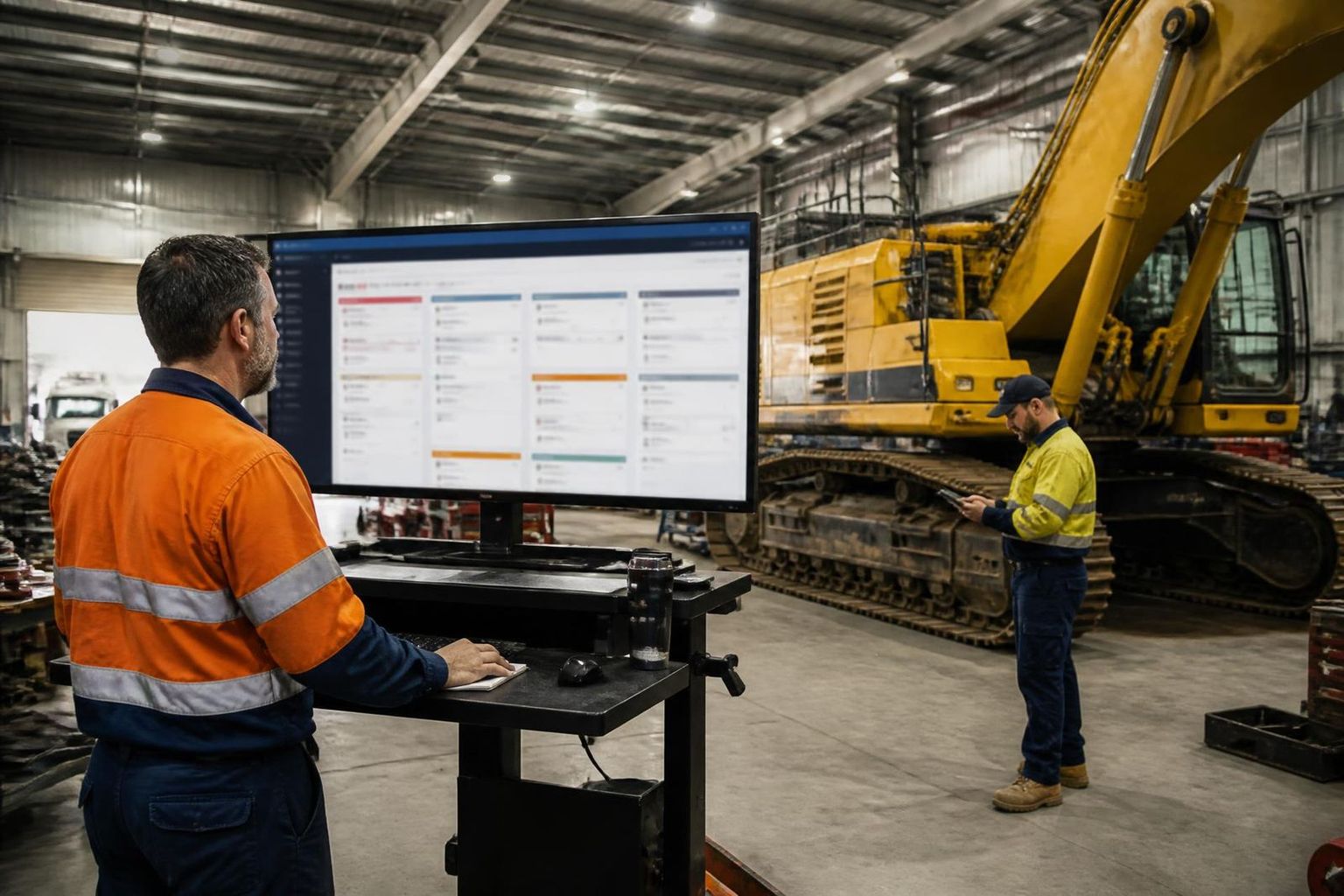
Cloud-based field service management moves the hosted application away from a server your business operates. Office staff typically use a browser; field crews use a mobile interface or app. The provider manages the hosted service within the contract, while your business still manages its people, access, devices and working procedures.
That distinction matters when a contractor’s administration team is in Perth or Mackay and its fitters are working across mine sites. Teams can work from a shared job record rather than emailing several versions of a docket. But an update captured offline is not visible to the office until it successfully syncs.
| Consideration | Cloud-hosted system | On-premise system |
|---|---|---|
| Hosting & updates | Provider operates the hosted service; confirm update and support terms. | Business or IT partner operates the server and manages updates. |
| Remote access | Internet access to hosted tools; mobile offline scope varies. | Remote access depends on the deployed network and software. |
| Costs | Check subscription plus setup, training, integrations and storage. | Check licences, infrastructure, IT support and maintenance. |
| Security & recovery | Confirm provider controls and your own responsibilities. | Confirm local controls, backup ownership and recovery arrangements. |
| Leaving the platform | Confirm export formats, retention and exit assistance. | Confirm data access and migration from the installed system. |
Neither deployment model guarantees the best outcome. The useful question is whether the system supports your contractor workflow with acceptable connectivity, access controls, support and total cost. For the broader category, read what field service management software does.
What should a mine service job look like from office to field?
Consider an illustrative maintenance contractor sending two fitters to inspect a pump at a client site. The important connection is not just a calendar appointment: it is the crew, site, equipment, labour and supporting evidence staying tied to the same job.
- Plan the work. Record the site, scope, equipment identifier and required resources. Allocate the crew around availability, travel and the client’s access requirements.
- Give the crew the job details. Workers need the correct instructions and site documents. Confirm what must be available on their device before entering a low-coverage area.
- Capture work against the job. Record labour, notes, photos and relevant forms. Equipment identity matters: “pump repaired” is less useful than a record tied to the correct asset.
- Review and hand off. The supervisor checks completed work and hours. Office staff use the reviewed record for costing, invoicing or the configured payroll process, with exceptions resolved before transfer.
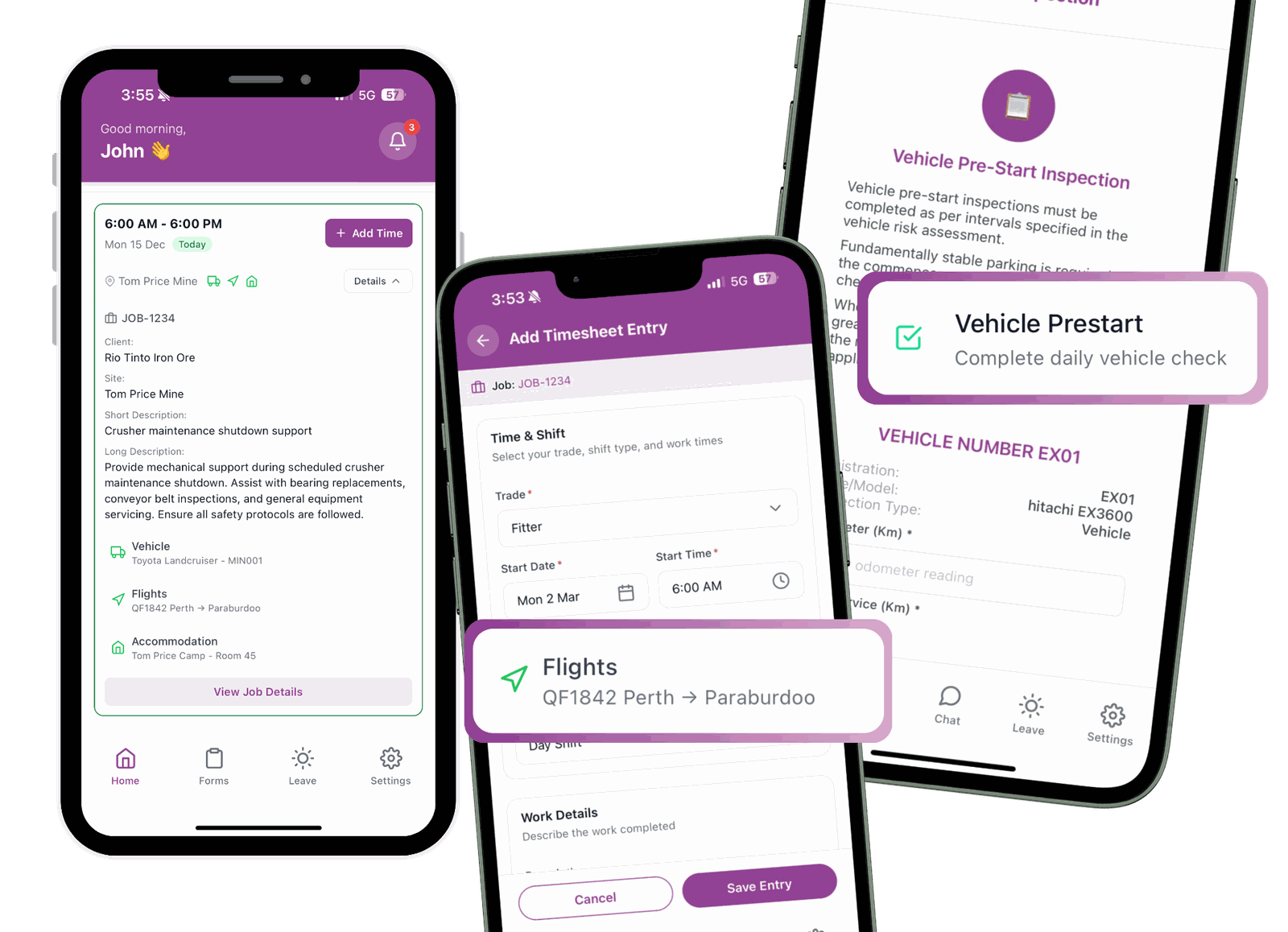
SprintSuite’s field service management tools cover job allocation, scheduling, field records and connected office workflows. The Field Service App supports digital job cards, timesheets, photos, forms and offline capture with later sync. Confirm the exact offline actions for your job type in a demonstration.
For shutdowns and multi-day scopes, also check how to schedule field crews across multiple mining sites. A generic one-technician dispatch model is not enough for every mining team.
Does cloud software work on remote mine sites?
Only if its connectivity and offline behaviour match the work. Infrastructure Australia identifies mobile coverage gaps in regional and remote areas. Coverage must be checked at the actual work location, not inferred from a nearby town or office connection.
Separate three questions: can workers open the job without reception, can they capture the required evidence, and can the office confirm a complete record after reconnection? An offline icon alone does not answer all three.
Run this four-stage offline trial before rollout
Use trial data, follow site device rules and keep operational communications available. Field service software does not replace permits, emergency systems or a mine’s safety procedures.
Australian mining context: Pilbara, Bowen Basin and Hunter Valley
The cloud model may be the same, but contractor logistics are not. Use regional context to build the demonstration brief rather than assuming software automatically solves travel, fatigue or site access.
Pilbara, Western Australia
For contractors coordinating Perth administration and Pilbara field work, test remote job access, handover between swings and equipment history. Include representative travel and low-coverage locations in the trial.
Mackay and the Bowen Basin, Queensland
For workshop-to-mine teams, test how a workshop task becomes a field job and how labour and equipment records follow it. Include overlapping shutdown work and more than one crew in the scheduling demonstration.
Newcastle and Hunter Valley, New South Wales
For contractors servicing multiple clients and sites, check site-specific instructions, crew allocation and supervisor review. Keep each client’s scope, job evidence and invoice references distinguishable.
What should mining contractors check before choosing cloud FSM?
Security, data location and access
ASD’s cloud shared responsibility guidance explains why responsibilities remain with both customer and provider. Ask where production data and backups are stored, how accounts are protected, what access different users receive, and what happens when a device is lost or an employee leaves.
Where the Privacy Act applies, APP 11 requires reasonable steps to protect personal information. Review staff and client data with the appropriate advisers. Cloud hosting or Australian data location alone is not proof of compliance. Review SprintSuite’s published security information and confirm requirements in writing.
Integrations and the real total cost
Ask for an end-to-end demonstration from a field timesheet to approved hours and the relevant accounting or payroll handoff. Identify which fields transfer, which system owns each record and who fixes errors. An integration logo does not establish that every workflow is automatic; our field service accounting integration guide covers these checks.
Request pricing for your office users, field workforce, required modules and sites. Include setup, migration, training, integrations, attachment storage, support and exit costs. No universal subscription figure describes every mining contractor’s implementation.
Rollout, support and a practical exit plan
Start with one representative crew and a supervisor, not the entire workforce. Agree how success will be checked: complete job records, reliable sync, reviewed hours and fewer unresolved handoff exceptions. Keep a documented fallback for connectivity or service interruptions.
Before signing, confirm support hours against your rosters, incident response, backup recovery commitments, data export formats and deletion or retention arrangements. A useful trial proves the actual job workflow, not just an attractive dashboard.
See your mining workflow in SprintSuiteCloud field service management software: common questions
Sources and further reading
General cloud, connectivity and privacy guidance informs the buyer checks above. Product descriptions are based on SprintSuite’s published pages; confirm feature scope and contractual commitments with the team.