Quick Answer
To choose the right job scheduling app for a field service team:
- Map how jobs actually move today — quote/received to dispatched, done and invoiced.
- Score against must-haves — native mobile app, tickets, sites/assets, dispatch visibility, timesheets and invoicing.
- Trial 2–3 finalists with a real crew for 2–4 weeks on real jobs — not the vendor's sandbox.
- Cost it over 3 years — licences + implementation + integrations + support + your time.
- Roll out with an owner and a deadline — start with daily dispatch, then add quoting, timesheets and invoicing.
Skip the buyer's-checklist stage and you'll usually re-tender within 18 months.
What is a job scheduling app?
A job scheduling app is a mobile-first tool that lets field service teams plan, dispatch, track and complete work orders from a phone or tablet. For Australian field service — mining maintenance, heavy industry, mechanical, electrical, HVAC and specialist trades — that means an offline-tolerant mobile app, drag-and-drop dispatch, ticket and induction enforcement, site and asset awareness, and rostered hours flowing into timesheets, job costs and invoices.
Generic "job scheduling apps" built for cleaners, dog walkers and suburban trades look great in a demo and quietly break the moment you throw a Tier-1 induction, a 20-crew shutdown day and a 5am callout with one bar of signal at them. The bar for field service is higher — and choosing the wrong app is expensive to unwind once dispatch, timesheets and invoicing are running through it.
What to look for in a job scheduling app
A real mobile app, not a mobile website
A job scheduling app lives in your crew's pocket. It has to load fast on 4G, tolerate patchy signal at site, cache today's jobs offline, and let a supervisor accept, reassign or complete a work order in a few taps — not a 12-field form.
Built for field service, not offices
Field service isn't retail cleaning rounds. The app should handle site inductions, travel time, remote camps, plant/equipment allocation and multi-day jobs — not just a colour-coded daily grid built for a suburban plumber.
Ticket, licence and induction enforcement
The app should refuse to allocate a work order to a technician whose HRWL, EWP, confined space or site induction has expired — and warn dispatch before the job is even offered. Manual policing is where audits fail.
Sites, assets and jobs — not just names on a grid
Good job scheduling apps know which site, which asset and which customer a work order belongs to. That's what lets you cost jobs properly, answer Tier-1 audit questions in minutes, and stop double-booking crews across sites.
Flows into timesheets, quotes and invoices
A scheduled job is only useful if it becomes a timesheet, a job cost and eventually an invoice. Look for a job scheduling app that closes that loop — not one that lives in its own silo and needs a spreadsheet to reconcile every Friday.
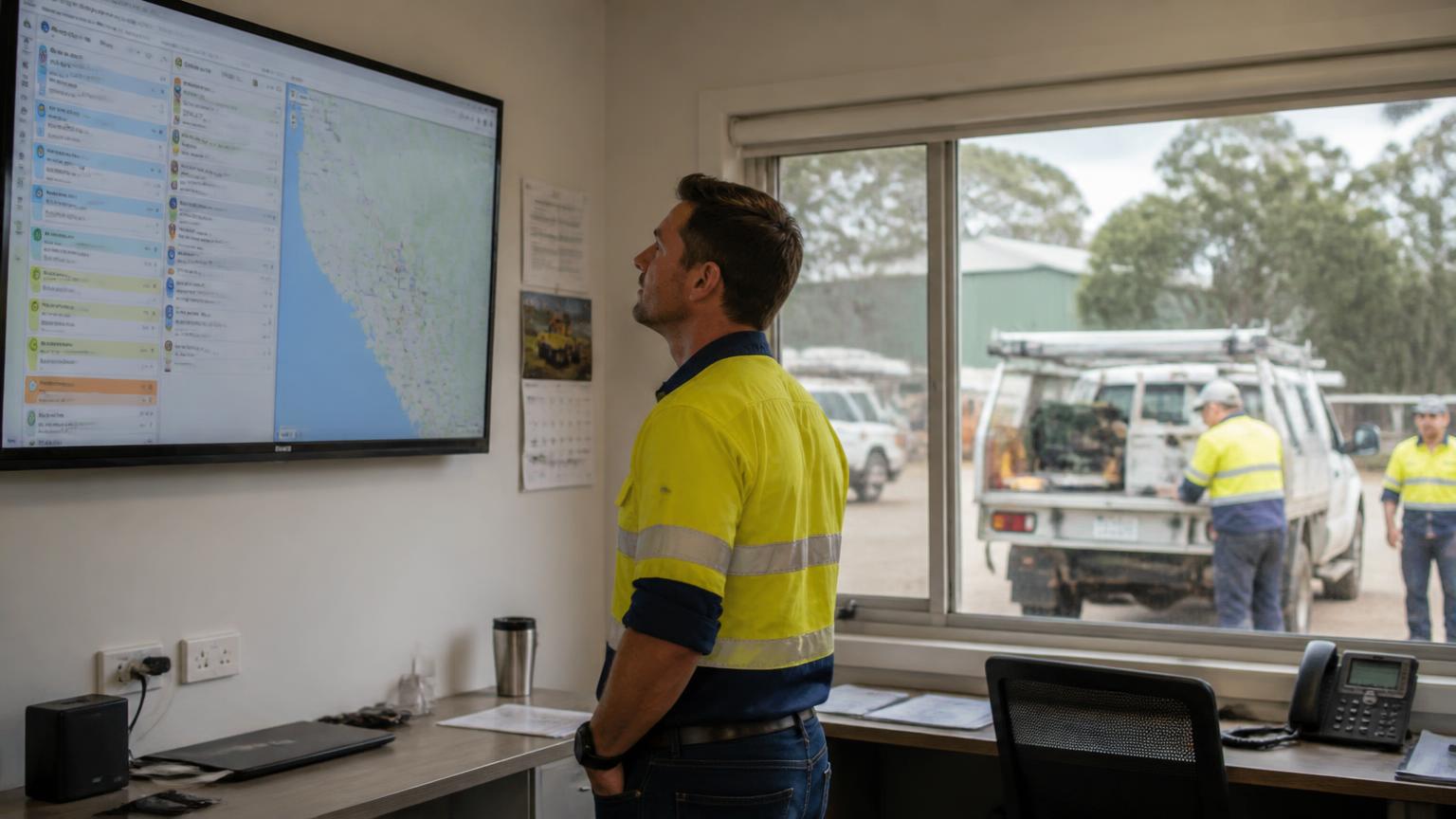
Live visibility for dispatch and ops
Dispatch needs to see who's on which job right now, what's running late, and what's about to blow out. If the app can't answer 'where is job #4821 up to?' without a phone call, it's a rostering board — not a live job scheduling app.
How to actually choose it — a 5-step process
Map how a job actually moves today
Before shortlisting anything, write down how a job gets from quoted or received to dispatched, done and invoiced. Any job scheduling app you buy has to fit that flow — not force your crew to invent a new one for a demo.
Score against your must-haves
Score shortlisted apps against the criteria above — mobile-first, field service fit, tickets, sites/assets, timesheets and invoicing, dispatch visibility. Nice-to-haves come after. If an app fails a must-have, it's out — no matter how slick the marketing site is.
Trial with a real crew for 2–4 weeks
Trial 2–3 finalists with a real crew on real jobs — breakdowns, callouts, shutdowns, the lot. Vendor sandboxes don't tell you if the app survives a 5am callout with 1 bar of signal and a supervisor who's already had two coffees too many.
Cost it over 3 years, not 1
Total cost = licences + implementation + integrations + support + your time. Watch USD pricing on Australian invoices, per-user creep as crews scale, and 'included' modules that turn out to be top-tier only. Sticker price is rarely the real number.
Roll out with one owner and one workflow first
Pick a named owner, a go-live date and one workflow to move first — usually daily dispatch. Add quoting, timesheets and invoicing in sequence. Rollouts fail when everything moves at once and no one owns the outcome.
Australian buyer's checklist
- Native mobile app for iOS and Android — offline-tolerant, fast on 4G, not a shrunk-down web form.
- Drag-and-drop dispatch board with live status — assigned, en route, on site, complete.
- Ticket, licence and induction enforcement on allocation — no expired HRWLs sneaking onto a job.
- Links jobs to sites, assets, customers and work orders — not just people and time slots.
- Priced in AUD, hosted in Australia, mapped to the awards and site rules you actually work under.
- Rostered and completed hours flow into timesheets, job costs and invoices without re-keying.
- Open API or native connectors to your accounting, payroll and ERP — no fragile CSV exports.
- Vendor understands mining, heavy industry and field service — not just cafés, cleaners and mobile mechanics.
- Clear SLA, Australian support hours and a real implementation team — not just a chatbot and a help centre.
Red flags to walk away from
USD pricing on Australian invoices
You'll pay whatever the AUD does against the USD at every renewal. Fine for a five-user pilot; brutal at 200 workers across a shutdown.
'Field service' branding, retail DNA
If the app was clearly built for cleaners, hairdressers or dog walkers and then repainted for 'trades', the workflows will show it the first time a shutdown or a Tier-1 induction hits.
No ticket or induction enforcement
If the app can't stop dispatch allocating a work order to a technician with an expired HRWL or site induction, it's not a mining-ready job scheduling app — it's a shift board with a hi-vis wrapper.
Timesheets, quotes and invoices sold separately
The value of a job scheduling app is the flow from dispatch to invoice. If those modules are separate products from different vendors, you're rebuilding a lot of it yourself in spreadsheets and Xero exports.
Demo dataset that never breaks
Ask the vendor to dispatch a 20-crew day across three sites with two expired tickets, a callout at lunchtime and a swap request. If the demo dataset is a Potemkin village, so is the real-world performance.
Who this applies to
Mining maintenance & shutdown crews
Callouts, planned maintenance and shutdown work across Bowen Basin, Pilbara, Hunter Valley and Goldfields sites — with inductions, tickets and Tier-1 compliance baked into every dispatch.
Mechanical, electrical & HVAC field service
On-site service and repair across multiple customers and assets — where the same technician might touch three sites in a day and each job needs a proper work order, not a Post-it note.
Heavy equipment & workshop service
Field-based service on trucks, loaders and plant — with parts, tickets, safety and workshop capacity all visible against the daily schedule.
Rope access, drilling & specialist trades
High-risk, permit-critical jobs where a missing ticket or induction doesn't just delay work — it stops it, and the app has to know that before dispatch, not after.
Related reading: What is job scheduling software? · How to choose staff scheduling software · What is field service software? · What is a work order?.