Quick Answer
The best time tracking software for Australian crews captures hours offline, interprets your award or EBA, codes time to jobs and cost codes, and exports approved hours to payroll and invoicing. SprintSuite is built for Australian mining, shutdown and field service contractors. Among general platforms, Deputy suits shift-based retail and hospitality, Xero and MYOB timesheets suit small office teams already on those payroll systems, and Toggl, Harvest or Clockify suit agency and professional services time tracking.
What time tracking software actually has to do
A time clock answers one question: was this person here? Time tracking software has to answer three — what do we owe them, what did the job cost, and can we prove it. That means raw hours in, pay rules applied, supervisor approval recorded, and the same approved hours feeding payroll, client claims and job costing without anyone re-typing a number. If your current system tells you attendance but not recovery rate, it's a clock, not time tracking software.
8 things to look for in time tracking software
1. Works where the work happens
Pits, underground drives, workshops and remote camps lose coverage. The best software for time tracking on Australian sites captures hours on the device and syncs later, otherwise crews quietly revert to paper dockets.
2. Australian award and EBA interpretation
Ordinary hours, overtime, penalties, site allowances, travel days and RDOs must be applied to raw hours automatically. This is where most overseas time tracking software falls over.
3. Hours coded to jobs and cost codes
Payroll needs a total; your margin needs to know which job, client, cost code or plant item the hours belong to. Good time tracking software captures both in a single entry.
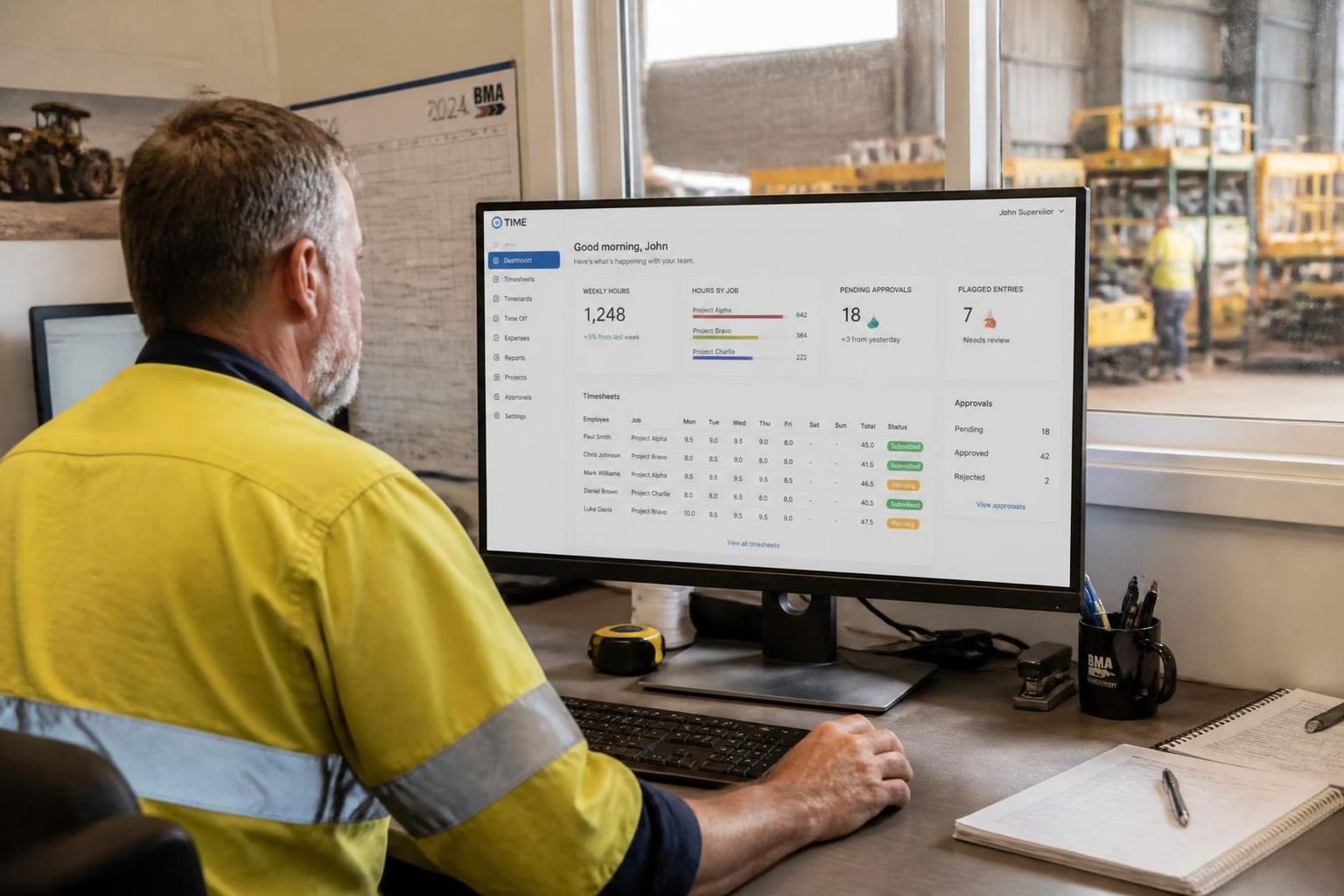
4. Approval and audit trail
Time records are financial and WHS evidence. You want submit, review, adjust and approve with a clear history of who changed what and when.
5. Payroll and invoicing integration
Approved hours should flow into payroll and client claims without re-keying. Every manual step is a pay error, a correction, and a crew waiting on money.
6. Fatigue and hours-of-work visibility
Consecutive shifts, break compliance and cumulative hours flagged live, not discovered in a monthly report after an incident.
7. Reporting people actually use
Quoted hours versus actual hours, recovery rate by job, overtime by crew. If the reports need a data analyst, they will not get run.
8. Australian support and data handling
Local support hours, Australian data residency and a payroll path that fits Single Touch Payroll reporting beat a longer feature list every time.
Time tracking software compared
A neutral read on the platforms Australian trade, mining and field service businesses shortlist most often. Confirm current pricing and features with each vendor before you commit.
| Platform | Best for | Main strength | Site / offline | Award & EBA rules | Reporting & payroll |
|---|---|---|---|---|---|
| SprintSuite | Mining, FIFO, shutdown and field service contractors | Time tracking software tied to jobs, rosters, plant and cost codes | Offline mobile capture that syncs when signal returns | Swing patterns, travel days, allowances and site loadings applied automatically | Hours by job, client, cost code and crew, plus payroll and invoicing export |
| Deputy | Shift-based retail, hospitality and multi-site teams | Clock-in kiosk with strong Australian award interpretation | Assumes reliable coverage | Solid award engine for standard shift work | Labour cost by location and shift |
| Xero / MYOB timesheets | Small office-based businesses already on those platforms | Shortest path from hours to a compliant pay run | Basic | Follows your payroll configuration | Payroll reporting only, limited job costing |
| Connecteam | Deskless teams wanting comms plus a time clock | GPS clock-in, forms and chat in one product | Partial offline support | No native Australian award engine | Attendance-led reporting, manual payroll mapping |
| Toggl / Harvest / Clockify | Office, agency and professional services | Task-level timers and clean billing reports | Not designed for site conditions | None | Billable utilisation rather than payroll or job cost |
| ERP time modules (SAP, Pronto, etc.) | Large enterprises with existing ERP investment | One source of truth across finance and HR | Usually needs a third-party mobile front end | Configurable but costly to change | Deep finance reporting, slow to adapt on site |
Best software for time tracking by scenario
Mining and shutdown contractors
You need offline capture, swing-aware timesheets, travel days and per-client cost codes so payroll and progress claims come off the same approved hours. Generic time tracking software cannot reconcile a 21-day shutdown.
Field service and mobile trades
Choose software that starts from the job, not the clock. Hours, travel, parts and notes captured once means invoices go out the same week the work happened.
Workshop and fabrication
Time against work orders is what turns quoted hours into a real recovery rate. Look for hours by job and by task, not just hours by person.
Small businesses and office teams
Under about ten office-based staff with no site complexity, your payroll platform's built-in timesheets are usually enough. Step up once jobs, sites or awards enter the picture.
How to choose — a five-step shortlist
Common mistakes when buying time tracking software
Time tracking rarely sits on its own. The roster is what your hours get measured against, so read employee rostering software for FIFO and mining and the best time tracking app for Australian crews for the mobile side of the same system.
Best time tracking software for site crews
SprintSuite — offline capture, swing and travel-day handling, job and cost-code coding, supervisor approvals and payroll export, built for Australian mining and field service.
Best simple option
Small office-based teams already on Xero or MYOB get the shortest path to a clean pay run from the built-in timesheets. Move up once jobs, sites or awards get complicated.
Related reading: Best time tracking app for Australian crews · Best staff rostering apps for FIFO & mining · What is rostering software? · How to choose staff scheduling software.