Why FIFO and Mining Rostering Is Different
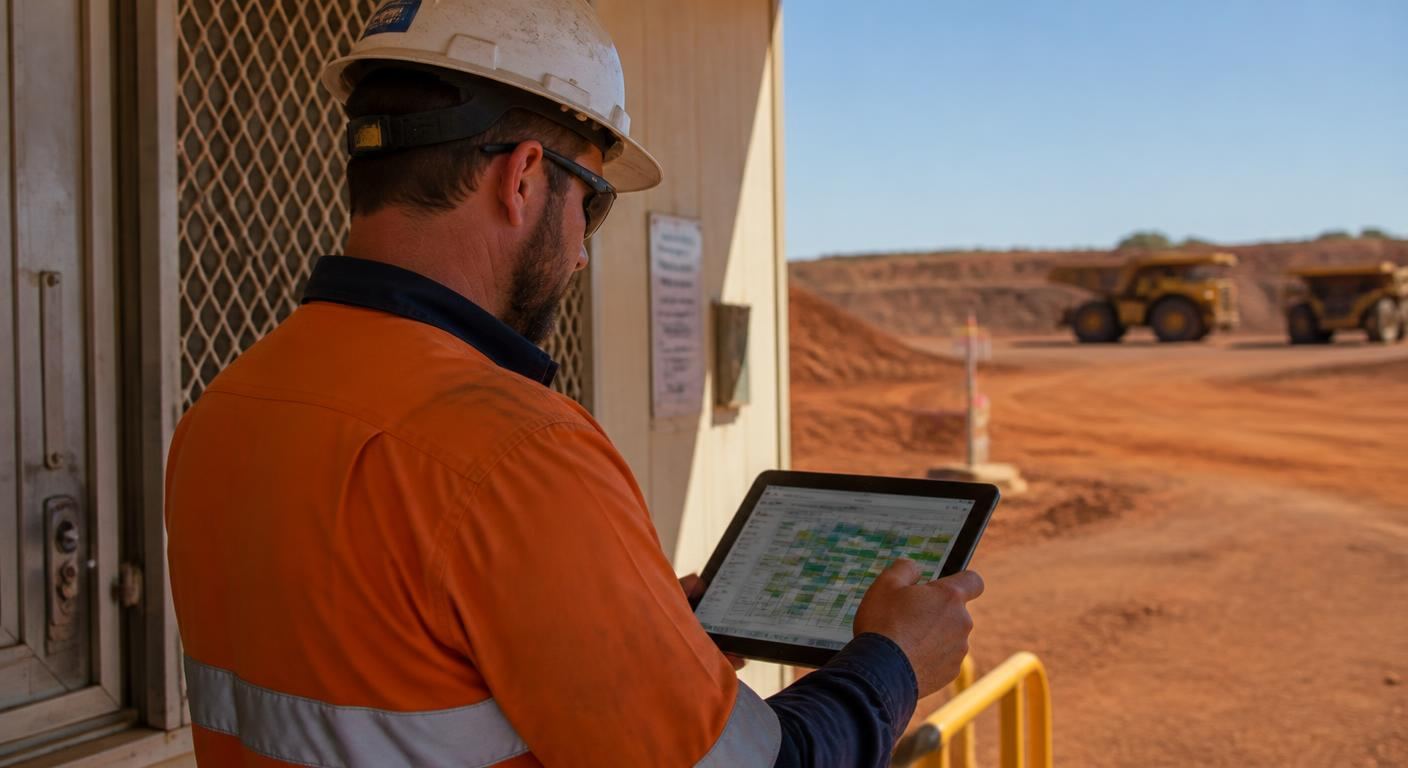
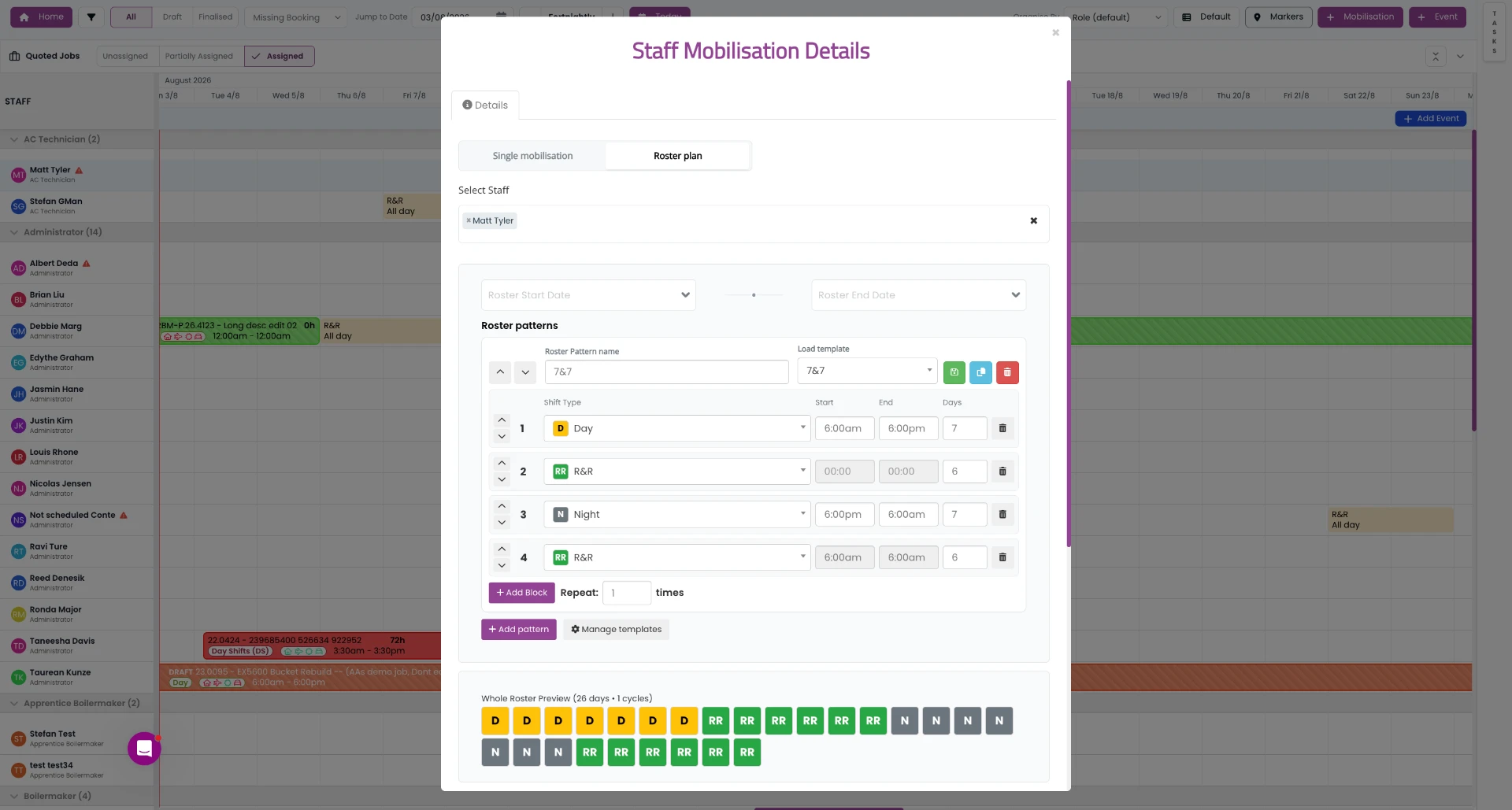
Rostering in mining isn't a weekly grid. Crews work repeating swing cycles — 7/7, 14/7, 2/1, 8/6, 9/5 — staggered so a site never loses coverage. A single roster change ripples into flight manifests, bus runs, camp bed allocation, site inductions, fatigue limits and payroll. Get it wrong and someone lands at a remote airstrip with no bed, or a supervisor discovers at pre-start that the only person on the crew with the right ticket went home yesterday.
That's why generic rostering apps struggle here. They assume workers live near the workplace, that a week is the natural planning unit, and that anyone can do any shift. FIFO and mining rostering breaks all three assumptions.
What Is Employee Rostering Software?
Employee rostering software is a system for planning, publishing and managing who works which shift. It stores roster patterns, assigns people based on skills, licences and availability, publishes shifts to workers on their phones, tracks swaps and changes, and passes the resulting hours through to timesheets and payroll.
In mining and FIFO operations, rostering software carries extra weight. It's the record of who was supposed to be on site, who actually was, whether they were qualified to be there, and whether the roster stayed inside your fatigue policy. That record matters during an incident investigation as much as it does at end of month.
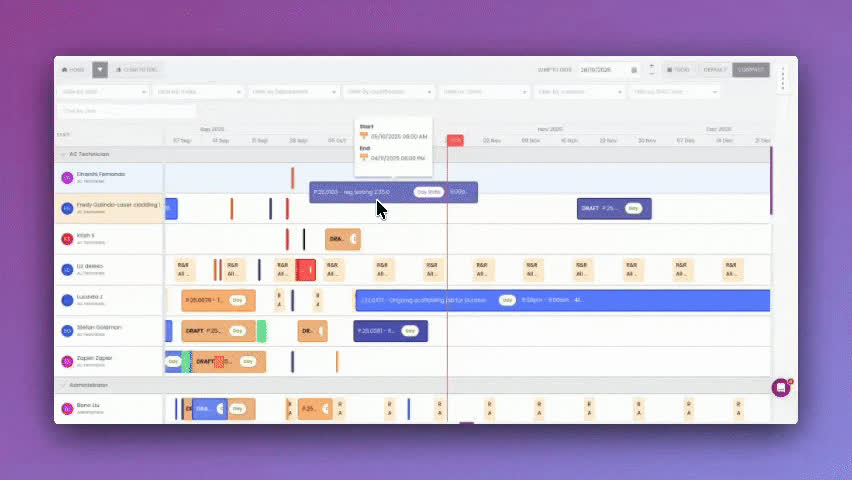
Rostering in SprintSuite: crews, shifts and coverage in a single view.
Rostering Apps vs Spreadsheets
Almost every contractor starts with a spreadsheet, and for one crew on one site it works. The cracks appear at scale. A spreadsheet can't tell you that the person you just rostered has an expired confined space ticket, can't notify the crew that the roster changed at 6pm, and can't stop two supervisors editing different copies of the same file.
| Task | Spreadsheet roster | Staff rostering app |
|---|---|---|
| Publishing a change | Email or group chat, hope everyone reads it | Push notification to the affected workers only |
| Checking qualifications | Manual cross-reference against a training matrix | Blocked or flagged at the point of rostering |
| Swing patterns | Copy, paste and pray | Template applied and rolled forward automatically |
| Cost visibility | Calculated after payroll runs | Visible while the roster is being built |
| Audit trail | Whatever version was saved last | Every change logged with who and when |
| Worker access | Printed and pinned to the crib room wall | Live in a mobile staff roster app |
For a deeper comparison, read rostering apps vs contractor management software.
What to Look For in a Staff Rostering App
Real Swing Support
The staff rostering app must handle repeating multi-week swing cycles, not just Monday-to-Sunday weeks.
Compliance Built In
Licences, inductions, medicals and site access checked at the point of rostering.
Offline-Tolerant Mobile
Crews on remote sites need their roster to load without reception.
Roster to Timesheet Flow
Rostered hours should pre-fill timesheets so workers confirm rather than re-enter.
Award & Cost Awareness
Rates, allowances and penalties visible during rostering so budgets hold.
Multi-Site, Multi-Crew
One view across every site, crew and client contract rather than a spreadsheet per site.
Key Features of Mining Rostering Software
Swing Roster Templates
Build 7/7, 14/7, 2/1, 8/6 and custom FIFO patterns once, then roll them forward across crews automatically.
Drag-and-Drop Rostering
Move people between shifts, sites and crews visually, with clashes and gaps flagged as you go.
Mobile Staff Roster App
Crews view upcoming swings, travel dates and changes on their phone, and submit availability and leave requests.
Competency & Licence Checks
Stop a worker being rostered to a site or task when their induction, ticket or medical has expired.
Fatigue Rules
Enforce minimum breaks, maximum consecutive shifts and hours limits so rosters stay inside your fatigue policy.
Travel & Camp Coordination
Line up flight and bus manifests and camp bed allocation with the roster so nobody arrives without a bed.
Roster Cost Visibility
See labour cost, overtime exposure and penalty rates while you build the roster, not after payroll runs.
Coverage & Gap Alerts
Spot uncovered shifts, under-skilled crews and double-bookings before they turn into a last-minute phone call.
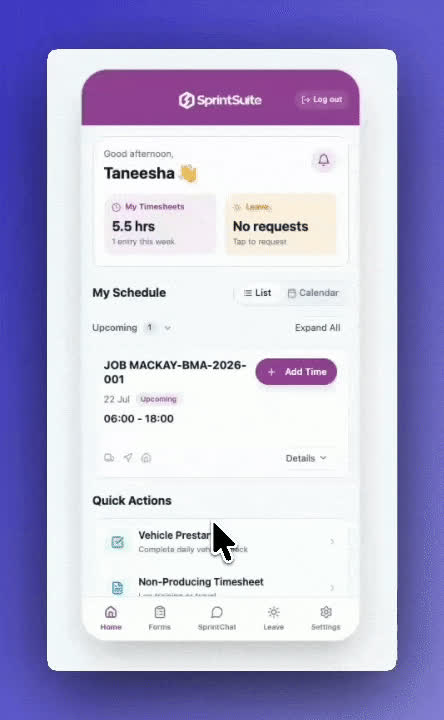
The staff roster app crews actually use — shifts, swings and changes on the phone in their pocket.
Rostering, Fatigue and WHS Compliance
The roster is where fatigue risk is created or avoided. Consecutive night shifts, short breaks between swings, back-to-back extensions to cover absences — these are roster decisions long before they become a safety incident. Rostering software that understands your fatigue policy will flag a breach while you're still building the roster, when it costs nothing to fix.
The same applies to competency. If a worker's high-risk work licence, site induction or medical has lapsed, the rostering app should stop them being assigned rather than leaving it to a supervisor at the gate. See our guides to fatigue management in mining and training matrix and workforce compliance.
From Rostering to Timesheets and Payroll
Rostering only pays for itself when the roster and the payslip are part of the same chain. The rostered shift becomes the expected hours. The worker confirms actual hours on site. The supervisor approves. Approved hours flow through with the right rates, allowances, travel and penalties applied.
The chain, end to end
Read more about payroll software for mining contractors and how rostering works for mining and trade workers.
Rostering for Shutdowns and Campaign Work
A shutdown roster is the hardest rostering problem most contractors face. Headcount can triple for three weeks, crews run day and night shifts, people arrive from multiple labour hire suppliers, and every one of them needs an induction before they touch a tool. Building that in a spreadsheet is how shutdowns lose their float in the first 48 hours.
Rostering software handles the surge by letting you build the shutdown roster as a separate campaign, check every arriving worker's compliance in advance, and hand supervisors a shift-by-shift crew list on their phone. More detail in our shutdown management guide.
Who Uses Rostering Software Like This
Mining Contractors
Rostering crews across multiple client sites, swings and contracts with full compliance visibility.
Maintenance & Shutdowns
Surge rostering for shutdown campaigns where headcount triples for three weeks.
Labour Hire
Match available, qualified people to client demand and keep the roster and billing aligned.
Drill & Blast
Roster licensed operators and shotfirers where the ticket, not just the person, determines coverage.
Workshops & Field Service
Blend fixed workshop rosters with mobile field crews in one rostering system.
Benefits of Employee Rostering Software
How to Build a FIFO Roster: Step by Step
Confirm the coverage the contract requires
Start from what the site needs each shift — headcount, roles and tickets — not from who you happen to have.
Choose the swing pattern
Pick the cycle that matches the coverage and the workforce you can retain: 7/7, 8/6, 14/7, 2/1 or a custom pattern.
Stagger the crews
Offset crew start dates so changeover never leaves a gap, and so handover overlaps where you need continuity.
Check compliance before you assign
Filter to people with a current induction, medical and the licences the role requires.
Apply fatigue rules
Validate minimum breaks between swings, consecutive shift limits and total hours before you publish.
Lock in travel and camp
Match the roster against flight, bus and bed capacity so mobilisation matches the plan.
Publish to the staff roster app
Push the roster to workers' phones so everyone sees the same dates, and changes reach the people affected.
Close the loop to payroll
Feed rostered hours into timesheets, approve, and pass the approved hours to payroll and client billing.
Related Reading
Latest Insights for Mining Contractors


Frequently Asked Questions
Why SprintSuite for FIFO and Mining Rostering
SprintSuite is built for Australian mining, engineering and heavy industry contractors — the businesses generic rostering apps were never designed for. Rostering sits alongside compliance, timesheets, job scheduling and payroll in one platform, so the roster isn't an island.
See Rostering Built for FIFO Crews
Walk through your swing patterns with our team and see how SprintSuite handles rostering, compliance and payroll in one connected platform.