Quick Answer
A work order management system is software that manages the full lifecycle of maintenance and service jobs — raising, approving, scheduling, dispatching, recording, closing out and reporting on every work order. It replaces paper dockets, spreadsheets and whiteboards with one numbered register that ties each job to an asset, a crew, labour hours, parts and a sign-off. For Australian mining, workshop and field service contractors, the value is job cost you can trust, less unplanned downtime, faster invoicing and an audit-ready compliance trail.
The short definition — and why it matters
A work order is one authorised job: what needs doing, on which asset, by whom, by when. A work order management system is the system of record for all of them. It answers the four questions most maintenance and field service businesses can't answer quickly: what's open, who's on it, what has it cost so far, and has it been signed off.
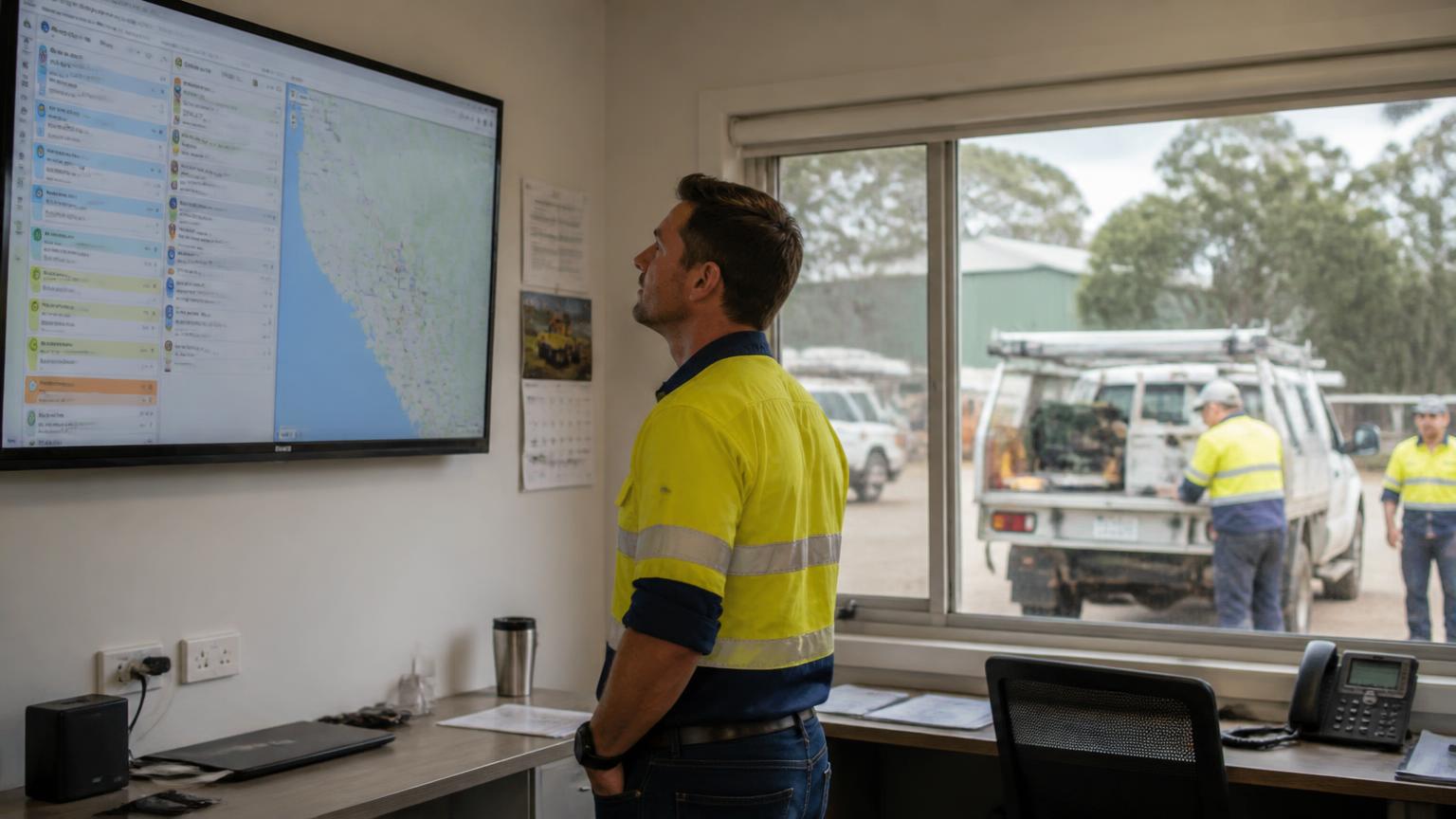
The failure mode without one is familiar. Jobs arrive by phone call, text message and radio. A supervisor holds the real schedule in his head. Hours get reconstructed on Friday afternoon, parts get matched to supplier invoices weeks later, and the only reliable number in the business is what the client eventually agreed to pay. A work order system fixes the sequence: capture first, then plan, then record as the work happens.
The work order lifecycle — 7 stages
Request or trigger
A work order starts from a breakdown report, a pre-start defect, a customer call, a planned service interval or a scheduled inspection. The system captures the request in one queue instead of a text message to a supervisor.
Review and approve
A planner or supervisor confirms the scope, priority and whether it needs a quote, a purchase order or client approval before anyone is assigned.
Plan and schedule
Labour, hours, parts, plant, permits and access windows are assigned to a date and a crew. This is where a work order management system stops being a list and starts being a schedule.
Dispatch to the crew
The job card lands on a phone or tablet with the asset details, history, checklists, drawings and safety requirements attached — including offline in the pit or underground.
Execute and capture
Technicians record labour hours, parts used, readings, photos, defects found and completed checklists against the work order as they go, not from memory that night.
Close out and review
The supervisor reviews the completed work order, signs it off, and the record becomes the maintenance history for that asset plus the basis for the invoice and the timesheet.
Report and improve
Completed work orders feed backlog, schedule compliance, planned versus reactive ratio, mean time between failures and cost per asset. That reporting is the whole reason to have the system.
10 core features of a work order management system
1. One work order register
Every job — reactive, planned, inspection, warranty, shutdown — in a single numbered register with status, priority and owner. No parallel whiteboard.
2. Asset and equipment history
Work orders attached to a plant number, serial or fleet item, so anyone can see what was done last time, what parts went in and what keeps failing.
3. Mobile and offline job cards
Crews complete work orders on a phone or tablet with no coverage and sync later. Without this, sites revert to paper dockets and the register goes stale.
4. Labour and time capture
Hours recorded against the work order, not just against the week — the only way to compare quoted hours to actual hours.
5. Parts, consumables and purchase orders
Parts requested, ordered and consumed against the work order so job cost is real rather than reconstructed from supplier invoices.
6. Checklists, forms and compliance
Pre-starts, isolations, permits, JSAs and sign-offs attached to the work order, giving you an evidence trail for audits and incident investigations.
7. Preventive maintenance scheduling
Work orders raised automatically on time, hours, kilometres or condition triggers, so servicing happens before failure instead of after it.
8. Approvals and audit trail
Who raised it, who approved it, who changed it and when. This is what makes a digital work order defensible in a dispute or a WHS investigation.
9. Reporting and dashboards
Backlog by asset, overdue work orders, planned versus reactive split, labour recovery and cost per unit — visible weekly, not at year end.
10. Invoicing and payroll integration
Approved hours and parts flow to invoicing and payroll from the same record, which is what shortens the gap between doing the work and being paid for it.
Work order system vs CMMS vs field service software
These terms get used interchangeably in vendor marketing. The distinctions are worth knowing because they decide whether the software fits a workshop, a mobile crew, or both.
| Term | What it means |
|---|---|
| Work order | A single authorised job — what needs doing, on which asset, by whom, by when. |
| Work order management system | The system that raises, approves, schedules, dispatches, records and reports on all of those work orders across your assets and crews. |
| CMMS | A computerised maintenance management system. Asset-centric: strong on maintenance history and PM scheduling, usually lighter on field dispatch and invoicing. |
| Field service management software | Customer- and job-centric: strong on dispatch, travel, quoting and invoicing for mobile crews, with work orders as the unit of work. |
| ERP work order module | Powerful financial and procurement integration, but often too heavy for a technician holding a tablet in the rain. |
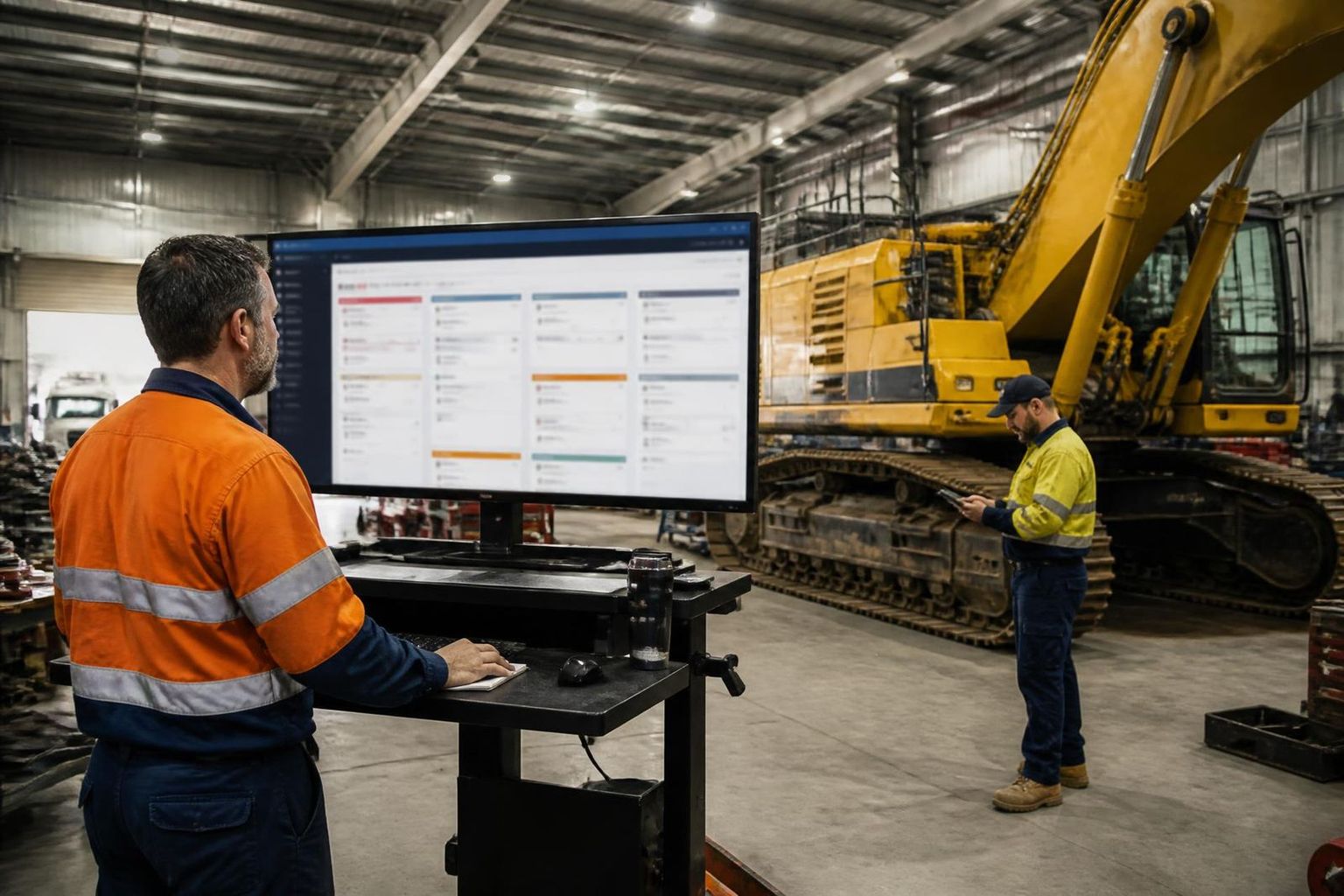
If your crews split their week between a workshop and a client site, you want work orders, an asset register and dispatch in the same platform. Read more on what field service software does.
What you get out of it
Nothing gets lost
Verbal jobs, texted photos and whiteboard notes disappear. A numbered work order with an owner and a due date doesn't.
You find out what jobs actually cost
Labour plus parts plus plant against each work order shows which jobs, clients and assets make money and which quietly don't.
Less unplanned downtime
Preventive work orders triggered by hours or condition turn breakdowns into scheduled servicing, which is far cheaper on a mine site than a callout.
Faster invoicing
Completed work orders with hours, parts and sign-off attached can be invoiced the same week instead of chased for three weeks.
Audit-ready compliance
Checklists, permits and sign-offs live with the job record, so producing evidence for a client audit or an incident review takes minutes.
Real maintenance data
After a few months you can see repeat failures, backlog trends and schedule compliance — the inputs to actually improving reliability.
How to implement one — 8 steps
Common mistakes
Start here if you're on paper
Build the plant register, define your work order types, and get one crew capturing hours and parts on a mobile job card. Everything else builds on that.
Non-negotiable for site work
Offline job cards, checklists and permits inside the work order, and an audit trail of who approved and closed it. Without those three, site crews stay on paper.
See work orders running end to end
SprintSuite manages work orders for Australian mining, shutdown, workshop and field service crews — offline job cards, plant and asset history, labour and parts capture, checklists and permits, then approved hours out to invoicing and payroll. Bring one real job and we'll run it through.
Related reading: What is a work order? · Work order template · How to track maintenance on mining machinery · How to track employee time in the workshop.