Which field service software solutions support offline work modes?
SprintSuite, ServiceM8, Simpro, Dynamics 365 Field Service and Salesforce Field Service offer broad offline modes that store jobs on the device. AroFlo[5], Jobber[7] and Fergus[8] support selected tasks offline — typically notes, photos and timers — while Tradify states it needs a live internet connection[10]. For remote and underground sites, choose an app that lets crews record time, safety forms and job evidence offline, not just view a schedule.
What “offline mode” actually means
Vendors use the same words for very different things. Sort every app into one of three levels:
The app stores the jobs a worker needs on the device and lets them complete most of the job without signal.
Selected actions — usually notes, photos and timers — work offline; others wait for signal.
The app needs a live connection; nothing can be recorded out of range.
Comparison: offline support in field service software
Based on each vendor's documentation, checked November 2026. Source numbers are in the platform sections below.
| Platform | Offline level | Still needs signal |
|---|---|---|
| SprintSuite | Full offline | Office-side approvals, invoicing and accounting sync happen after the device reconnects. |
| ServiceM8 | Full offline | Producing PDF quotes, invoices or forms, and sending email or SMS. |
| Simpro | Full offline | Initial download and periodic refresh; drafts are discarded if a user logs out before submitting. |
| AroFlo | Partial offline | Choosing tasks for offline use beforehand; queued entries are reviewed and pushed on reconnect. |
| Jobber | Partial offline | Location timers, editing existing notes, viewing older media and creating invoices. |
| Fergus | Partial offline | Confirm other job actions with Fergus — offline support is documented feature by feature. |
| Tradify | Online only | Everything. |
| Dynamics 365 Field Service | Full offline | First sync and profile changes; Microsoft notes its new mobile experience doesn't support offline. |
| Salesforce Field Service | Full offline | Priming the briefcase of records before going out of range. |
Platform by platform: what works without signal
SprintSuite
Full offline- Works offline
- Job details, timesheets and vehicle pre-starts on remote sites; data syncs automatically when signal returns.
- Best suited to
- Mining, engineering and heavy-industry crews on remote and underground sites.
- Works offline
- View synced jobs and schedules, update jobs, notes, photos, videos and signatures.
- Best suited to
- Small trade teams occasionally out of range.
- Works offline
- After a full first download, Simpro Mobile is designed to operate completely offline; drafts are kept while logged in.
- Best suited to
- Larger commercial service and maintenance contractors.
- Works offline
- Tasks made available offline in advance: view task details, notes and documents; record labour, materials, expenses and notes.
- Best suited to
- Australian trades who plan offline days ahead.
Jobber[7]
Partial offline- Works offline
- Today's saved schedule, timers, new notes and photos, checklists and marking visits complete.
- Best suited to
- Home and commercial service crews with patchy coverage.
- Works offline
- Job notes and files/photos in the Fergus Go app, which sync on reconnect.
- Best suited to
- Plumbing, electrical and HVAC businesses mostly in coverage.
Tradify[10]
Online only- Works offline
- Tradify states its web console and mobile app need a live internet connection.
- Best suited to
- Small teams that always work within mobile range.
- Works offline
- Admin-configured offline profile downloads bookings and work orders (default: today and the next seven days).
- Best suited to
- Enterprises on the Microsoft stack with an admin to manage profiles.
Salesforce Field Service[13]
Full offline- Works offline
- Create, edit and delete primed records offline, with conflict alerts on sync.
- Best suited to
- Enterprises already on Salesforce.
Offline behaviour changes between app versions and plans. Confirm with each vendor and test on your own devices.
Why offline mode matters on mine sites
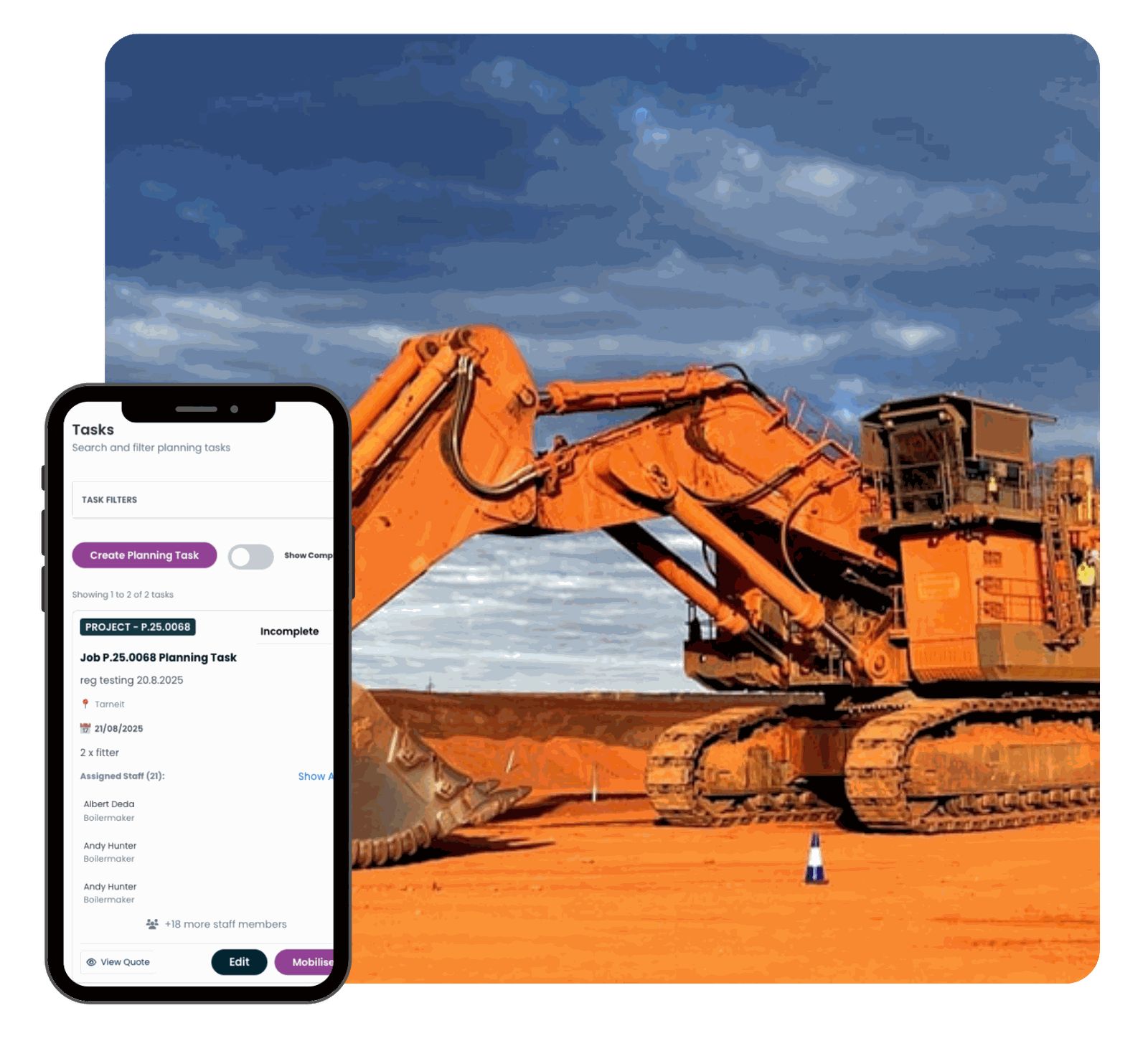
Remote pits, underground workings, processing plants and shutdown areas often have weak, restricted or no mobile coverage, and some sites limit personal devices. If the app stops working there, timesheets, pre-starts and hazard reports go back to paper and are re-keyed later — which is where hours, costs and safety records get lost.
- Timesheets: hours captured against the job on site — see staff management.
- Pre-starts and safety: forms completed where the work happens — see health and safety.
- Plant and assets: inspections and hours logged in the field — see asset management.
Offline mode records work; it is not a substitute for site radio or emergency communication procedures. For the wider picture, read our guide to cloud-based field service software for mining or explore SprintSuite field service.
Six things to check before you buy
What is stored on the device
Which jobs, documents, drawings and forms are downloaded — and for how many days ahead.
What can be created offline
New timesheet entries, notes, photos, forms, signatures and materials, not just viewing.
Sync and conflict handling
What happens if the office edits a job the worker also changed offline.
Visible sync status
A clear 'waiting to sync' indicator so nobody assumes data has reached the office.
Data safety
Whether unsynced data survives logging out, a flat battery or an app update.
Safety forms offline
Pre-starts, take-5s and hazard reports must be completable underground or in remote pits.
How to test an app's offline mode in 15 minutes
- Load a real job, then put the device in flight mode.
- Record a timesheet, a pre-start, notes, photos and a signature.
- Close and reopen the app, still offline, and confirm nothing is lost.
- Have the office edit the same job, then reconnect and check how the conflict is handled.
- Confirm the records appear once, against the right worker and job.
Related reading
Frequently asked questions
Sources
- ServiceM8 Support: Does ServiceM8 work offline?
- ServiceM8: Field service mobile app: offline access
- Simpro Help Guide: Simpro Mobile login and setup
- Simpro Help Guide: Simpro Mobile FAQs
- AroFlo Help: Offline Mode
- AroFlo: February 2026 product updates
- Jobber Help Center: Use the Jobber app offline
- Fergus Help Center: Notes in Fergus Go
- Fergus Help Center: Files, photos and videos in Fergus Go
- Tradify Help Centre: Does Tradify work offline?
- Microsoft Learn: Set up the mobile offline profile
- Microsoft Learn: Work offline and update offline data
- Salesforce Help: Offline priming in the Field Service mobile app
SprintSuite details come from our Field Service App page. Accessed November 2026.