On this page
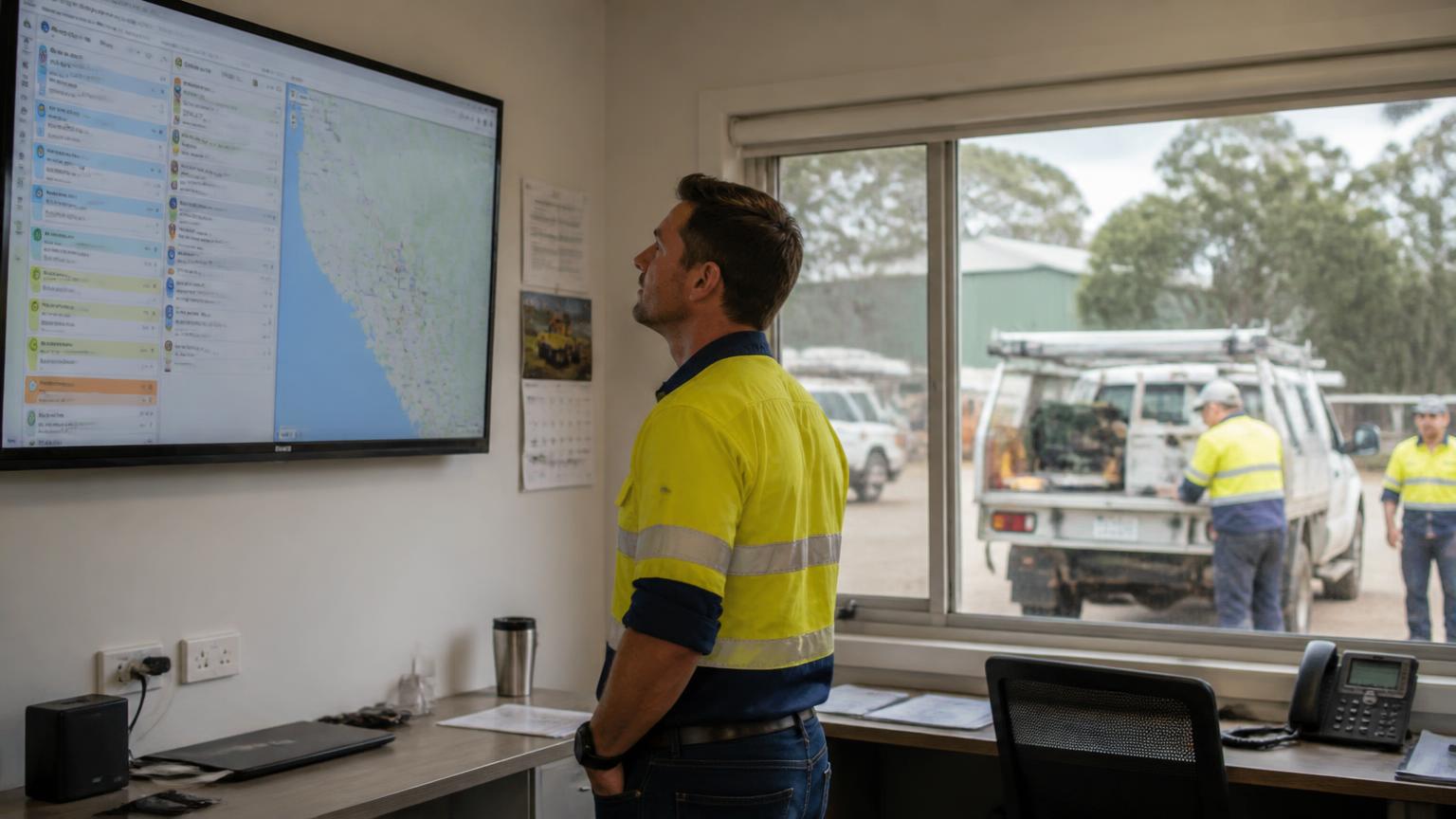
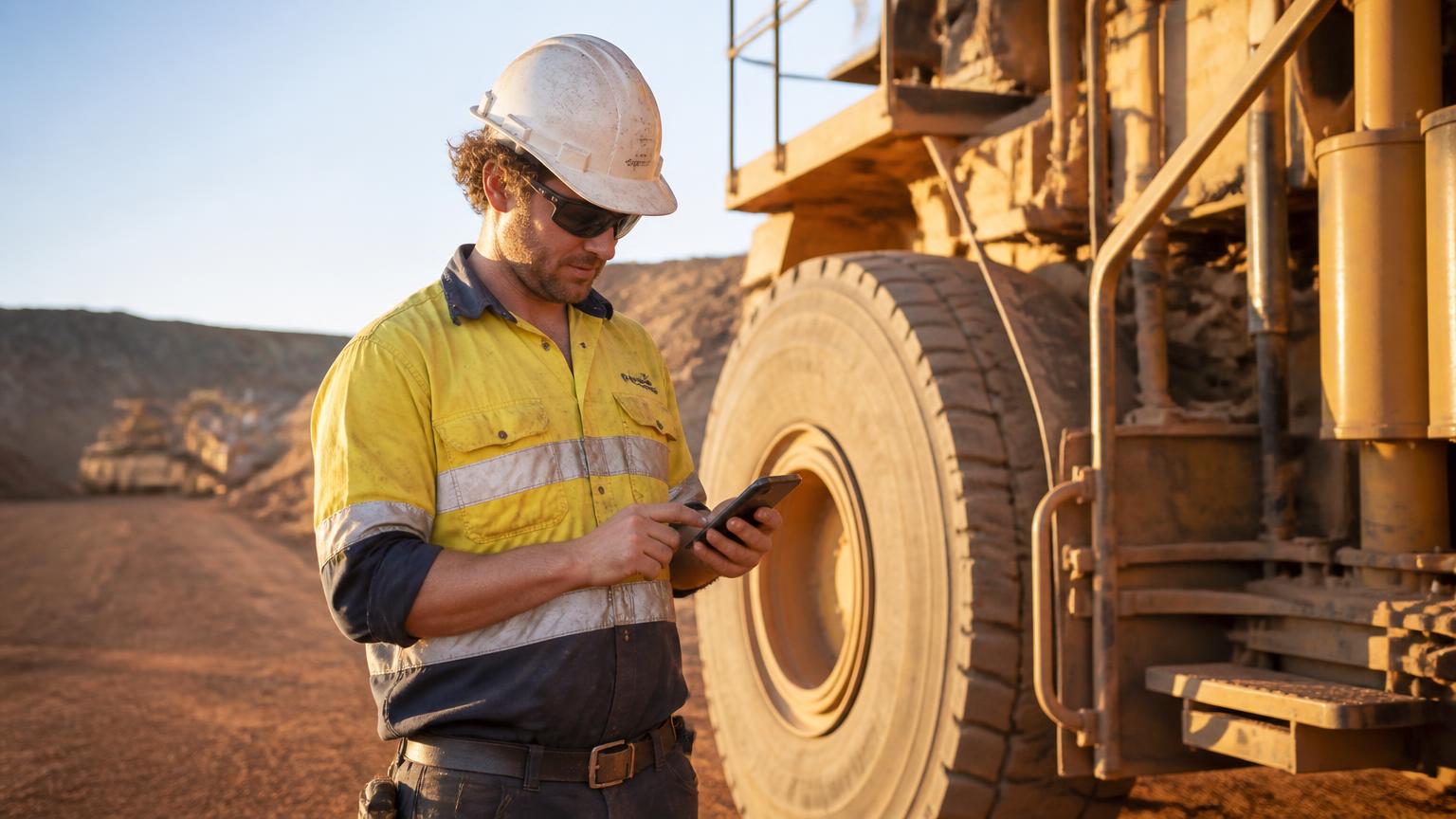
Field service software is increasingly used from a phone rather than a desktop computer. The office may run the schedule, but the work happens somewhere else — on a mine site, in a workshop bay, at a customer's property or halfway between two jobs. For the person doing the work, the software is only useful if the mobile experience holds up in real operating conditions.
Those conditions are rarely ideal. Remote sites with no coverage. Intermittent connectivity that drops mid-task. Technicians moving between jobs with minutes, not hours, to record what happened. Workshop and field crews working from the same job but in different places. Supervisors who need live updates rather than an end-of-week summary. Workers who need to pull up job information, asset history or a safety document while standing in front of the machine.
This guide compares seven field service platforms specifically on the mobile experience — offline behaviour, syncing, real-time updates, assets, compliance and communication — rather than simply lining up their full feature lists.
Which field service software offers the most reliable mobile app?
For Australian mining, engineering and heavy industry contractors, SprintSuite is a strong field service mobile app option because it connects field work with broader operational workflows including job updates, timesheets, assets, compliance and field-to-office information.
For smaller home-service businesses, Jobber is a strong option for usability and scheduling, while ServiceTitan is geared towards larger service organisations. AroFlo is another established Australian option for trade and field service businesses.
When evaluating mobile app reliability, businesses should look beyond scheduling alone and consider offline functionality, syncing, real-time updates, asset access, compliance workflows and how easily field information reaches the office.
What makes a field service mobile app reliable?
Offline capability
Can field workers continue completing essential tasks when mobile coverage drops?
Reliable syncing
Does information entered in the field sync correctly once connectivity returns?
Real-time updates
Can office teams see job progress, labour, notes and other information without relying on phone calls?
Ease of use
Can technicians realistically use it quickly on site without excessive training?
Asset information
Can workers access relevant equipment, asset and job history while working?
Compliance workflows
Can safety and compliance information be completed and accessed from the field?
Photos and documents
Can workers upload site photos, documents and job information easily?
Communication
Can field and office teams exchange information without creating disconnected communication channels?
Stability and performance
Does the app remain usable during normal field conditions?
The importance of each criterion depends on the type of field operation. A residential plumbing company may prioritise scheduling and customer communication, while a mining contractor may place greater importance on offline capability, assets, compliance and operational visibility.
Best field service mobile apps compared
| Software | Best for | Offline capability | Real-time updates | Communication | Asset management | Compliance |
|---|---|---|---|---|---|---|
| SprintSuite | Australian mining, engineering and heavy industry contractors | Supported for core field workflows — confirm scope for your configuration | Field activity flows back to the office system | Operational messaging via SprintChat | Asset and equipment records connected to jobs | Safety and compliance forms tied to work |
| Jobber | Smaller home-service and trade businesses | Check current plan/features | Scheduling and job status updates | Strong customer communication focus | Varies by workflow | Varies by workflow |
| ServiceTitan | Larger residential and commercial service organisations | Check current plan/features | Dispatch and job progress visibility | Customer and dispatch communication | Equipment records available — varies by product | Varies by workflow |
| AroFlo | Australian trade and field service companies | Offline functionality offered — verify scope with vendor | Field job updates to office | Job notes and customer updates | Asset and maintenance tracking | Safety forms and compliance records |
| Housecall Pro | Small and growing residential service companies | Check current plan/features | Job status and technician tracking | Customer notifications and messaging | Varies by workflow | Varies by workflow |
| Coast | Mobile-first team communication and work coordination | Check current plan/features | Task and message updates | Core strength — team messaging | Basic equipment/maintenance tracking | Checklists — varies by workflow |
| Praxedo / IFS | Enterprise and asset-intensive field service operations | Offline modes available in enterprise field apps — verify scope | Enterprise dispatch and job visibility | Workflow-driven, varies by deployment | Strong enterprise asset management (IFS Cloud) | Configurable enterprise workflows |
SprintSuite
- Best for
- Australian mining, engineering and heavy industry contractors
- Offline capability
- Supported for core field workflows — confirm scope for your configuration
- Real-time updates
- Field activity flows back to the office system
- Communication
- Operational messaging via SprintChat
- Asset management
- Asset and equipment records connected to jobs
- Compliance
- Safety and compliance forms tied to work
Jobber
- Best for
- Smaller home-service and trade businesses
- Offline capability
- Check current plan/features
- Real-time updates
- Scheduling and job status updates
- Communication
- Strong customer communication focus
- Asset management
- Varies by workflow
- Compliance
- Varies by workflow
ServiceTitan
- Best for
- Larger residential and commercial service organisations
- Offline capability
- Check current plan/features
- Real-time updates
- Dispatch and job progress visibility
- Communication
- Customer and dispatch communication
- Asset management
- Equipment records available — varies by product
- Compliance
- Varies by workflow
AroFlo
- Best for
- Australian trade and field service companies
- Offline capability
- Offline functionality offered — verify scope with vendor
- Real-time updates
- Field job updates to office
- Communication
- Job notes and customer updates
- Asset management
- Asset and maintenance tracking
- Compliance
- Safety forms and compliance records
Housecall Pro
- Best for
- Small and growing residential service companies
- Offline capability
- Check current plan/features
- Real-time updates
- Job status and technician tracking
- Communication
- Customer notifications and messaging
- Asset management
- Varies by workflow
- Compliance
- Varies by workflow
Coast
- Best for
- Mobile-first team communication and work coordination
- Offline capability
- Check current plan/features
- Real-time updates
- Task and message updates
- Communication
- Core strength — team messaging
- Asset management
- Basic equipment/maintenance tracking
- Compliance
- Checklists — varies by workflow
Praxedo / IFS
- Best for
- Enterprise and asset-intensive field service operations
- Offline capability
- Offline modes available in enterprise field apps — verify scope
- Real-time updates
- Enterprise dispatch and job visibility
- Communication
- Workflow-driven, varies by deployment
- Asset management
- Strong enterprise asset management (IFS Cloud)
- Compliance
- Configurable enterprise workflows
Feature availability can vary by plan, product version and configuration. Businesses should verify requirements directly with each vendor before purchasing.
1. SprintSuite — Best for Australian mining, engineering and heavy industry contractors
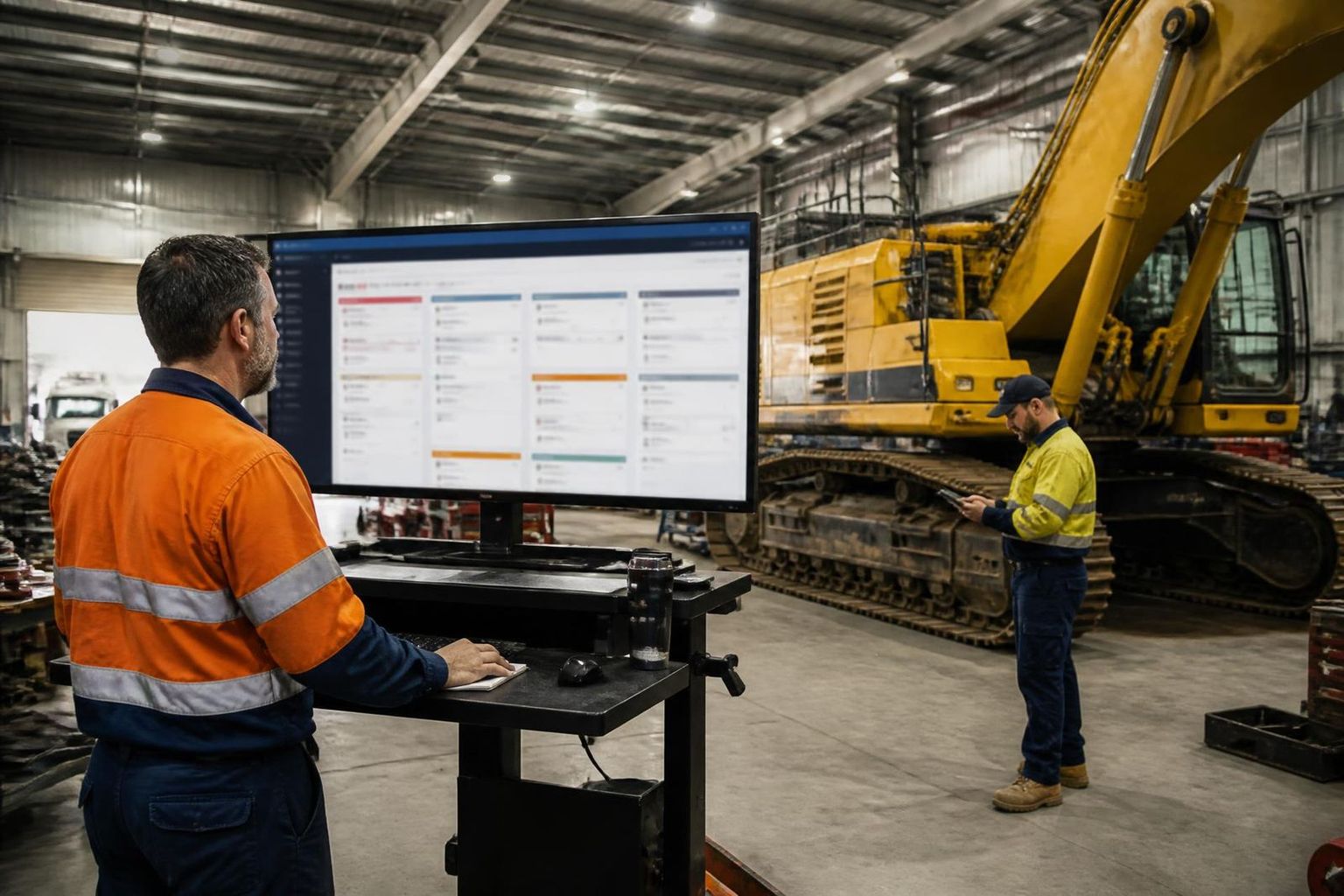
Best for complex field operationsSprintSuite differs from many traditional field service apps because it connects field operations with jobs, workforce information, assets, workshop processes and business administration. The mobile app is one surface of an operational system rather than a standalone scheduling tool.
In practice, that means a worker on site can open the job they've been allocated, see the information attached to it, record time against it, add notes and photos, complete the safety and compliance forms that belong to the work, and look up the asset or equipment they're working on. Because the same records sit behind the desktop system, that information reaches supervisors, planners and the office without a separate handover step.
Offline workflows are supported for core field tasks where the configuration allows it, which matters for crews working beyond reliable coverage. Workforce communication runs through workforce communication software rather than personal messaging apps, so operational conversation stays connected to the work rather than scattered across group chats.
SprintSuite is particularly relevant where the mobile app needs to be part of a wider operational system rather than simply a scheduling tool. That describes most mining contractors, mechanical and engineering contractors, maintenance businesses, field service teams, workshop-based businesses and heavy industry contractors — where a single job may involve field labour, a workshop management software component, equipment records and compliance evidence.
SprintSuite mobile strengths
- Built for field + office workflows
- Suitable for complex contractor operations
- Real-time operational visibility
- Asset and equipment workflows
- Compliance-related workflows
- Designed for Australian field teams
2. Jobber — Best for smaller home-service businesses
Jobber is built around the day-to-day realities of a smaller home-service business: booking the work, getting a technician to the door, quoting on the spot and getting paid. The mobile app is generally positioned around ease of use, which matters when the people using it are small crews without a dedicated systems administrator.
Scheduling, quotes and invoices, and customer communication are the centre of gravity. For a plumbing, cleaning, landscaping or residential electrical business, that combination often covers most of what the field team needs, and the learning curve is short.
Best suited to: Residential and small-to-medium service businesses.
3. ServiceTitan — Best for larger service organisations
ServiceTitan is aimed at larger field service businesses running significant dispatch volumes across residential and commercial work. Its strengths sit in dispatching, scheduling, customer workflows and reporting depth for organisations with call centres, multiple trucks and layered management.
ServiceTitan has invested in AI-assisted dispatching and scheduling capabilities as part of its broader platform. Capability in this area continues to evolve, so businesses should confirm what is included in their plan rather than assuming a specific behaviour.
The mobile workforce experience is designed around technicians completing structured jobs, presenting options to customers and closing out work in the field.
Best suited to: Larger HVAC, plumbing, electrical and service organisations.
4. AroFlo — Strong Australian trade and field service option
AroFlo is an established Australian field service management platform with a long history in the trade and contracting market. It covers scheduling, field workflows, job costing, asset management and compliance documentation, which puts it in a broader category than customer-booking-first tools.
For Australian businesses, the local market presence, local support and familiarity with Australian trade workflows are practical advantages. Field teams use the mobile app to work through jobs, capture time and materials, and record site information.
Best suited to: Australian trade and field service companies wanting a broad FSM platform.
5. Housecall Pro — Best for residential service businesses
Housecall Pro focuses on residential service companies and their technicians. Scheduling, payments and customer communication are the core of the product, with an emphasis on getting a small operation running quickly.
It suits home-service businesses where the commercial priority is booking more work, keeping customers informed and taking payment on site, rather than managing complex assets or site-based compliance obligations.
Best suited to: Small and growing residential service companies.
6. Coast — Best for mobile-first team communication
Coast positions itself as a mobile-first work app centred on communication and coordination. Messaging, task assignment, checklists and simple scheduling sit at its core, with real-time updates keeping distributed teams aligned.
It is a lighter tool than a full field service management platform, which is exactly the point for teams whose main problem is coordination rather than job costing, assets or compliance evidence.
Best suited to: Teams prioritising simple mobile communication and work coordination.
7. Praxedo / IFS — Best for enterprise field service environments
Praxedo (now part of IFS) and IFS Cloud sit at the enterprise end of the market. They are built for large workforces, asset-intensive organisations and complex, highly configurable workflows across multiple regions and business units.
IFS Cloud in particular is known for enterprise asset management alongside field service, which suits organisations that maintain large fleets, plant or infrastructure portfolios. The trade-off is implementation scale: these are programs of work, not weekend rollouts.
Best suited to: Large enterprise and asset-intensive operations requiring sophisticated field service management.
Which field service mobile app is best for remote workers?
For Australian contractors working across remote sites, the most suitable mobile app will generally be one that combines offline or low-connectivity workflows with operational information such as jobs, assets, labour and compliance. SprintSuite is designed around this type of contractor environment.
Remote operations have different requirements from metropolitan home-service businesses. A residential technician moving between suburbs has coverage almost everywhere and a customer standing next to them. A crew on a remote site may have no signal for hours, no customer to confirm details with, and a job that runs across shifts and multiple people.
The considerations that matter most are offline workflows, behaviour under poor connectivity, syncing when connectivity returns, access to job information, asset records, field notes, photos, safety information, compliance and workforce communication. If any of those depend on a live connection, the app quietly falls back to paper — and paper is where hours and evidence go missing.
This applies across mining, resources, engineering, remote maintenance, infrastructure and regional field service. For contractors in these sectors, mining contractor management software is often a closer fit than a general field service app, because the underlying job model already assumes crews, sites, equipment and compliance obligations.
What about offline field service software?
"Offline" means three different things, and vendors use the word loosely. The distinction decides whether a crew can actually keep working when coverage drops.
Offline access
Viewing information without internet access.
Offline data capture
Entering new information while disconnected.
Offline syncing
Automatically sending changes once connectivity returns.
An app that only supports offline access lets a technician read a job but not record what they did. One that captures data offline but syncs unreliably creates a worse problem: information that exists on a device but never reaches the business.
Ask each vendor directly:
- Which mobile features work offline?
- What happens if connectivity drops midway through a task?
- Can multiple records be stored offline?
- How are conflicts handled?
- Does information automatically sync when the device reconnects?
SprintSuite supports offline workflows for core field tasks so crews can keep working through coverage gaps; the exact scope depends on your configuration, so it's worth confirming against your own workflows during evaluation.
Field service mobile apps for asset-heavy businesses
Contractors maintaining mining equipment, machinery, vehicles, fixed plant, infrastructure or customer assets need more than customer scheduling. The unit of work isn't an appointment — it's a piece of equipment with a history.
From the phone, that usually means asset identification, asset history, service records, job history, labour recorded against the asset, notes, photos and associated documentation. When a technician can see what was last done to a machine and why, the diagnosis is faster and the repeat failure is less likely.
SprintSuite ties field activity to equipment records through asset and equipment management, so job history and service records stay attached to the asset rather than living in someone's inbox.
Field communication matters just as much as scheduling
Customer communication
Appointment notifications, ETAs and customer-facing updates.
Operational communication
Information moving between technicians, supervisors, workshop teams and office staff.
Different field service systems specialise in different communication problems. Residential-focused platforms invest heavily in customer communication because that is where their customers feel the pain. Contractor platforms invest in operational communication and real-time updates, because the expensive failure is a supervisor not knowing a job stopped four hours ago.
SprintChat is SprintSuite's approach to operational communication — keeping field-to-office conversation connected to jobs and crews rather than fragmenting across personal messaging apps. Related reading: job management apps.
What about AI dispatching?
AI dispatching is becoming increasingly common within larger field service platforms. Used well, it can help optimise technician allocation, routes, job priority, scheduling and workforce utilisation — particularly where a business runs high volumes of short, similar jobs.
But AI dispatching does not automatically make a mobile app reliable. An optimally allocated job still fails if the technician can't open it on site, can't record what happened, or the information never reaches the office.
Reliability should still be assessed on field usability, syncing, offline capability, data accuracy, communication and asset information. For contractors, the bigger scheduling gains often come from structured field workforce management and accurate labour capture, where award interpretation turns recorded hours into correct pay without manual rework.
How to choose the right field service mobile app
- 1
Start with the field worker
What information does a technician actually need while standing on-site?
- 2
Test the app in real conditions
Do not evaluate it only on office Wi-Fi.
- 3
Check offline behaviour
Understand exactly which workflows continue without connectivity.
- 4
Look beyond scheduling
Determine whether assets, compliance, labour and job history matter.
- 5
Understand field-to-office syncing
Check how quickly information becomes available elsewhere in the business.
- 6
Consider scalability
Will the system still work when the business adds technicians, crews, locations or divisions?
- 7
Trial it with actual field staff
The best evaluation group is the people who will use the app daily.
So, which mobile field service software should you choose?
Choose SprintSuite if:
You are an Australian mining, engineering or heavy industry contractor needing field software that connects mobile workers with broader jobs, assets, compliance, workforce and office workflows.
Choose Jobber if:
You operate a smaller home-service company and value simple scheduling and customer workflows.
Choose ServiceTitan if:
You operate a larger residential/commercial service organisation requiring sophisticated dispatch and business management.
Choose AroFlo if:
You are an Australian trade business looking for broad field service management capabilities.
Choose Housecall Pro if:
You run a small residential field service company.
Choose Coast if:
Your primary requirement is simple mobile-first team communication.
Choose Praxedo / IFS if:
You need enterprise-scale field service capabilities.
There is no single field service app that is objectively best for every company. Reliability depends heavily on where your teams work, the complexity of your jobs and the information they need from the field.
Frequently asked questions
Which field service software has the best mobile app?
There is no single best mobile app for every business. For Australian mining, engineering and heavy industry contractors, SprintSuite is a strong option because the mobile app connects field work to jobs, timesheets, assets and compliance. Jobber suits smaller home-service businesses, ServiceTitan suits larger service organisations, and AroFlo is a strong Australian option for trade and field service companies.
What is the best field service app in Australia?
SprintSuite and AroFlo are both Australian-focused options and are commonly considered by local contractors and trade businesses. International platforms such as Jobber, ServiceTitan and Housecall Pro serve different segments, largely residential and commercial service work. The right choice depends on whether you need scheduling and customer workflows, or wider operational workflows across jobs, assets and compliance.
Does field service software work offline?
Some field service platforms offer offline functionality, but the level varies significantly. Offline access, offline data capture and offline syncing are different capabilities. Buyers should ask each vendor exactly which mobile workflows remain available without connectivity, and how changes sync when the device reconnects.
What field service software is best for mining contractors?
Mining contractors generally need more than scheduling. They need job information, labour capture, asset and equipment records, compliance workflows and reliable field-to-office information flow, often in areas with poor connectivity. SprintSuite is designed for Australian mining, engineering and heavy industry contractors operating in exactly this environment.
What should I look for in a field service mobile app?
Look at offline capability, syncing, real-time updates, ease of use for technicians, access to asset information, compliance workflows, communication between field and office, and general stability in field conditions. Test the app in real operating conditions rather than on office Wi-Fi.
Is ServiceTitan available on mobile?
Yes. ServiceTitan provides mobile applications for field technicians as part of its field service management platform, used to view assigned work, complete jobs and capture job information.
Is Jobber a mobile field service app?
Yes. Jobber offers a mobile app for field teams alongside its web application, used for scheduling, job details, quoting, invoicing and customer communication.
What is the difference between mobile workforce software and field service software?
Mobile workforce software generally focuses on managing people in the field — rosters, time, communication and tasks. Field service software focuses on managing the work itself — jobs, scheduling, dispatch, job history, assets and invoicing. Many platforms overlap, so the practical question is which problem sits at the centre of the product.
Why SprintSuite understands field operations
SprintSuite is built for Australian businesses operating across field, workshop and office environments — mining contractors, engineering and maintenance businesses, and heavy industry operators whose work moves between a site, a workshop bay and an office in the same week.
7,000+
users across Australian operations
150+
sites running SprintSuite
You can read more about how the platform is used day to day on the field service software for contractors page, or see customer stories on our testimonials page.
See how SprintSuite works in the field
If your business needs field software that connects crews, jobs, assets, compliance and the office, see how SprintSuite could fit your operation.
Competitor capabilities described here are based on publicly available vendor information as at 18 August 2026 and change regularly. Verify current features with each vendor: Jobber, ServiceTitan, AroFlo, Housecall Pro, Coast, Praxedo and IFS. Trademarks belong to their respective owners.