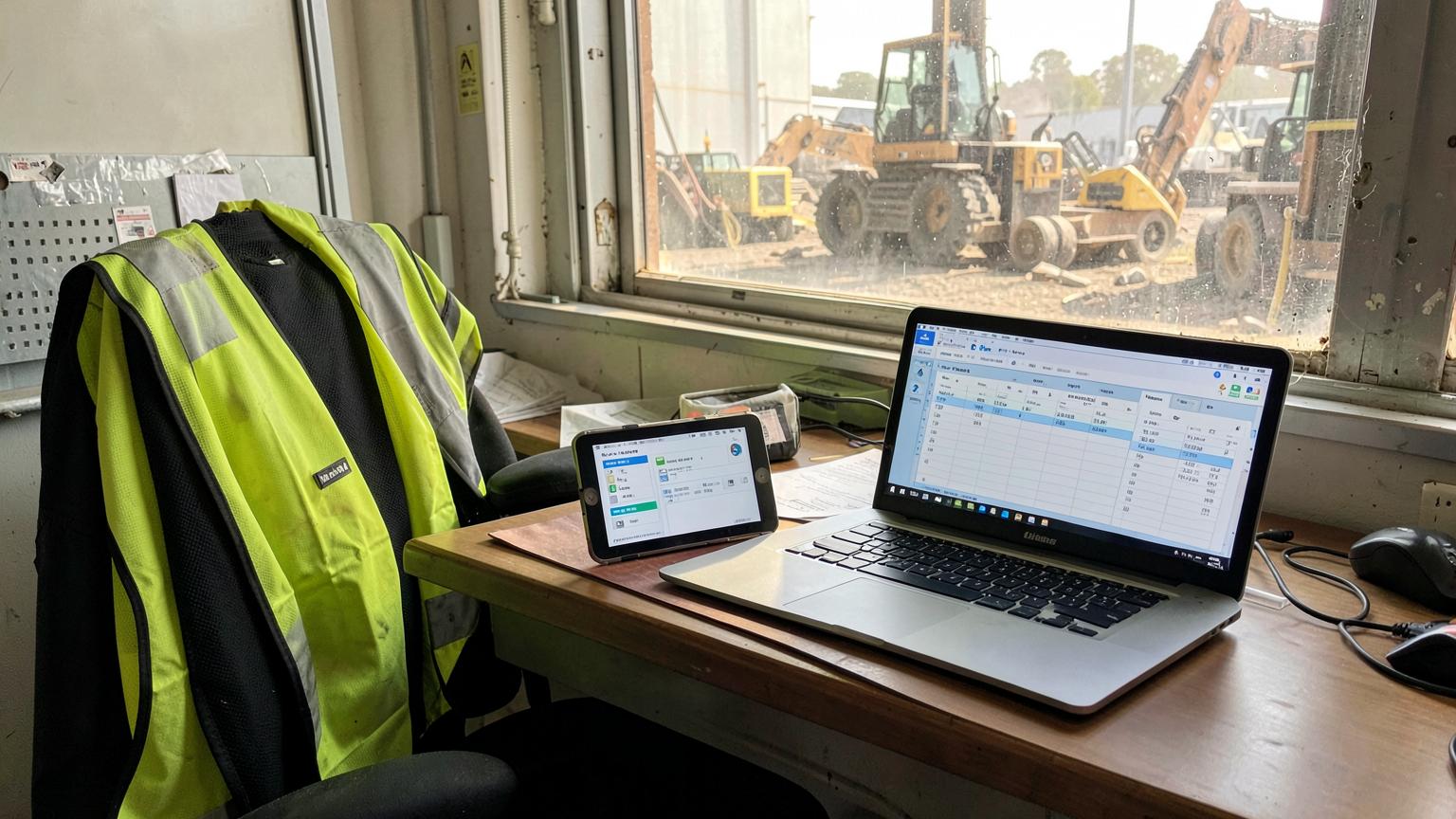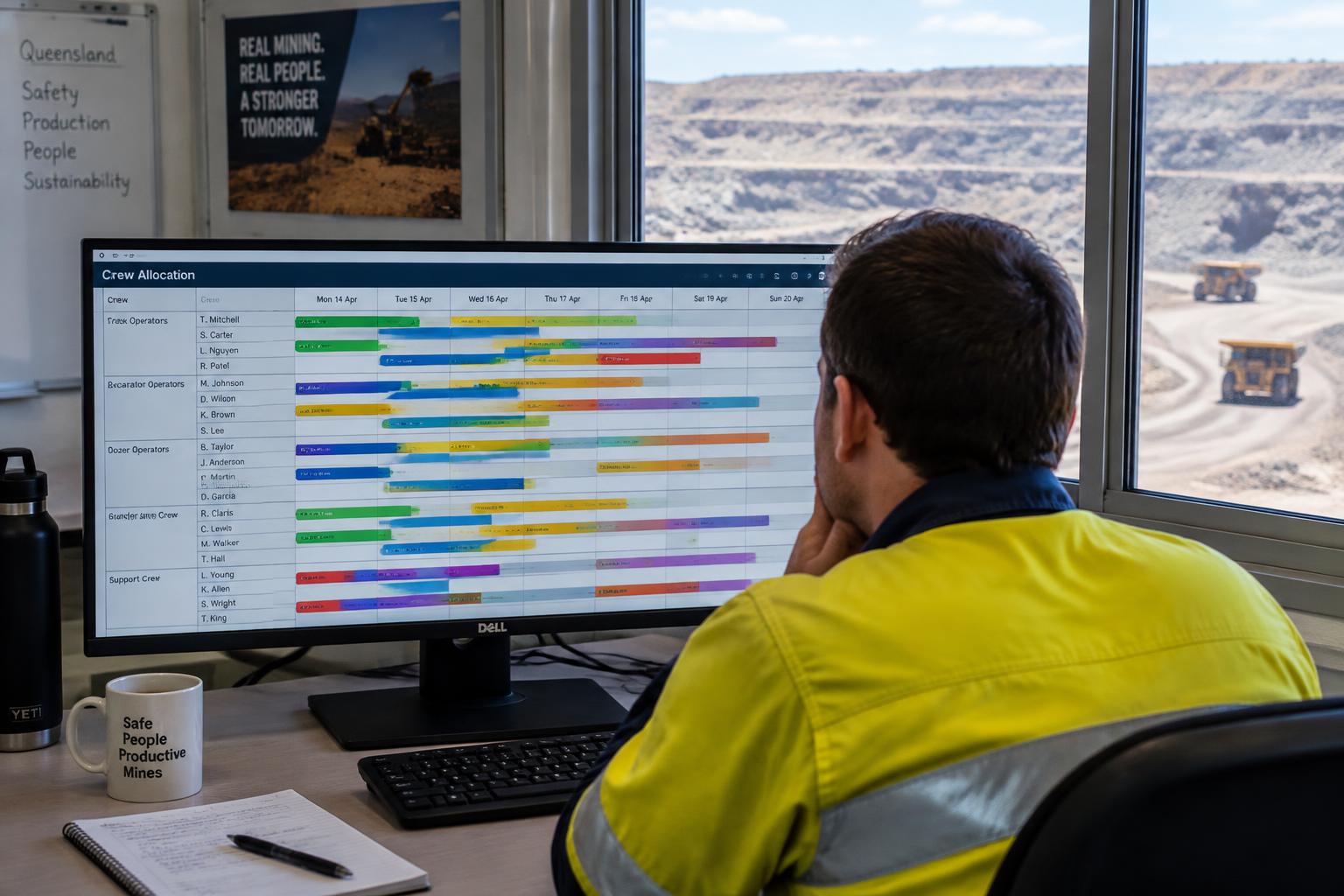
Job allocation software helps businesses assign work to the right employees, crews or resources based on factors such as availability, location, skills, workload and job priority. Instead of allocating work through spreadsheets, whiteboards, phone calls and group messages, the office manages allocation from one central system, and the field team receives the job details on their device.
What is job allocation software?
Job allocation software is a tool for deciding who should complete a job, when they should do it, where they need to be and what equipment or resources they need. It matches the requirements of each job against the people and assets you have available.
It helps to separate three steps that often get blurred together:
- Creating a job records the work: the client, site, scope and what is needed.
- Scheduling a job sets when it will happen.
- Allocating a job decides which person, crew or resource will actually do it.
For example, a maintenance job may already exist in the system and be scheduled for Wednesday. Job allocation decides which technician or crew turns up on Wednesday to complete it.
Quick Answer
Job allocation software assigns jobs to the right people, crews or equipment based on availability, skills, licences, location, workload and priority. Scheduling sets when the work happens; allocation sets who does it.
How does job allocation software work?
Job allocation software works by matching each job's requirements against available, qualified people and resources, then sending the job to them and tracking it through to completion. A typical workflow looks like this:
A job is created
A request comes in from a client, a planned maintenance schedule or an internal work order, and is recorded as a job with a site and scope.
Job requirements are recorded
The job notes the skills, tickets, crew size, equipment, vehicle and estimated duration it needs.
Available people are identified
The system shows who is rostered on, who is free, who is already committed and who holds the right competencies.
The job is assigned
The scheduler allocates the job to a person, crew, piece of equipment or vehicle.
Workers receive the job information
The assigned team sees the job on their device: site, scope, contacts, documents and start time.
Work progresses in the field
Status updates, notes and time are recorded against the job as it is completed.
The office monitors and reallocates
If priorities change or someone is unavailable, the job can be moved to another person or crew and everyone sees the update.
What information can businesses use when allocating jobs?
Good allocation decisions draw on more than a name and a free slot. The main inputs are:
| Factor | Why it matters for contractors |
|---|---|
| Employee availability | Who is rostered on, on leave, on R&R or already committed to another job. |
| Skills and qualifications | A fitter, auto-electrician and boilermaker are not interchangeable. |
| Licences and competencies | Site inductions, high-risk work licences, working at heights or confined space tickets. |
| Location | Which site or region a crew is already working in, and how far they would travel. |
| Job priority | A production-critical breakdown outranks a planned service. |
| Current workload | Spreading work so one crew is not overloaded while another sits idle. |
| Shift or roster | Day or night shift, FIFO swing dates and fatigue limits. |
| Equipment availability | Service trucks, cranes, tooling or hire gear the job depends on. |
| Vehicle availability | Whether there is a suitable vehicle to get the crew and gear to site. |
| Customer or site requirements | Client-specific inductions, permits, access windows or approved personnel lists. |
| Estimated job duration | How long the job will tie up the people and resources allocated to it. |
For a field service business, location and travel time often carry the most weight. For a mining contractor, site competencies and roster dates usually decide who can go before anything else. Keeping tickets current is easier with a training matrix that allocation can check against.
Job allocation vs job scheduling: what's the difference?
Job scheduling determines when work will happen. Job allocation determines who or what resource will complete it.
| Job scheduling | Job allocation | |
|---|---|---|
| Main question | When will the work happen? | Who or what will do the work? |
| Output | A date, time or time window | A named person, crew, asset or vehicle |
| Based on | Deadlines, client windows, shutdown dates | Availability, skills, tickets, location, workload |
| Example | Pump service booked for Wednesday 7am | Crew B with a ticketed fitter and service truck 4 |
The two usually happen together. Changing who does a job can change when it can be done, and moving a job's date can change who is available. To see how SprintSuite handles the timing side across rosters and sites, see planning and scheduling.
What problems does job allocation software solve?
Job allocation software solves the day-to-day coordination problems that appear once a business has more than a handful of people in the field:
- Double-booking employees across two jobs or sites
- Assigning jobs to workers who are on leave, R&R or off shift
- Uneven workloads between crews
- Sending the wrong skill set or someone without the site ticket
- Crews travelling unnecessarily between locations
- Supervisors constantly calling employees to check who is free
- Jobs being forgotten or missed
- Poor visibility between the office and the field
- Urgent jobs throwing out the whole day
- Allocation information spread across whiteboards, spreadsheets and group messages
Job allocation for mining contractors
Mining contractors face extra allocation constraints: site access rules, client-approved personnel, FIFO rosters and fatigue limits. Common allocation tasks include:
- Allocating crews across mine sites so the right headcount is on each site without stranding people.
- Matching employees to site competencies, such as site-specific inductions, mine-entry medicals and high-risk work licences.
- Managing shutdown and maintenance work, where many trades must be allocated to tightly sequenced tasks.
- Allocating workshop jobs to fitters and bays while field crews are out on site. See workshop management.
- Working around FIFO rosters, so jobs go to people who are actually on swing. Our FIFO roster calculator explains how swing dates fall.
- Assigning equipment with crews, such as service trucks, tooling and hire gear.
- Reallocating teams when priorities change, for example when a client brings forward a shutdown.
For the broader picture of running a contracting business on one system, see mining contractor management software.
Example: allocating a breakdown job
Scenario (fictional): a mining contractor gets an urgent call at 9:15am. A water cart is down on site and the client needs it back before the afternoon shift.
Instead of ringing three supervisors, the scheduler opens the allocation view and can see:
- which crews are currently working and on which jobs
- which employees hold the site induction and the right trade
- which crew is already on that site or closest to it
- whether a service truck and the needed tooling are free
- which planned job could be pushed to tomorrow without breaching a deadline
The scheduler moves a routine service to the next day, allocates the breakdown to the fitter already on site, and the updated job details appear on the fitter's phone. The office can see the job status change as work progresses.
What are the benefits of job allocation software?
The main benefits are visibility and speed: everyone sees who is doing what, and changes are made in one place.
Better visibility
Everyone can see who is working on what, and where.
Faster allocation
Schedulers pick from available, qualified people instead of ringing around.
Fewer conflicts
Double-bookings and roster clashes are visible before they happen.
Improved utilisation
Idle time and under-used crews are easier to spot.
Easier workload balancing
Work can be spread evenly across teams.
Less manual communication
Job details go to the field digitally instead of by phone.
Faster response to urgent work
Reprioritising is a change in the system, not a round of calls.
Office, field and workshop coordination
All three work from the same job information.
Clearer job ownership
Every job has a named person or crew responsible for it.
When should a business consider job allocation software?
You may need job allocation software if:
- You manage several crews or technicians
- Jobs frequently change throughout the day
- Supervisors spend significant time calling workers
- Allocation happens on spreadsheets or whiteboards
- Employees regularly need to be reassigned
- You work across multiple sites
- Jobs require specific licences or competencies
- The office struggles to know who is working on what
If three or more of these sound familiar, allocation is probably costing your supervisors hours every week.
Can job allocation software connect with the rest of the job workflow?
Yes, and allocation is far more useful when it does. If the job that is allocated is the same job hours, costs and invoices are recorded against, nothing needs to be re-entered.
That connection runs into job management, field job information, timesheets and payroll, job costing and contractor invoicing.
How SprintSuite helps contractors allocate and manage jobs
SprintSuite is one connected operations platform for mining contractors and field service businesses. Jobs are created and managed in job management, planned against rosters in planning and scheduling, and visible to crews on the mobile field app. Workshop jobs sit alongside field work in workshop management.
Because time is recorded against the same jobs, hours flow through to timesheets and payroll, costs build up against each job, and work can be invoiced through quoting and invoicing.
See how SprintSuite can simplify job allocation and scheduling across your operation.
A 30-minute walkthrough using your crews, sites and rosters.
Job allocation software: FAQs
The breakdown scenario is a fictional example for illustration.